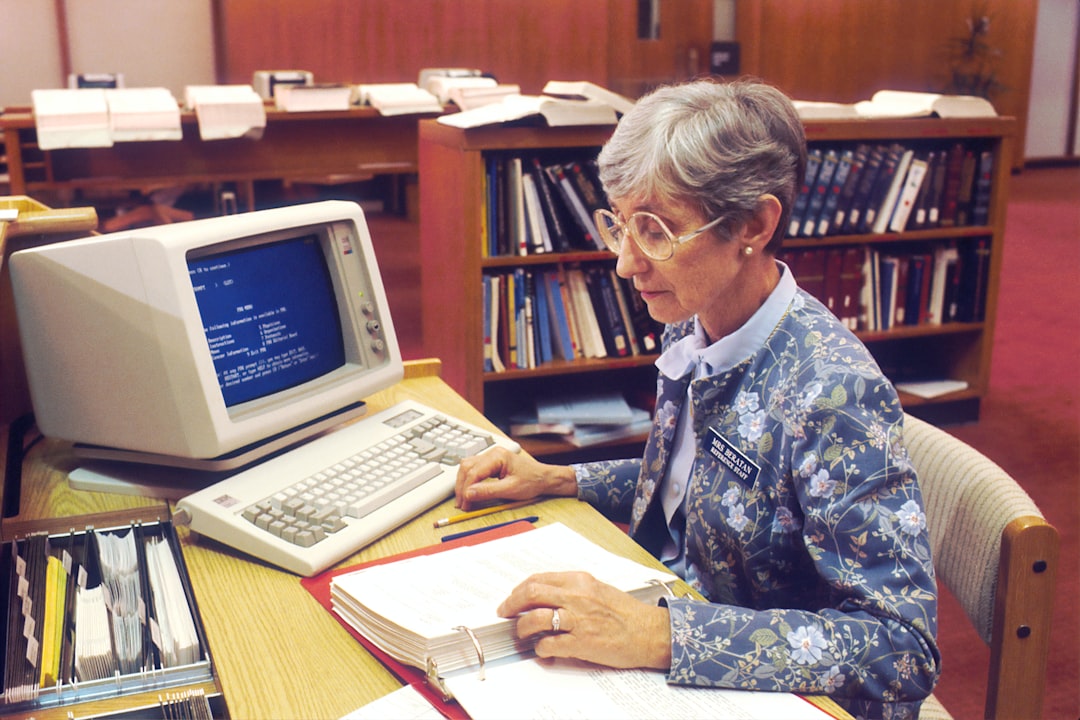
PC stands for “personal computer,” a computer designed for one person to use at a time, usually for tasks like writing, browsing, gaming, coding, schoolwork, design, or business. The term became famous in the early 1980s, but its meaning has shifted as computers moved from beige office boxes to laptops, mini PCs, gaming rigs, and workstations.
TLDR: A PC is a personal computer, not just a Windows machine, even though many people use the term that way. For example, a student writing essays on a laptop, a gamer using a custom desktop, and an accountant working on a small office computer are all using PCs. In 1981, IBM helped popularize the term with the IBM Personal Computer, and by the mid-1980s, millions of compatible machines had entered homes and offices. Today, PCs still matter because they offer more control, repair options, ports, storage choices, and upgrade paths than many phones or tablets.
What Does “PC” Mean?
PC is short for personal computer. At its simplest, it means a computer made for individual use rather than shared use by a whole company, university, or government lab. That may sound obvious now, but it was a huge shift.
Before personal computers became common, computers were often massive, expensive machines. Many people used them through terminals. The actual computer might sit in another room, tended by specialists. Ordinary users did not take one home, open apps, play games, print photos, or swap parts after dinner.
The personal computer changed that. It put computing power on a desk. Then on a lap. Then in backpacks, bedrooms, dorm rooms, studios, shops, and home offices.
Does PC Mean Windows Computer?
Not exactly. This is where things get messy.
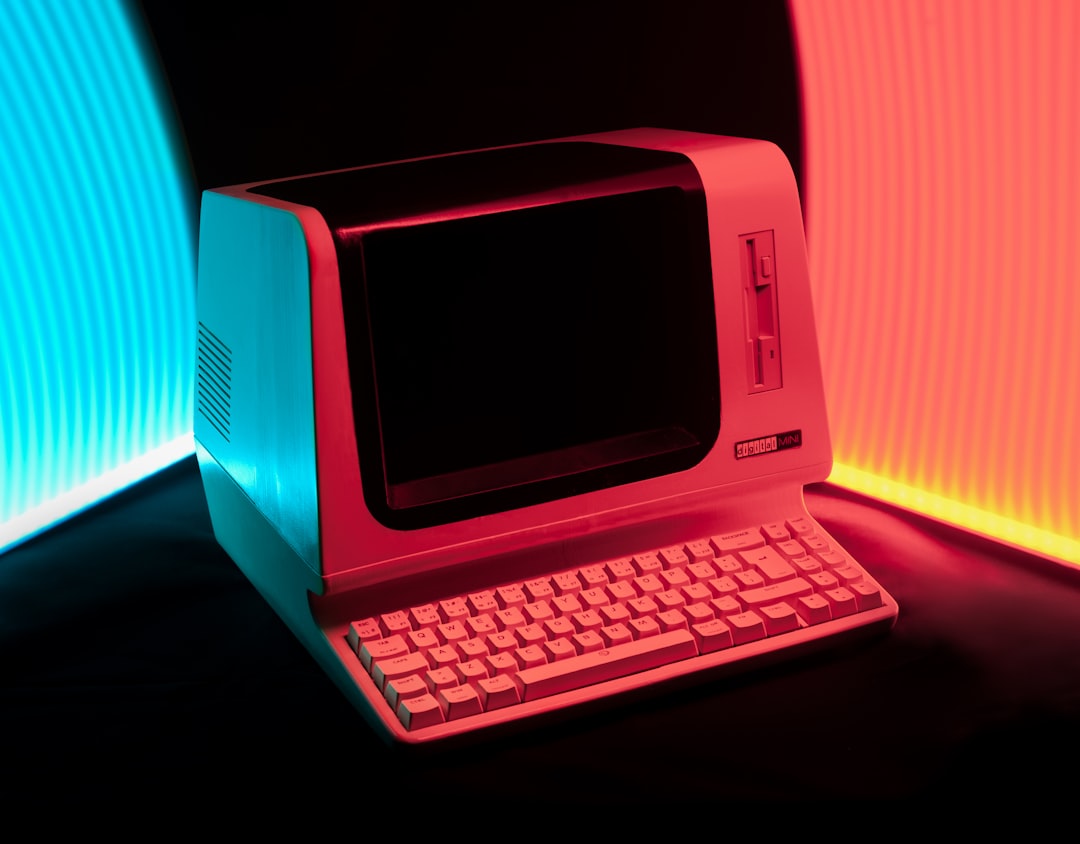
Technically, a Mac is also a personal computer. So is a Linux desktop. So is a laptop running ChromeOS in many practical uses. The term PC refers to the category: a computer for one person.
In everyday speech, though, many people use PC to mean a Windows computer. This came from decades of marketing, software labels, and the old “Mac vs PC” idea. If a game says “Available on PC,” it usually means Windows unless the store page says Mac or Linux too.
Honestly, it feels like this wording should be clearer by now. Plenty of users still waste a few minutes checking whether “PC version” means Windows only, Windows and Linux, or anything with a keyboard and screen.
A Short History of the Personal Computer
The idea of a personal computer did not appear overnight. It grew through hobby kits, business machines, and early home computers in the 1970s. Models like the Altair 8800, Apple II, Commodore PET, and TRS-80 helped prove that smaller computers could be sold to individuals, schools, and small businesses.
Then came a major moment: the IBM PC in 1981. IBM was already a giant in business computing, so its entry gave the category new credibility. The IBM PC used an Intel processor and Microsoft’s MS-DOS operating system. It was not the first personal computer, but it helped set a pattern that shaped the industry for decades.
Other companies soon built IBM-compatible PCs. These machines could run much of the same software and use similar hardware. That compatibility mattered. It created a broader market, which pushed prices down and gave buyers more choice.
- 1970s: hobby and early home computers gained attention.
- 1981: IBM released the IBM Personal Computer.
- 1980s and 1990s: PC clones spread through offices and homes.
- 2000s: laptops became common for work, school, and travel.
- 2010s onward: desktops, gaming PCs, ultrabooks, and mini PCs split into many niches.
Why the PC Became So Popular
The PC won people over because it was useful in plain, practical ways. You could type a report. Track expenses. Print invoices. Play games. Learn programming. Connect to the internet. Later, you could edit video, stream media, make music, and run a business from a spare bedroom.
Another reason was flexibility. A desktop PC could be opened, repaired, and upgraded. Need more memory? Add RAM. Need more storage? Install a new drive. Want better graphics? Replace the graphics card, if the system allows it. That freedom gave PCs a long life.
The catch is that flexibility also creates confusion. Buying a PC can mean comparing processors, memory, storage, display panels, graphics chips, ports, cooling, battery life, and warranty terms. It can feel silly that choosing a laptop might take longer than setting up the laptop itself.
Types of PCs You See Today
The modern PC is not one single shape. It comes in many forms, each built for different needs.
- Desktop PC: A traditional computer tower or small case paired with a monitor, keyboard, and mouse. Great for upgrades and long work sessions.
- Laptop: A portable PC with screen, keyboard, battery, and trackpad built in. Best for students, travelers, and hybrid workers.
- All in one PC: A computer built into the monitor. Clean and compact, though often harder to repair.
- Mini PC: A small box that can sit behind a monitor or under a TV. Good for offices, media setups, and basic tasks.
- Gaming PC: A performance focused machine with a strong graphics card, cooling, and high refresh display support.
- Workstation: A powerful PC for engineering, 3D modeling, video production, data work, and other heavy jobs.
PC Hardware: The Parts That Matter
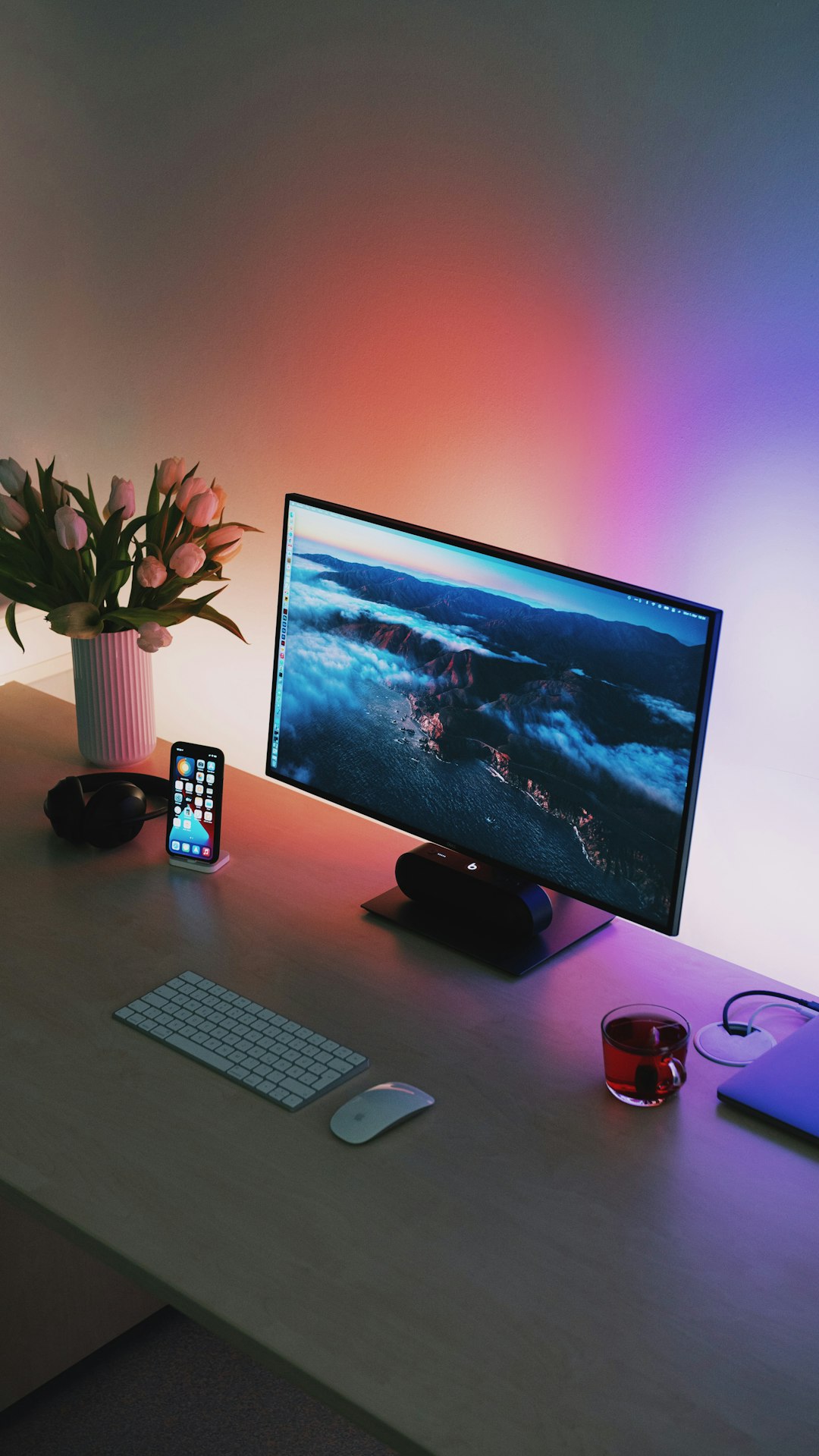
A PC is built from several core parts. You do not need to be a technician to understand the basics.
- CPU: The main processor. It handles general computing tasks.
- RAM: Short term memory. More RAM helps with multitasking.
- Storage: Where files and apps live. SSDs are much faster than older hard drives.
- GPU: The graphics processor. Crucial for games, 3D work, video editing, and AI tools.
- Motherboard: The main circuit board that connects everything.
- Power supply: Provides electricity to the system.
- Operating system: Software like Windows, macOS, or Linux that lets you use the machine.
For basic office work, 8 GB of RAM can still get by, but 16 GB is a safer choice. For gaming or creative work, 32 GB may be worth it. An SSD is almost non-negotiable now. Switching from a hard drive to an SSD can make an old PC feel dramatically faster.
PC vs Mac: Why People Separate Them
The phrase “PC vs Mac” is more cultural than technical. Apple makes personal computers, but its machines use Apple’s own hardware designs and macOS. Windows PCs come from many brands, including Dell, HP, Lenovo, Asus, Acer, and countless custom builders.
People separate them because the buying experience differs. With a Mac, Apple controls the hardware and software tightly. With a Windows PC, the options are much broader. You can buy a budget laptop, a business desktop, a liquid cooled gaming tower, or a tiny office box.
That choice is powerful, but it can also be annoying. Two laptops may both say “Core i7,” yet perform very differently because of cooling, power limits, and build quality.
Why PCs Still Matter
Phones and tablets handle many daily tasks, but PCs remain hard to replace. A full keyboard, large screen, file system, multitasking, and precision input still matter. Try editing a 40 page report, managing thousands of photos, or building a spreadsheet with 15 tabs on a phone. It gets old fast.
PCs also support serious software. Developers use them to build apps. Designers use them to edit media. Businesses use them for accounting, databases, inventory, and communication. Gamers use them for performance and modding. Students use them for research, writing, and remote classes.
The Evolution of the Word “PC”
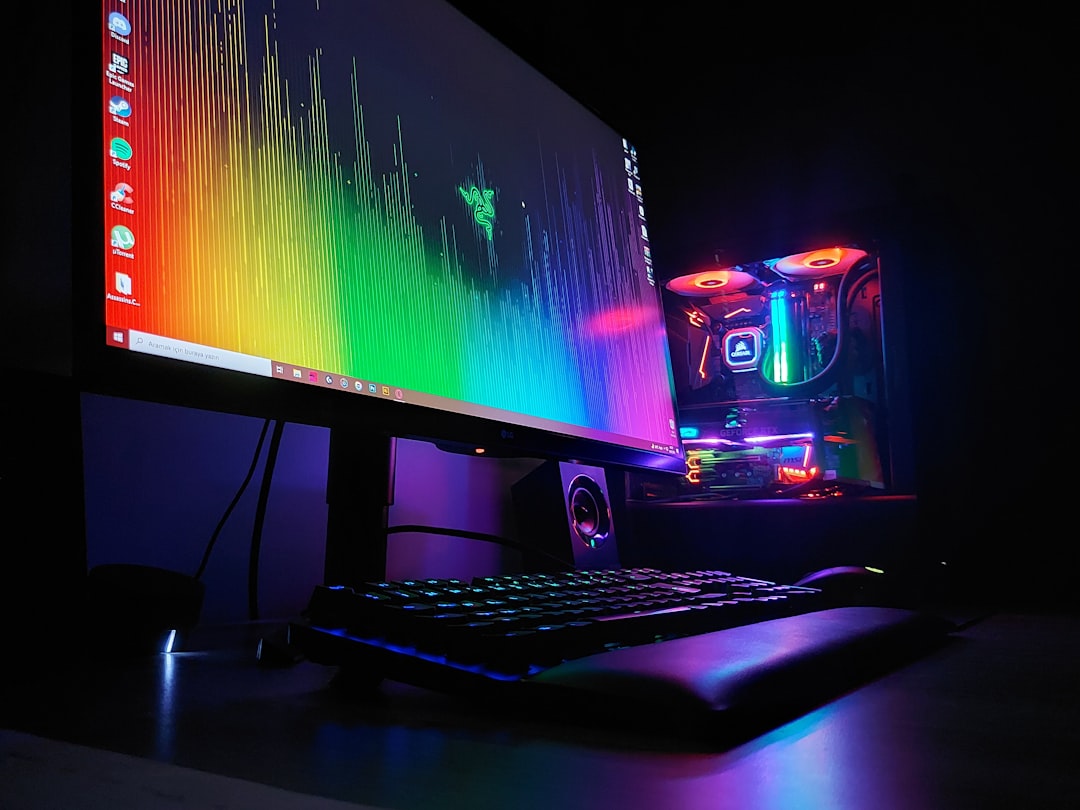
At first, personal computer described a breakthrough: computing for one person. Later, PC became tied to IBM compatible machines. Then it became shorthand for Windows computers. Now the word has stretched again, covering desktops and laptops of many kinds.
The meaning depends on context. In a computer history class, PC means a broad category. In a game store, PC usually means Windows. In a workplace, “your PC” might mean any assigned laptop or desktop. The safe reading is simple: a PC is a personal computer, but check the software or hardware requirements when compatibility matters.
So, What Does PC Stand For?
PC stands for personal computer. It describes a machine built for individual use, with enough flexibility to serve homes, schools, offices, gamers, creators, and engineers. The term has changed over time, but the core idea has stayed the same: a PC gives one person direct control over general purpose computing.
That is why the PC is still around. It adapts. It can be cheap, powerful, portable, repairable, or specialized. From the IBM PC to today’s slim laptops and custom gaming towers, the personal computer remains one of the most useful tools ever put on a desk.