The safest MP3 move on YouTube is simple: use audio you own, audio with clear permission, or downloads offered by YouTube itself. YouTube is packed with music, talks, lessons, podcasts, loops, and sound effects. But not every video is free to rip, save, or reuse.
TLDR: “YouTube MP3” searches usually mean someone wants audio from a video, often for offline listening. MP3 is small and works almost everywhere, but it is not always the best quality choice. For example, a 4 minute song at 128 kbps is about 4 MB, so 100 songs may take roughly 400 MB. Only convert or download when you own the content, have permission, or see a legal download option.
What does “MP3 in YouTube” usually mean?
People type things like YouTube MP3, YouTube to MP3, or download YouTube audio for a few common reasons.
- They want a song for offline listening.
- They want audio from a lecture.
- They need a voice clip from their own video.
- They want a podcast style file.
- They are making a remix, edit, or study folder.
That sounds harmless. Sometimes it is. Sometimes it is not. The big split is permission. If the video is yours, great. If the creator gives a download link, also great. If it is a commercial song uploaded by someone else, that is where trouble starts.
Why MP3 is still popular
MP3 is old. Very old in tech years. Yet it survives because it is practical. It plays on phones, laptops, car stereos, tablets, smart TVs, and cheap little speakers that still somehow work from 2012.
MP3 is a compressed audio format. It shrinks audio by removing parts most people will not notice. That makes files smaller. The tradeoff is quality. Push compression too far, and cymbals sound crunchy. Voices can get thin. Bass can feel flat.
Common MP3 bitrates include:
- 128 kbps: small file, okay for speech, weak for music.
- 192 kbps: better balance for casual listening.
- 256 kbps: good for many music uses.
- 320 kbps: larger file, best common MP3 setting.
Honestly, it feels silly when a tool offers “320 kbps” from a low quality video source. Bigger numbers do not magically restore missing detail. If the source audio is poor, the MP3 will also be poor. It just gets a nicer label.
YouTube audio is not usually MP3
Here is the funny part. YouTube does not mainly stream audio as MP3. It often uses formats such as AAC or Opus. These are modern formats. They can sound better than MP3 at the same file size.
So when a tool says it converts YouTube to MP3, it is usually doing this:
- It reads the video stream.
- It extracts the audio.
- It converts that audio into MP3.
- It gives you a new file.
That extra conversion can reduce quality. This is called transcoding. Think of it like photocopying a photocopy. It can still be usable. But it is not the cleanest version.
Common audio formats, explained without pain
You do not need to become an audio engineer. Just know the main names.
- MP3: best for compatibility. Good for old devices.
- AAC: common on Apple devices and streaming platforms. Efficient.
- Opus: great for web audio, speech, and low bitrates.
- WAV: uncompressed. Huge files. Great for editing.
- FLAC: lossless compression. Smaller than WAV, still high quality.
If you just want to listen in the car, MP3 is fine. If you are editing a podcast, use WAV or FLAC when possible. If you care about small files and good sound, AAC or Opus may beat MP3.
A clean conversion workflow for your own videos
Let’s say you uploaded a guitar lesson to YouTube. You own the video. Now you want an MP3 version for students. That is a normal use case.
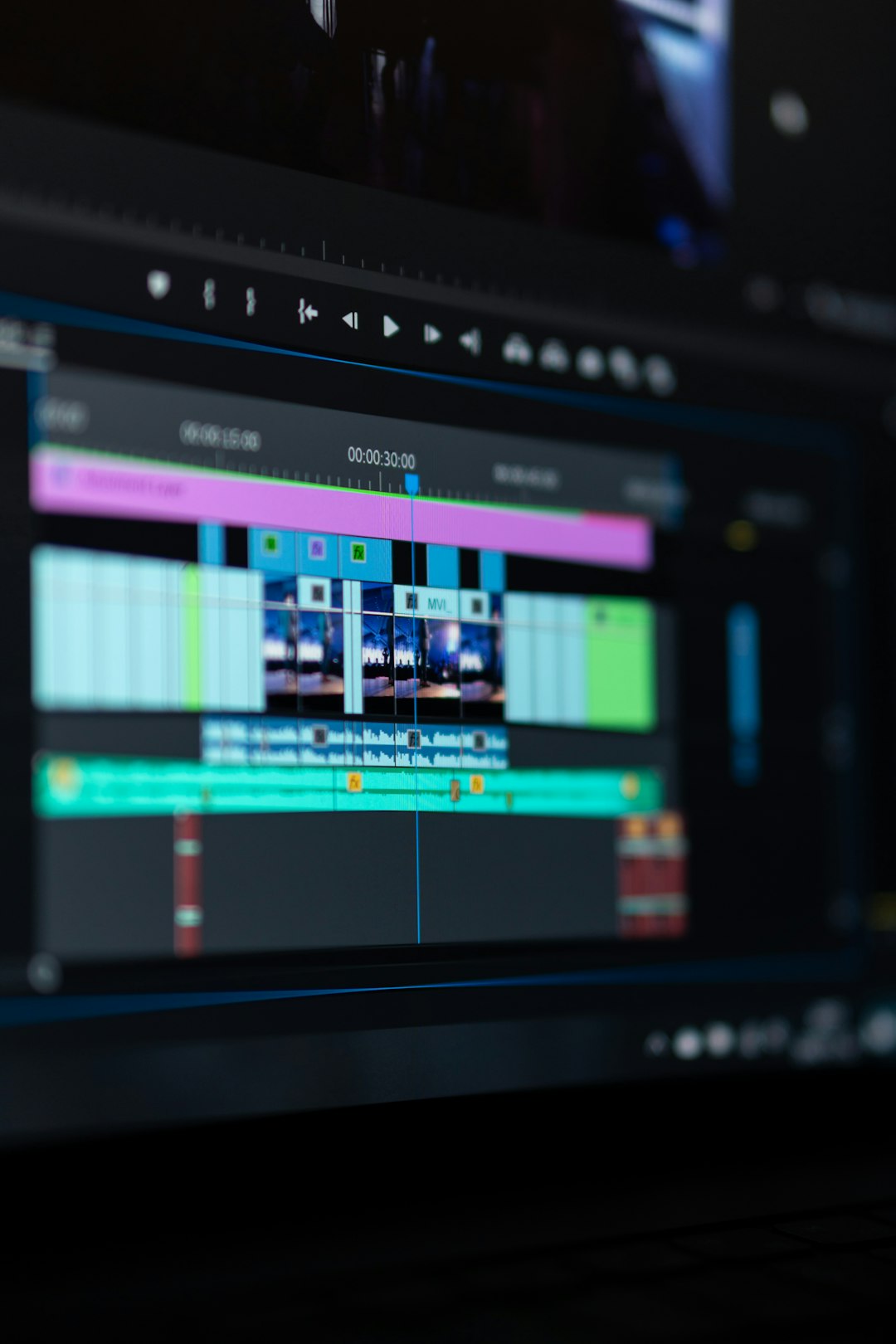
A simple workflow looks like this:
- Start with the best source file. Use your original video file if you still have it.
- Extract the audio. Use trusted editing software or an audio app.
- Clean the sound. Remove hum, trim silence, and fix volume jumps.
- Export to MP3. Pick 192 kbps for speech or 256 kbps for music.
- Name the file clearly. Use titles like guitar lesson 01 chords.mp3.
- Add metadata. Add artist, title, album, and year if useful.
- Store a master copy. Keep WAV or FLAC for future edits.
Expect to waste time on bad converters if you choose random sites. Some add popups. Some limit file length. Some take 40 seconds longer than expected, then fail at 99%. Annoying. Use trusted software when the project matters.
When YouTube MP3 conversion is legally safer
There are cases where converting audio can be low risk. Still, rules vary by country and platform terms. Keep it simple.
- Your own videos: You created the video and audio.
- Public domain works: The rights have expired or were waived.
- Creative Commons videos: The license allows the use you want.
- Creator permission: The creator clearly says downloads are allowed.
- Official download button: YouTube or the creator provides it.
Creative Commons is helpful, but read the license. Some require credit. Some block commercial use. Some do not allow edited versions. “Free” does not always mean “do anything.”
When it gets risky
Ripping a chart hit from a random upload is risky. Saving a concert bootleg is risky. Pulling audio from a movie clip is risky. Reusing a creator’s voiceover in your ad is extra risky.
Copyright protects music, lyrics, recordings, scripts, performances, and more. A video can contain several rights at once. One three minute music video may involve the singer, producer, label, songwriter, publisher, and video director.
YouTube also has its own rules. The platform generally does not allow downloads unless it provides a download feature or the rights holder permits it. Breaking those rules can affect accounts, channels, or monetization.
Search intent matters
Not every “YouTube MP3” search has the same goal. A student may want lectures offline. A runner may want a workout playlist. A creator may want audio from their own livestream. A marketer may want a quote clip.
Here is a quick way to sort intent:
- Personal listening: Use legal streaming downloads when available.
- Study use: Check if the creator offers files or transcripts.
- Content creation: Use licensed tracks or your own recordings.
- Archiving: Save your own source files, not someone else’s uploads.
Quality tips that save headaches
- Do not convert the same file again and again.
- Keep an original master file.
- Use 192 kbps or higher for most MP3 exports.
- Use mono for voice if file size matters.
- Use stereo for music.
- Listen before sharing.
- Avoid mystery tools that ask for weird permissions.
Also watch volume levels. You do not want one track whispering and the next one blasting your ears into space. Normalize audio when needed. Keep peaks under control. Your listeners will thank you.
Better options than ripping
If your goal is offline listening, try official app downloads. If you need music for a video, use stock music libraries, creator friendly tracks, or direct licenses. If you need a quote, ask the creator. A short message can save a huge mess later.
For your own channel, keep organized backups. Store the original video, clean audio, thumbnail, captions, and project file. Future you will be weirdly grateful.
Final thought
MP3 is useful, but permission comes first. YouTube MP3 searches are common because people want fast, simple audio. The smart path is to use legal sources, pick the right format, and avoid sketchy converters. Good audio is nice. Staying out of copyright trouble is even nicer.