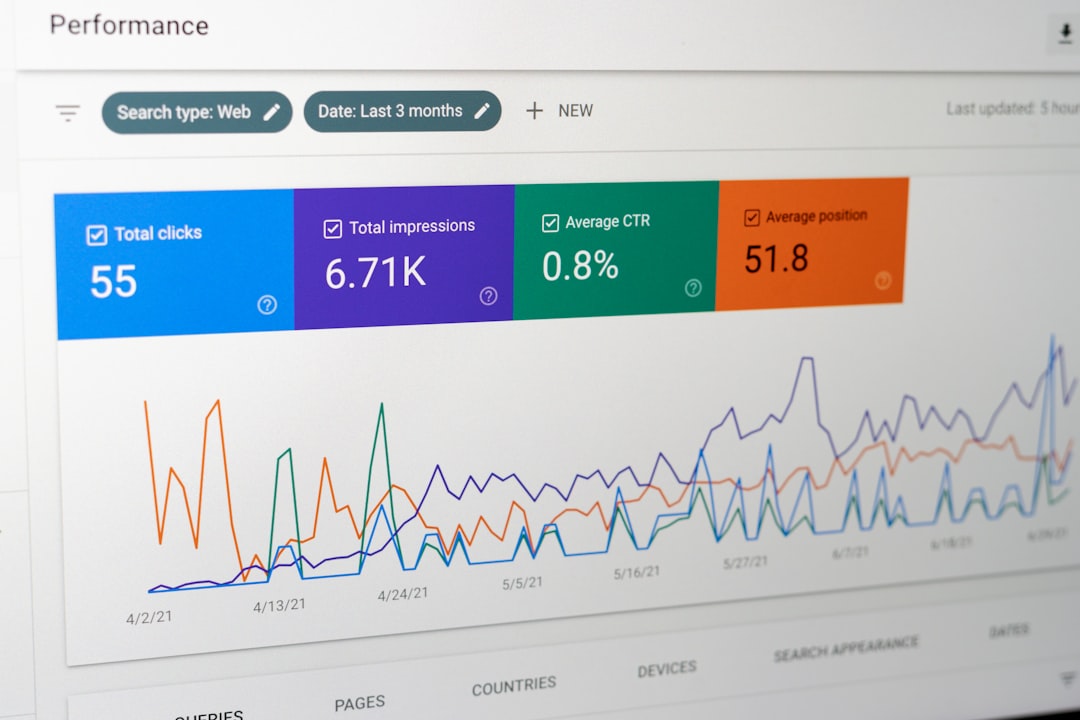
HubSpot is usually the cleaner choice for sales and marketing alignment when speed, shared data, and ease of adoption matter more than deep enterprise customization. Salesforce can be stronger for large organizations with complex sales rules, multiple business units, and heavy reporting needs, but it often requires more administration to connect marketing activity to sales action.
TLDR: HubSpot gives sales and marketing teams one shared CRM, shared lifecycle stages, lead scoring, automation, campaign reporting, and sales engagement tools in a single system. For example, a 40-person B2B software company could use HubSpot to route leads in under one minute, alert reps when a contact visits a pricing page twice, and track which campaign created a closed deal. Salesforce can do much of this too, but usually through Sales Cloud plus Marketing Cloud Account Engagement or other connected products. That setup is powerful, but setup time and admin work can grow quickly.
Why sales and marketing alignment tools matter
Sales and marketing alignment breaks down when teams work from different facts. Marketing says a lead is qualified. Sales says the lead is not ready. Finance asks which campaign created pipeline. Nobody has a clean answer.
The right platform reduces that friction. It connects contact history, campaign activity, lead scoring, deal records, sales tasks, meetings, email engagement, and revenue reporting. Good alignment tools answer simple questions fast:
- Who is the best lead right now?
- What did that person do before sales contacted them?
- Which marketing source created the opportunity?
- Did sales follow up within the agreed time?
- Which campaigns influenced closed revenue?
That sounds basic. It drives me crazy that many teams still need three exports, two spreadsheets, and a meeting just to answer those questions.
HubSpot’s strongest alignment features
HubSpot’s main advantage is that Sales Hub and Marketing Hub sit on the same CRM. Contacts, companies, deals, tickets, lists, forms, emails, calls, meetings, ads, and workflows all connect to the same record. This matters because alignment depends on shared context, not just data storage.
Key HubSpot features for sales and marketing alignment include:
- Unified contact records: Sales can see form fills, page views, email clicks, ad interactions, meeting bookings, lifecycle stage, and deal history in one place.
- Lifecycle stages: Teams can define subscribers, leads, marketing qualified leads, sales qualified leads, opportunities, customers, and promoters.
- Lead scoring: HubSpot supports fit and engagement scoring, including actions such as visiting high-intent pages or opening sales emails.
- Workflows: Marketing can automate lead nurturing, sales notifications, handoffs, owner assignment, task creation, and re-engagement.
- Sales sequences: Reps can send structured follow-up emails and tasks while still tracking engagement inside the CRM.
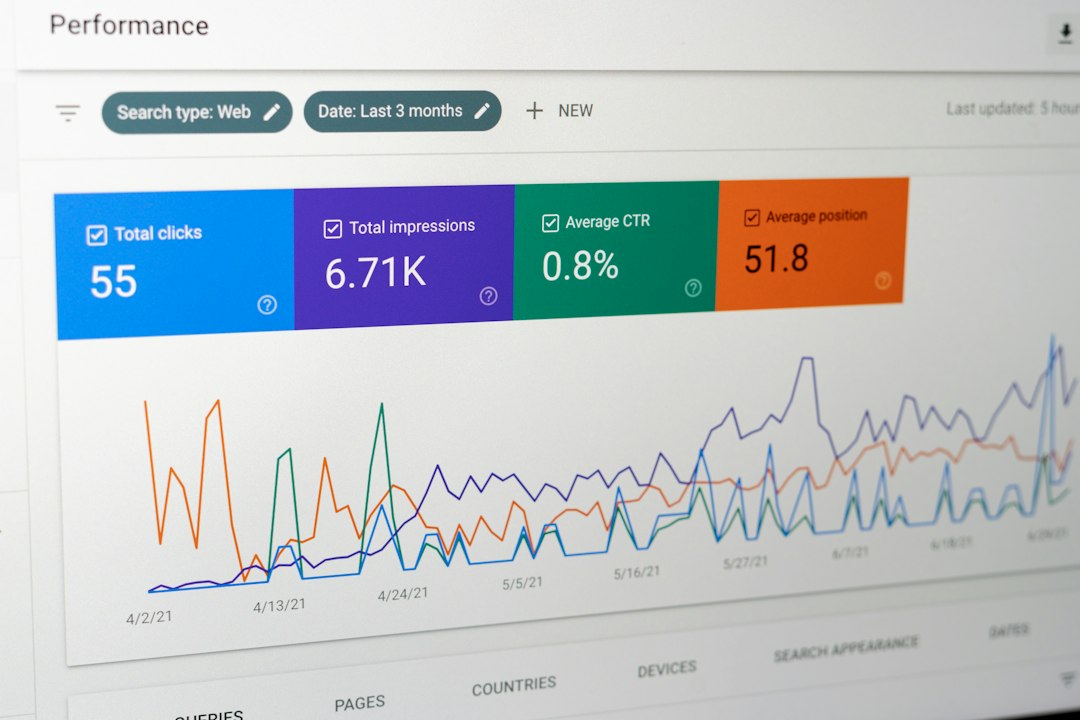
- Shared dashboards: Leadership can review traffic, conversion rates, source attribution, deal velocity, pipeline, and revenue.
- Campaign tools: Marketing teams can group assets, emails, forms, landing pages, and ads under campaigns and connect them to revenue results.
- Service level agreement reporting: Teams can measure whether sales followed up with MQLs inside the promised time window.
The benefit is not only feature count. It is the lower delay between marketing signal and sales action. If a CFO downloads a pricing guide at 9:12 a.m., the assigned rep can get a task, email alert, and full history almost at once.
HubSpot vs Salesforce for alignment
Salesforce is often better for large, complex sales organizations. It has deep customization, advanced permissions, mature forecasting, territory management, and strong enterprise reporting. For companies with several product lines, regional sales teams, layered approval rules, and strict governance needs, Salesforce can be the right core CRM.
The tradeoff is complexity. Salesforce Sales Cloud alone is not a full marketing alignment system. Teams often add Marketing Cloud Account Engagement, Marketing Cloud Engagement, Data Cloud, third-party routing tools, integration middleware, or custom objects. Each addition can improve capability, but it can also create more places where data needs to sync.
Honestly, it feels like the first real cost is not the license. It is the time spent agreeing on fields, sync rules, permissions, campaign attribution, and ownership logic. In some Salesforce setups, a simple lead handoff that takes a few clicks in HubSpot can require admin changes, testing, and documentation.
HubSpot, by contrast, is easier for mid-market teams that want marketing and sales users working inside one system quickly. Its reporting is strong for common revenue questions, though Salesforce can go further when data models get complex. HubSpot is also easier for non-technical marketers to use without waiting on an admin for every small change.

HubSpot vs Marketo, ActiveCampaign, Zoho, and Pipedrive
Marketo Engage is a serious marketing automation platform, especially for demand generation, scoring, nurturing, and account-based programs. It pairs often with Salesforce. The issue is that Marketo is usually not the sales team’s working CRM. If the sales view lives elsewhere, alignment depends on clean integration and disciplined data management.
ActiveCampaign is strong for email marketing, automation, and small business CRM use cases. It is often easier and less costly than larger suites. Still, it may feel limited for teams needing detailed B2B attribution, complex sales processes, and close marketing-to-pipeline reporting.
Zoho CRM and Zoho Marketing Plus offer broad functionality at competitive pricing. Zoho can suit cost-sensitive teams that want CRM, campaigns, analytics, and automation under one vendor. The user experience can feel uneven across modules, though, and teams may need extra setup to get clean revenue reporting.
Pipedrive is simple and sales-friendly. Reps like its visual pipeline and deal focus. But Pipedrive is not as complete as HubSpot for inbound marketing, content campaigns, landing pages, lead nurturing, and marketing attribution unless paired with other tools.
Where HubSpot can fall short
HubSpot is not perfect. Costs can rise as contact counts grow and teams add advanced reporting, automation, or multiple hubs. Enterprise teams may hit limits around custom data architecture, complex permissions, or specialized reporting compared with Salesforce.
Attribution also needs discipline. No platform can fix messy campaign naming, duplicate contacts, weak source tracking, or sales reps skipping required fields. HubSpot makes alignment easier, but it does not replace process design.
Another concern is over-automation. Teams sometimes create too many workflows, alerts, scores, and lifecycle rules. Then reps start ignoring notifications. A better approach is to trigger fewer alerts, but make them high quality. A pricing page revisit, demo request, target account surge, or reply to a nurture email usually deserves more attention than a generic email open.
Best use cases for HubSpot
HubSpot is a strong fit for companies that need fast, practical alignment across marketing and sales. It works especially well for:
- B2B SaaS companies that rely on inbound leads, demos, trials, and lifecycle reporting.
- Professional services firms that need lead nurturing, meeting booking, pipeline tracking, and campaign reporting.
- Mid-market teams that want one system for CRM, email, forms, landing pages, automation, and dashboards.
- Revenue teams that need marketing influence and sales activity visible in the same record.
A practical example: a company generating 1,000 new leads per month can score leads based on job title, company size, form type, and high-intent visits. If 12% become MQLs and sales follows up within two hours, managers can compare conversion rates against leads contacted after 24 hours. That is the kind of visibility that changes behavior.

How to choose the right platform
Choose HubSpot if your priority is a shared system that marketing and sales can use without heavy technical support. Choose Salesforce if your company needs deep customization, strict governance, complex sales operations, and has the admin resources to maintain it. Choose Marketo with Salesforce if marketing automation depth is more critical than having sales and marketing in one native system.
For smaller teams, ActiveCampaign, Zoho, or Pipedrive may be enough. The key is to avoid buying more software than the team can manage. A simple tool used well beats a complex system full of stale fields and ignored alerts.
The safest recommendation: map your lead journey before choosing the platform. Define what counts as an MQL, when sales must act, what fields must sync, which reports leaders need, and how revenue should be attributed. Then test each tool against that process. HubSpot will often win when clarity, adoption, and speed matter most. Salesforce will often win when scale, customization, and enterprise control matter more.