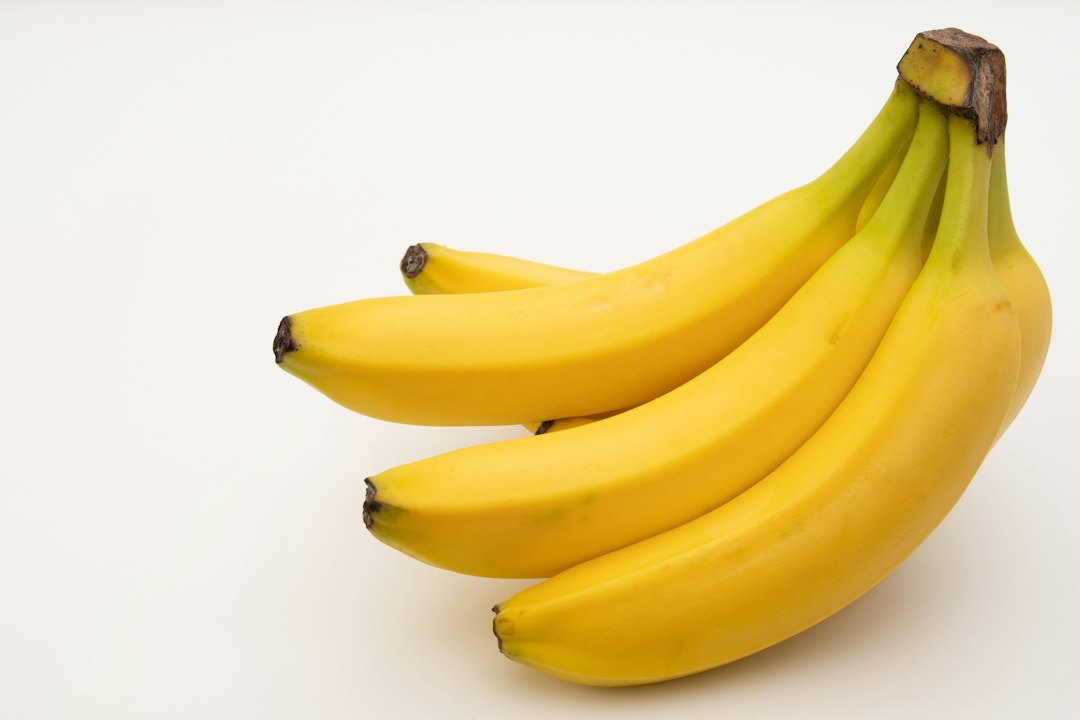
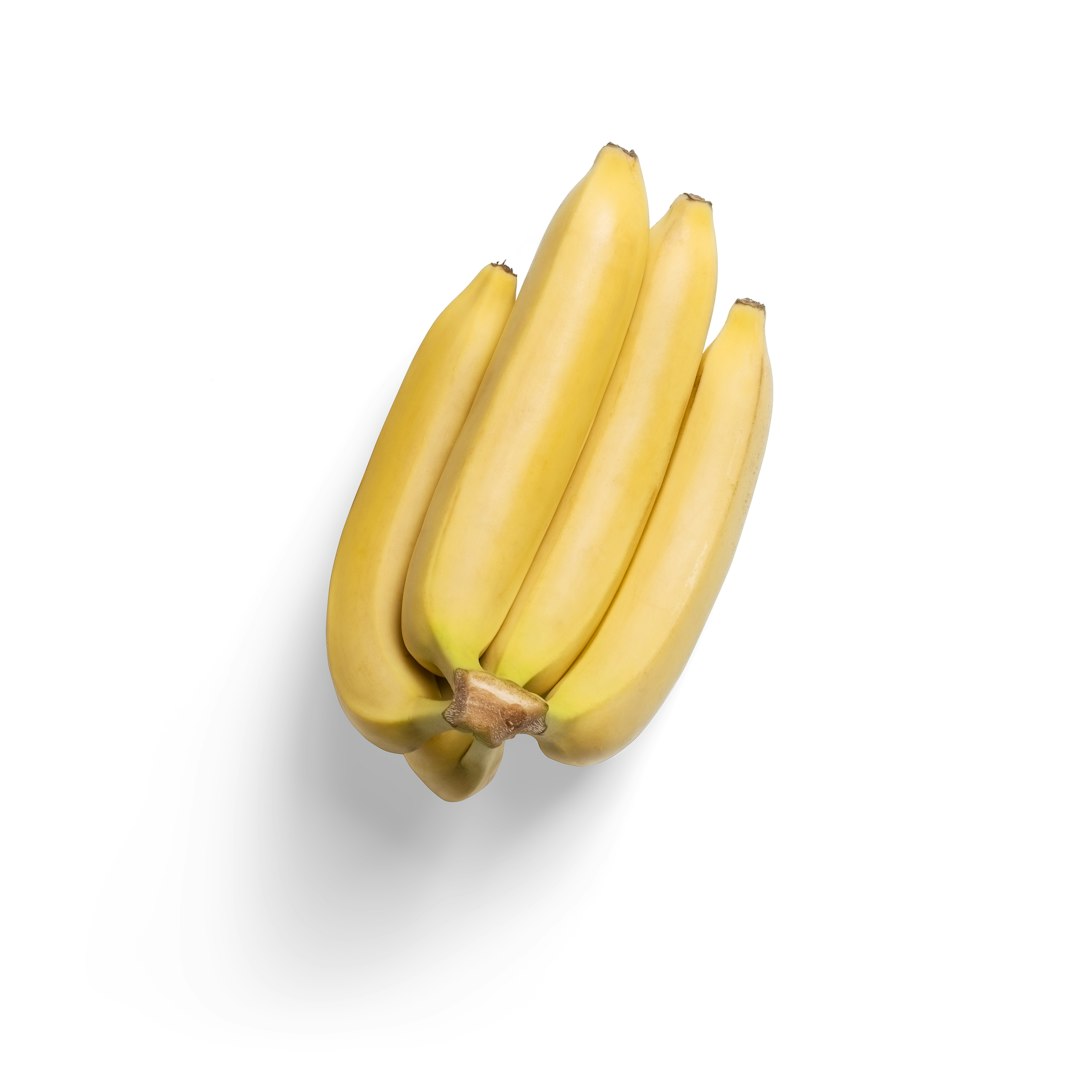
A medium banana has about 105 calories, based on a 118 gram edible portion in USDA food data [source: USDA]. For most people tracking food, the bigger issue is not the banana. It is whether the app entry is accurate, matched to the right size, and easy enough to use every day.
TLDR: A medium banana is usually logged at about 105 calories, with roughly 27 grams of carbs, 3 grams of fiber, and very little fat. MyFitnessPal is faster for casual tracking, while Cronometer is better for detailed nutrition and micronutrients. For example, if someone logs one medium banana every day for 30 days, that adds about 3,150 calories; choosing a large banana by mistake can add about 480 extra calories across the month. Small errors feel tiny, but they stack up.
How many calories are in a banana by size?
Banana calories change mostly because banana size changes. That sounds obvious, but tracking apps often make this more annoying than it should be. A “banana” entry can mean a small banana, a medium banana, a peeled banana weighed in grams, or a random user entry with no clear size at all.
- Extra small banana: about 72 calories
- Small banana: about 90 calories
- Medium banana: about 105 calories
- Large banana: about 121 calories
- Extra large banana: about 135 calories
- 1 cup mashed banana: about 200 calories
For someone trying to lose weight, the difference between 90 and 121 calories is not huge once. But it matters when bananas are eaten daily, added to smoothies, or paired with peanut butter, oats, granola, or yogurt.
Banana nutrition at a glance
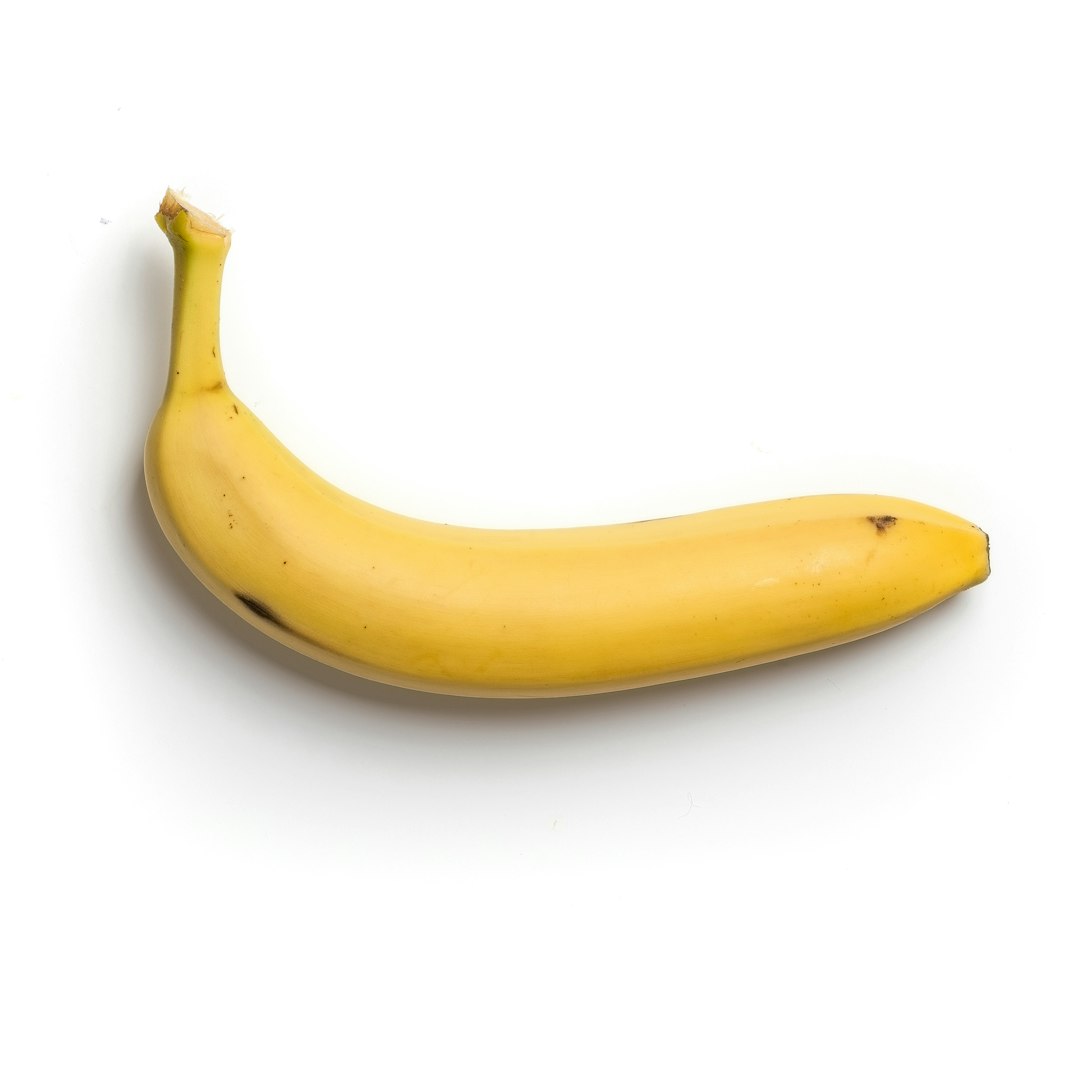
A medium banana is mainly a carbohydrate source. It is not high in protein, and it contains almost no fat. That makes it easy to fit into many diets, but it can also surprise people who are watching carbs closely.
- Calories: about 105
- Carbohydrates: about 27 grams
- Fiber: about 3 grams
- Sugars: about 14 grams
- Protein: about 1 gram
- Fat: less than 1 gram
- Potassium: a meaningful amount, often one reason bananas are popular with active people
Ripeness changes flavor and texture, but it does not massively change total calories. A ripe banana tastes sweeter because more starch has converted to sugar. The calorie count stays close enough for normal tracking.
MyFitnessPal for tracking bananas
MyFitnessPal is popular because it is quick. A user can search “banana,” pick a common entry, and log it in seconds. For a casual food diary, that speed is useful. It also has a huge food database, which helps with packaged foods, restaurant items, and repeated meals.
The problem is quality control. MyFitnessPal has many user-created entries. Some are fine. Some are messy. Some list a medium banana at 105 calories. Others may show odd serving sizes, strange carb totals, or missing fiber. Honestly, it feels like the app sometimes trades accuracy for speed.
For bananas, the best move in MyFitnessPal is to choose an entry that uses grams. If a person weighs a peeled banana at 118 grams, the log is cleaner than guessing “1 medium.” This matters even more when bananas go into smoothies, banana bread, or oatmeal bowls.
Cronometer for tracking bananas
Cronometer is usually better for people who care about complete nutrition. It tends to use more verified database entries and gives stronger detail on vitamins, minerals, amino acids, and fatty acids. For a banana, that means calories are only part of the picture. Fiber, potassium, magnesium, vitamin B6, and other nutrients are easier to review.
The catch is that Cronometer can feel slower at first. A user who only wants to log breakfast may need a few extra taps to select the exact database entry and serving weight. That can feel irritating during a rushed morning. Still, the payoff is cleaner data.
For nutrition-focused users, athletes, people managing medical diets, or anyone tracking micronutrients, Cronometer has the edge. For someone who just wants a rough calorie count, MyFitnessPal may feel easier.
MyFitnessPal vs Cronometer: which is better for banana calories?
| Feature | MyFitnessPal | Cronometer |
|---|---|---|
| Speed | Usually faster for quick logging | A bit slower, especially for new users |
| Accuracy | Can vary because of user entries | Often stronger due to verified data |
| Micronutrients | Basic for many users | More detailed and useful |
| Best for | Casual calorie tracking | Detailed nutrition tracking |
For a simple banana, both apps can work. The difference shows up in consistency. If a person logs the same banana size every day, a verified gram-based entry in either app is fine. If they rely on random entries, totals can drift.
When banana calories get miscounted
Most errors come from serving size. A banana peel is not usually eaten, so the edible weight matters. A whole banana on a kitchen scale includes the peel unless it is peeled first. That can throw off the number.
Another common issue is recipe logging. A smoothie with banana, milk, protein powder, and peanut butter can swing from 300 to 700 calories fast. The banana may only be 105 calories, but the peanut butter can add nearly 200 calories in two tablespoons. It drives many users crazy when the “healthy smoothie” entry in an app has no ingredient breakdown.
For best results, users should log ingredients one by one. It takes longer, but it cuts down on bogus totals.
Which app should each type of person use?
- For weight loss: Either app works, but Cronometer may reduce bad data picks.
- For meal prep: MyFitnessPal can be faster for repeated meals and saved recipes.
- For athletes: Cronometer is better for carbs, potassium, magnesium, and overall nutrient review.
- For beginners: MyFitnessPal may feel easier on day one.
- For detail lovers: Cronometer is the better fit.
A practical approach is simple. If someone only needs a calorie estimate, they can log a medium banana at 105 calories. If they track closely, they should weigh the peeled banana and log it in grams. That gives the app less room to mess things up.
Best practice for logging a banana
- Peel the banana first if weighing it.
- Log the edible grams, not the whole banana with peel.
- Use verified entries when available.
- Avoid vague entries like “1 banana” with no size listed.
- Save the food if it is eaten often.
The simplest rule is this: a medium banana is about 105 calories, but the best log is based on weight. MyFitnessPal wins on speed. Cronometer wins on nutrition detail. The better app depends on whether the person wants quick calorie tracking or cleaner nutrient data.
FAQ
How many calories are in one medium banana?
One medium banana has about 105 calories. Size matters, so a small banana may be closer to 90 calories, while a large one may be around 121 calories.
Is a banana good for weight loss?
Yes, it can be. A banana is portion-controlled, filling, and rich in carbs and fiber. It still needs to fit the person’s daily calorie target.
Does ripeness change banana calories?
Not much. A ripe banana tastes sweeter because its starch turns into sugar, but total calories stay fairly similar.
Is MyFitnessPal accurate for bananas?
It can be accurate if the user chooses a reliable entry. Generic or user-created entries may be inconsistent, so gram-based logging is better.
Is Cronometer better than MyFitnessPal?
Cronometer is usually better for detailed nutrition. MyFitnessPal is often faster for casual tracking. For banana calories alone, both can work if the serving size is correct.
Should a banana be weighed with or without the peel?
It should be weighed without the peel for accurate calorie tracking. The peel adds weight but is not usually eaten.