Stencil QR codes have become a practical solution for connecting physical spaces, printed materials, packaging, signage, and public surfaces to digital information. Unlike a standard printed QR code, a stencil QR code is designed so it can be cut, painted, engraved, etched, or marked onto a surface while remaining scannable. This makes it useful for durable applications where stickers or paper labels may fail, such as outdoor signs, industrial equipment, event installations, retail displays, and architectural surfaces.
TLDR: A stencil QR code works like a regular QR code, but its design must be adapted so the cut or painted areas remain structurally connected and readable by a camera. The most important factors are contrast, module clarity, quiet zone spacing, and testing at the final size and material. For reliable results, use a high error correction level, avoid overly complex visual styling, and test the stencil in real conditions before producing it at scale.
What Is a Stencil QR Code?
A stencil QR code is a QR code prepared in a way that allows it to be reproduced through a stencil process. In a conventional QR code, black and white square modules form a pattern that stores encoded data. When the code is scanned, the device reads the contrast between dark and light areas and translates the pattern into a URL, text, contact detail, payment link, or other digital content.
With a stencil, the design must be modified so that individual dark areas do not fall out during cutting. A normal QR code may contain isolated black squares that would become loose pieces in a physical stencil. To solve this, designers often add small connecting bridges, adjust module shapes, or simplify the code while preserving the readable data pattern.
This balance is important: the stencil must be physically manufacturable, but it must also remain digitally scannable. If the bridges are too thick, they may interfere with the QR code’s structure. If they are too thin, the stencil may break, tear, or produce inconsistent paint transfer.
How a QR Code Works
To understand stencil QR codes, it helps to understand the basic structure of a QR code. A QR code is made up of many small square units called modules. These modules are arranged in a grid and represent encoded information. Several key elements help scanning software identify and interpret the code correctly:
- Finder patterns: The three large square markers usually found in the top left, top right, and bottom left corners. They help the scanner detect orientation.
- Alignment patterns: Smaller markers that help the scanner correct distortion, especially on larger QR codes.
- Timing patterns: Alternating dark and light modules that help determine the grid structure.
- Data modules: The small squares that store the actual encoded content.
- Quiet zone: The empty margin around the QR code that separates it from surrounding graphics or surfaces.
When a person scans the code, the phone camera captures the pattern. The scanning software identifies the finder patterns, calculates the grid, corrects perspective distortion, and decodes the data modules. This process depends heavily on visual contrast and accurate spacing. A stencil QR code must preserve these conditions despite the physical limitations of cutting, painting, engraving, or etching.
How a Stencil QR Code Is Different
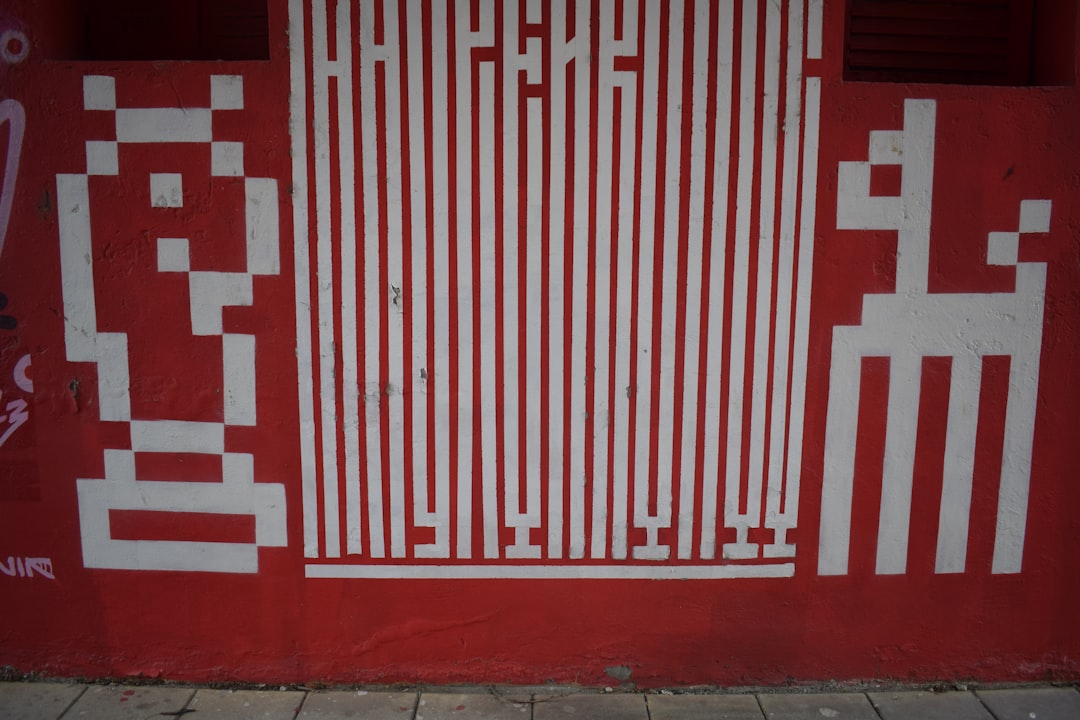
The main difference between a standard QR code and a stencil QR code is structural continuity. A standard printed QR code can include isolated dark modules because ink can be printed anywhere on paper. A stencil, however, is a cut object. If a dark island is fully surrounded by empty cut space, it may detach from the stencil sheet.
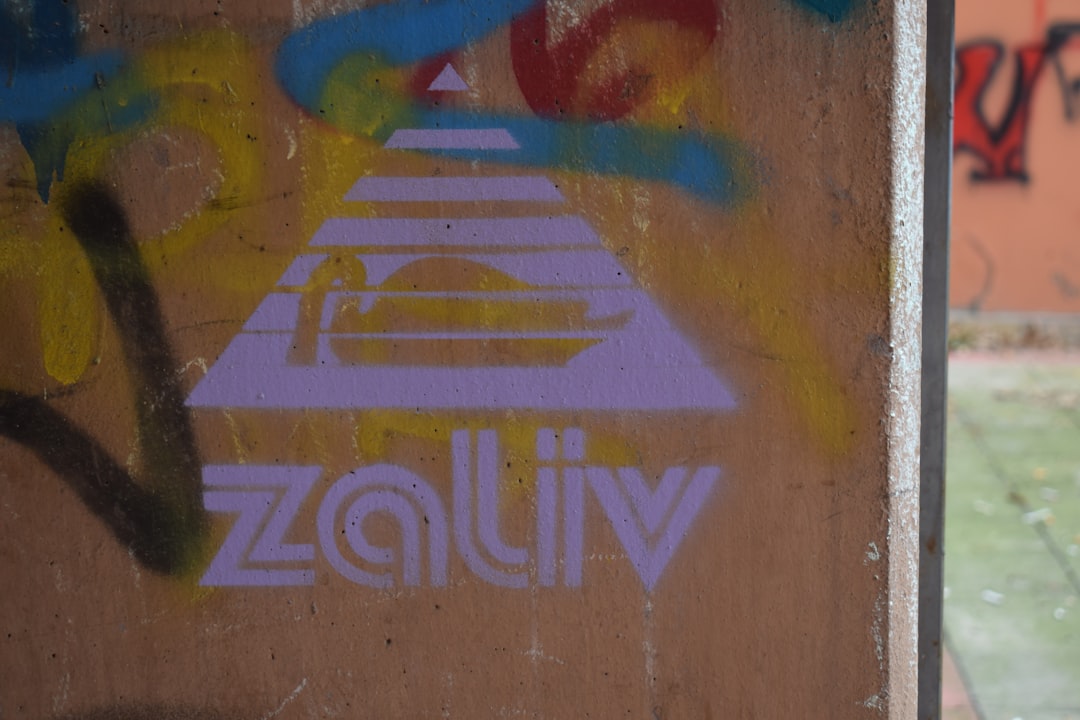
For example, if a stencil is used to spray paint a QR code onto a wall, the cut-out parts are where the paint passes through. Any enclosed island that is not connected to the surrounding stencil material will be lost. To prevent this, the design may include bridges: small connecting strips that hold islands in place.
However, adding bridges changes the QR code’s visual pattern. The scanner may interpret the bridge as part of a module or as visual noise. This is why successful stencil QR code design requires careful planning, appropriate sizing, and real-world testing.
Common Uses for Stencil QR Codes
Stencil QR codes are valuable where durability, repeatability, or a handmade physical finish is required. Common applications include:
- Industrial labeling: Marking machinery, equipment, storage areas, or maintenance panels.
- Outdoor wayfinding: Linking visitors to maps, safety instructions, or location-specific information.
- Retail and hospitality: Adding QR codes to walls, counters, menus, packaging, or display units.
- Events and exhibitions: Creating temporary or semi-permanent links to schedules, tickets, artist notes, or product pages.
- Public information: Providing access to regulations, emergency contacts, accessibility details, or multilingual content.
- Creative branding: Applying QR codes to wood, concrete, metal, fabric, cardboard, or glass.
In professional environments, stencil QR codes can also reduce the need for adhesive labels. This is useful in locations where stickers peel off, collect dirt, violate surface rules, or fail under heat, moisture, or cleaning chemicals.
Best Practices for Designing a Stencil QR Code
Reliable scanning begins with careful design. A stencil QR code should not be treated as a decorative graphic first and a functional code second. The code’s primary job is to scan correctly, quickly, and repeatedly under realistic conditions.
1. Use a Short Destination URL
The more data stored in a QR code, the denser the pattern becomes. Dense patterns are harder to stencil because they contain more small modules and more isolated shapes. Whenever possible, use a short URL or a redirect link instead of encoding a long address directly.
A shorter encoded value produces a simpler QR code. This gives the stencil more space for bridges, cleaner cut lines, and better tolerance for paint spread or surface texture.
2. Choose High Error Correction
QR codes support error correction, which allows the code to remain readable even if part of it is damaged or obscured. For stencil QR codes, a higher error correction level is usually recommended because bridges, rough surfaces, overspray, scratches, and uneven paint may interfere with the pattern.
The highest level can restore a significant portion of lost or altered data, but it may also increase code density. The best choice depends on the size, URL length, and production method. In many professional cases, medium-high or high error correction is a safer option than the lowest setting.
3. Maintain a Clear Quiet Zone
The quiet zone is the blank border around a QR code. It should be free from text, patterns, logos, borders, textures, and other visual elements. Without this clear margin, scanning software may struggle to identify where the QR code begins and ends.
For stencil work, the quiet zone should be generous. Paint bleed, surface irregularities, and nearby graphics can reduce the effective margin. A good practice is to keep at least four modules of empty space around the code, and more if the code will be viewed from a distance or applied to a textured surface.
4. Make the Code Large Enough
Size is one of the most important factors in stencil QR code performance. Small QR codes may work on clean printed paper but fail when cut into a stencil or painted onto rough material. Each module must be large enough to survive the production process and remain visually distinct.
As a general principle, larger is safer. A QR code placed on a wall, sign, floor, or machine should be sized according to the expected scanning distance. A person standing several meters away needs a bigger code than someone scanning a label at arm’s length.
A practical rule is to test the code at the smallest expected size before final production. Print it, cut it, paint it, and scan it with multiple phones. If scanning is slow or inconsistent, increase the size or simplify the code.
5. Preserve Strong Contrast
QR codes depend on contrast. A dark code on a light background is usually the most reliable arrangement. For stencil applications, black paint on white, dark ink on light cardboard, or etched dark fill on pale material often works well.
Low-contrast combinations should be avoided. Beige on gray, silver on white, transparent varnish on wood, or dark blue on black may look subtle but can scan poorly. Glossy finishes can also create glare, especially under direct lighting.
If the code must be branded or decorative, test the exact color combination under normal lighting. Do not assume that a visually attractive result will scan reliably.
6. Avoid Excessive Custom Styling
Many QR codes are customized with rounded modules, logos, gradients, frames, or decorative patterns. While this can work in print, it introduces risk in stencil production. Every design modification makes the scanner’s job harder, especially when combined with bridges or rough application methods.
For stencil QR codes, simple geometry is usually best. Use clean square or slightly rounded modules, avoid gradients, and keep logos away from critical finder patterns. If a logo is necessary, keep it small and test extensively.
Production Methods and Material Considerations
Stencil QR codes can be produced in several ways, and each method has different limitations.
- Laser cutting: Suitable for acrylic, cardboard, thin wood, metal sheets, and plastic. It provides precision but may create heat marks or fragile narrow bridges.
- Vinyl cutting: Useful for temporary paint masks or adhesive stencils. Small details may lift or distort during transfer.
- Spray painting: Fast and effective for walls or signs, but overspray and paint bleed can reduce sharpness.
- Engraving or etching: Durable and professional, especially on metal, glass, or wood. Contrast may need enhancement with fill or surface treatment.
- Screen printing: Good for repeat production on flat surfaces, though stencil bridges and ink spread still matter.
The material also affects readability. Concrete, brick, fabric, and unfinished wood have texture that can disrupt module edges. Metal and glass can reflect light. Flexible materials may warp the grid. Before committing to a large installation, create a sample on the actual surface.

Testing a Stencil QR Code
Testing should be treated as part of the production process, not an afterthought. A QR code that works on a computer screen may fail as a stencil. A code that scans immediately in a studio may fail outdoors in bright sun or poor lighting.
Use the following testing checklist:
- Scan before cutting: Confirm that the original digital QR code works.
- Scan a printed mockup: Print it at final size and test it from the intended distance.
- Test the stencil file: Verify that added bridges have not damaged essential patterns.
- Apply a physical sample: Use the same paint, surface, and method planned for final use.
- Test multiple devices: Scan with different phone models and camera apps.
- Test real conditions: Check performance in daylight, shade, artificial light, and from different angles.
- Recheck after drying or curing: Paint and coatings can change appearance as they dry.
If scanning is unreliable, address the cause systematically. Increase size, improve contrast, reduce encoded data, widen quiet zone, simplify bridges, or choose a smoother surface. Avoid guessing; small changes can make a large difference.
Common Mistakes to Avoid
Many stencil QR code failures come from preventable errors. The most common include:
- Making the code too small: Tiny modules are difficult to cut and easy to distort.
- Ignoring the quiet zone: Nearby graphics or edges can interfere with detection.
- Using poor contrast: Subtle colors may match the brand but fail the scanner.
- Adding thick bridges: Heavy connections may alter the code too much.
- Forgetting surface texture: Rough materials can break up the grid visually.
- Skipping real-world testing: Digital previews are not enough.
- Encoding too much data: Dense codes are less forgiving in stencil form.
Maintenance and Longevity
Stencil QR codes used outdoors or in industrial settings should be inspected periodically. Dirt, scratches, fading, repainting, corrosion, and abrasion can reduce scannability. If the QR code links to important safety, compliance, or customer information, maintenance is not optional.
When possible, use a dynamic or redirect-based URL so the destination can be updated without changing the physical code. This is especially important for long-term signage, product instructions, event venues, and public information systems. A durable stencil is valuable, but the linked content must remain current and secure.
Conclusion
A stencil QR code combines physical craftsmanship with digital functionality. It can be highly effective when designed with respect for both the scanning technology and the limitations of the production method. The best results come from simple encoding, strong contrast, adequate size, sufficient quiet zone, careful bridge design, and thorough real-world testing.
For professional use, the goal should not be merely to create a QR code that looks interesting. The goal is to create one that scans quickly, withstands its environment, and continues to serve users reliably over time. When approached with care, a stencil QR code can be a durable, practical, and credible bridge between the physical and digital worlds.