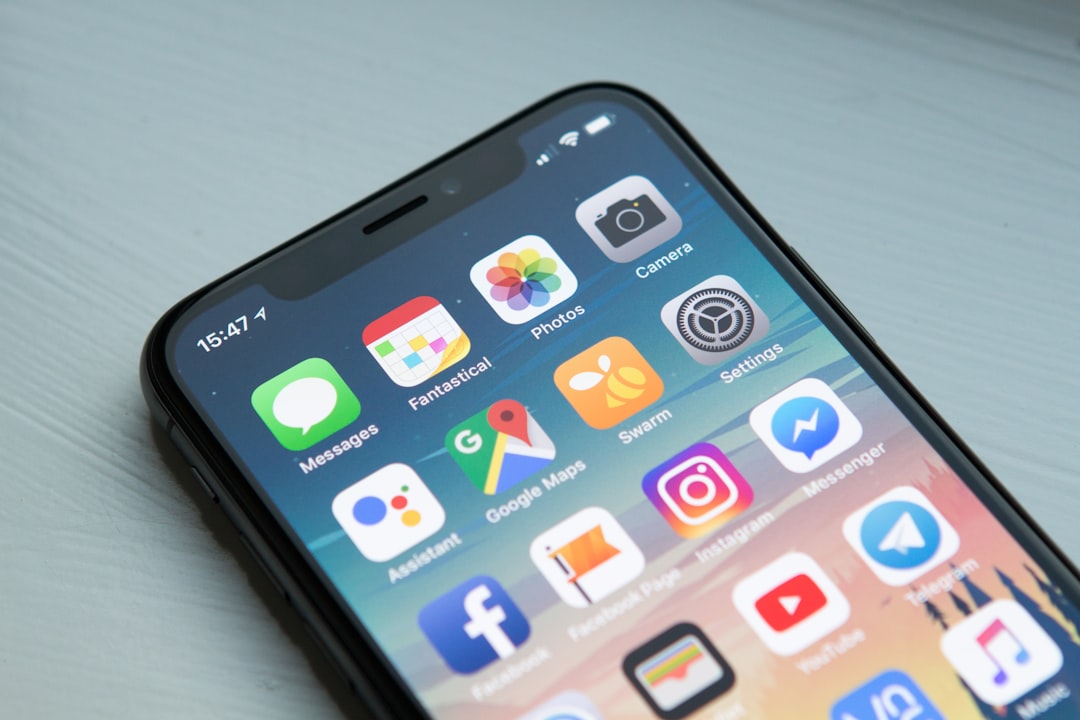
iOS 26 is worth exploring first for its cleaner Liquid Glass design, smarter Apple Intelligence tools, upgraded call screening, and stronger everyday apps. Apple presents it as a major iPhone update with a new visual system and deeper AI features across Phone, Messages, FaceTime, Wallet, CarPlay, and more [source: Apple]. The useful parts are not buried. They show up in the places people touch every day.
TLDR: iOS 26 is not just a fresh coat of paint. The best updates are Liquid Glass, Live Translation, smarter Phone controls, better Messages tools, and the new Games app. For example, if you get 12 unknown calls a week, Call Screening can help cut the time wasted answering spam or vague calls. In daily use, the biggest gain may be speed: fewer taps to understand who is calling, what a message means, or where a ticket is stored.
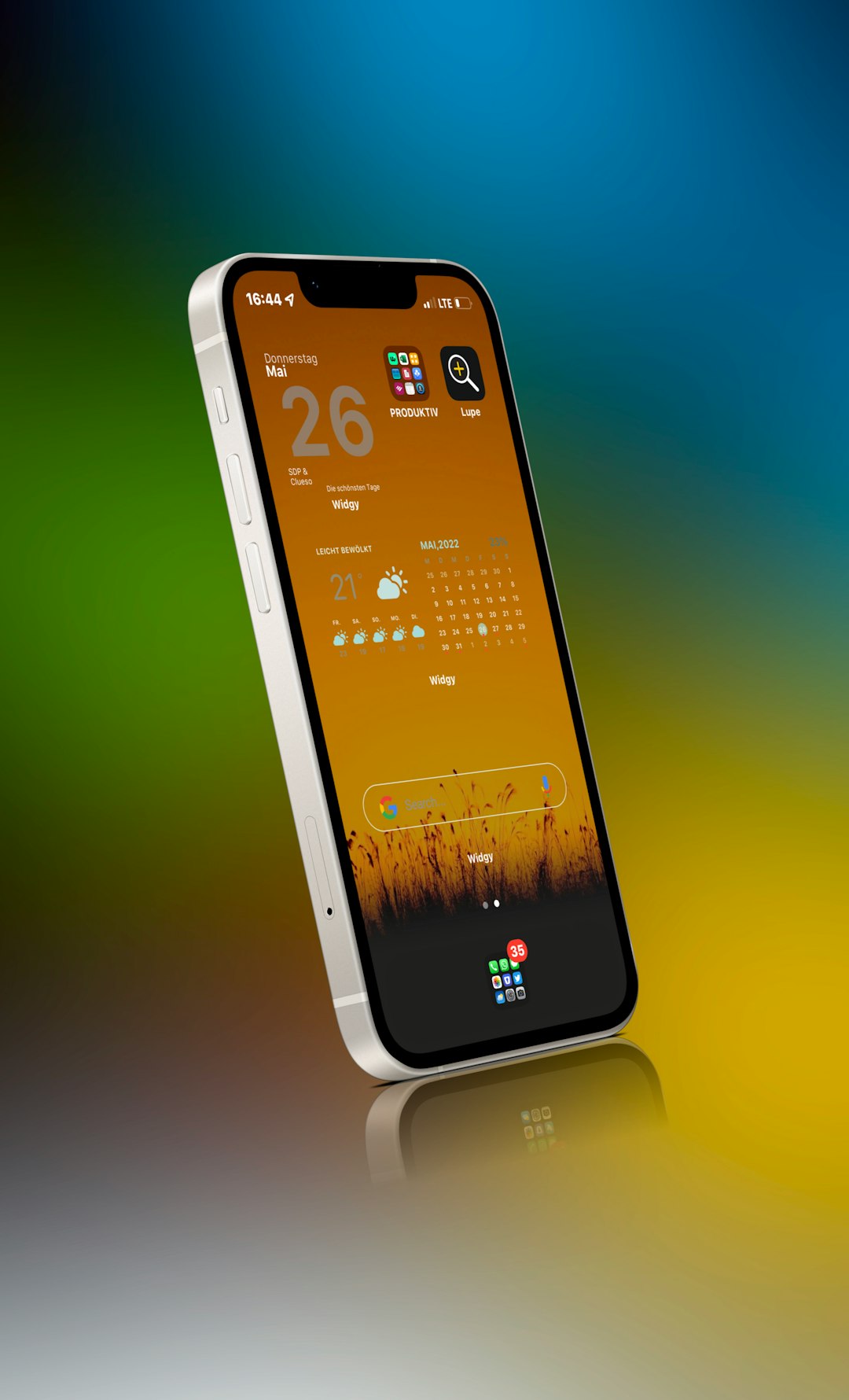
Liquid Glass gives iOS a cleaner look
The first thing most people will notice is Liquid Glass. It changes how controls, icons, menus, and system panels appear. Buttons look more layered. App elements feel lighter. The interface reacts more clearly to what is behind it.
This is not only about style. A cleaner interface can make an iPhone feel less crowded. Lock Screen controls, Control Center, app toolbars, and alerts look more in line with each other. That matters because iOS has grown heavy over the years. Some screens had too many panels fighting for attention.
The catch is that visual changes can slow people down at first. Expect to waste time on day one finding settings that used to sit exactly where your thumb remembered them. After a few hours, though, the design starts to feel calmer.
Apple Intelligence becomes more useful
Apple Intelligence is still limited by device support. That should be said clearly. Many features need newer iPhones, such as iPhone 15 Pro models or later devices with supported chips. If your phone is older, parts of iOS 26 will feel like a redesign rather than a full AI update.
For supported phones, the upgrade is more practical than flashy. Live Translation can help across Messages, FaceTime, and Phone. That is useful for travel, work, and family conversations. It is not a replacement for a professional interpreter, but it can reduce awkward gaps in simple chats.
Visual intelligence also gets stronger. The idea is simple: your iPhone can read more of what is on screen and help you act from it. If there is an event in a screenshot, the phone may help create a calendar entry. If you see a product, it may help search for it. That saves small bits of time, many times a week.
Phone and Messages get serious upgrades
The Phone app may be one of the most useful parts of iOS 26. Call Screening can ask unknown callers for basic details before your phone fully bothers you. Hold Assist can stay on the line and alert you when a person returns. Honestly, it feels like this should have arrived years ago.
These two tools matter because phone calls are still messy. Banks call from strange numbers. Delivery drivers rush through details. Spam callers do not care about your time. If iOS 26 can reduce even five wasted calls a month, that is a real quality of life win.
Messages also gets better. Apple adds tools such as backgrounds, polls, and improved group chat controls. Polls sound small, but they solve a common problem. Picking a dinner time with six people should not require 28 texts and three people saying “either works.”
Wallet, Maps, and CarPlay feel more mature
Wallet keeps moving toward being the place for tickets, passes, IDs, and travel details. Boarding passes can show richer flight information, which is helpful when delays hit. This is the kind of feature people forget about until they are standing in an airport line with 9% battery.
Maps and location features also become more personal. Recent routes and visited places can help the phone give better suggestions. Privacy will be the concern here. Apple says many intelligence features are built with on-device processing or Private Cloud Compute, where possible [source: Apple]. Still, users should review location settings after installing the update.
CarPlay gains a cleaner look and tighter iPhone alignment. The key benefit is less friction. Calls, messages, controls, and media should feel more consistent with the phone itself. That is good, because car screens are not the place for confusing menus.
The new Games app gives Apple gaming a home
iOS 26 adds a dedicated Games app. It brings Apple Arcade, game activity, friends, achievements, and recommendations into one place. This makes sense. Games were spread across the App Store, Game Center, and random notifications for too long.
For casual players, it may become a simple launcher. For families, it could make it easier to see what kids are playing. For serious mobile players, the value depends on how well developers support it.
Should you install iOS 26 right away?
- Install early if you use a newer iPhone and want the AI, call, and design updates.
- Wait a few weeks if your phone is used for work, travel, banking, or medical apps.
- Check storage first. Major iOS updates often need several gigabytes free.
- Back up your iPhone before updating. Use iCloud or a computer.
- Review privacy settings after installation, especially location, Siri, and app permissions.
The most worthwhile iOS 26 features are the ones that remove small daily annoyances. Call Screening, Live Translation, smarter screenshots, richer Wallet passes, and cleaner controls all fit that list. The design will get attention, but the real value is quieter. It is the few seconds saved here and there, across dozens of small moments each week.