
iLobby, Envoy, and Proxyclick are three visitor management systems worth shortlisting if your lobby still depends on paper sign-in sheets, manual badges, or scattered spreadsheets. The business case is not just speed. It is safer access, cleaner audit trails, smoother check-ins, and fewer awkward “who are you here to see?” moments at reception. IBM reported that the average cost of a data breach reached $4.88 million in 2024, which makes weak front-door processes harder to ignore [source: IBM].
TLDR: iLobby is best for regulated worksites, factories, labs, and offices that need tight visitor, contractor, and compliance workflows. Envoy is a strong fit for modern offices that want simple check-ins, host alerts, and workplace tools in one polished system. Proxyclick, now part of Eptura, is worth a look for companies that need multi-location visitor workflows with a clean guest experience. For example, a 300-person office seeing 40 visitors a day could save around 10 to 15 front-desk minutes daily by using pre-registration, auto host alerts, and badge printing.
Why visitor management software matters
Visitor management used to mean a clipboard. That was fine until offices became more security-aware, more hybrid, and more audited. Now a visitor system needs to answer simple but vital questions:
- Who is in the building right now?
- Who approved the visit?
- Did the guest sign the NDA or safety policy?
- Can security pull a report in seconds?
- What happens during an evacuation?
The catch is that many teams only notice the problem after a bad incident. A missing badge. A late contractor. A guest waiting 12 minutes while the host is hunted down by phone. It feels small until it happens every day.
iLobby: best for security-heavy sites
iLobby is built for organizations that treat visitor access as a serious operating process. Think manufacturing plants, warehouses, energy sites, corporate campuses, and regulated offices. It is not just trying to make the lobby look modern. It focuses on control.
Useful iLobby features often include visitor pre-registration, ID checks, badge printing, safety documents, access approvals, contractor workflows, and emergency reporting. That makes it useful when visitors need more than a friendly welcome. Maybe they need to watch a safety video. Maybe they need approval before entering a restricted area. Maybe the company needs proof later.
That is where iLobby earns attention. It helps turn messy front-desk steps into repeatable flows. Security teams get better records. Reception staff get fewer manual tasks. Hosts get alerts when guests arrive.
Expect to waste some time upfront mapping your rules. Who needs approval? Which sites need safety forms? Which visitors need badges? It is not exciting work. But skipping it ruins the rollout.

Envoy: polished, friendly, and office-ready
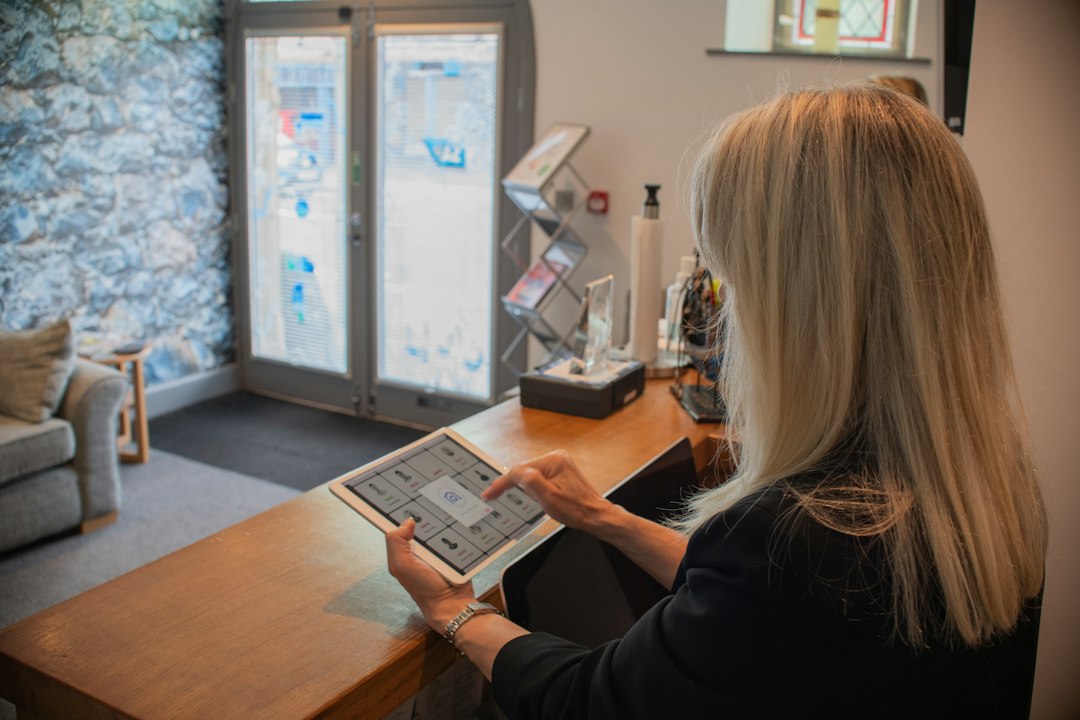
Envoy is usually the easier sell for office teams. It looks clean. It feels familiar. Guests can sign in on a tablet, hosts get automatic notifications, and the whole process feels less stiff. For many companies, that matters. A lobby is often the first real brand touchpoint after a website.
Envoy is especially appealing for tech firms, agencies, professional services teams, and hybrid workplaces. It can fit nicely with tools such as Slack, Microsoft Teams, Google Workspace, and workplace access systems, depending on the setup. The visitor experience is smooth, and admins can usually get basic flows running without a giant project.
Its strength is also the reason some larger industrial teams may want to compare it carefully with iLobby. Envoy is great for a polished office welcome. iLobby may be better when visitor entry is tied to safety checks, contractor controls, or strict compliance needs.
Proxyclick: solid for multi-site guest flows
Proxyclick built its name around simple, professional visitor check-ins. Now part of Eptura, it remains relevant for companies that want structured visitor journeys across multiple offices. It supports common needs like pre-registration, badge printing, host notifications, custom questions, and visitor records.
Proxyclick can make sense for companies with regional offices that need a shared process without making every lobby feel cold. Guests can receive details before arrival. Reception can see who is expected. Hosts are notified quickly. It is practical, which is often what front-desk teams actually want.
Honestly, it feels like some visitor systems forget the receptionist. Proxyclick tends to keep that role clear. The system is not just for executives reading reports. It is for the person handling three guests, two deliveries, and a ringing phone at the same time.
Quick comparison
- Choose iLobby if you need strong compliance, contractor screening, safety workflows, and emergency visibility.
- Choose Envoy if you want a sleek office experience with quick check-ins and strong workplace integrations.
- Choose Proxyclick if you manage several offices and want consistent visitor flows with a simple admin experience.
What to check before buying
Do not pick only by the nicest demo screen. Ask harder questions. Can it handle your busiest hour? How fast does badge printing work? Does it support your access control system? Can admins export reports without chasing support? What happens if the internet drops?
Also check pricing structure. Some tools charge by location, kiosk, employee count, or feature tier. A cheap pilot can become less cheap after adding more sites, badges, integrations, and support needs.
The best visitor management system is the one your staff will actually use. iLobby is the strongest pick for controlled, security-focused sites. Envoy shines in modern offices that care about a smooth guest experience. Proxyclick is still worth reviewing when consistency across offices matters. Start with your risk level, not the prettiest tablet screen.