Choose Claude Code if you want an AI coding partner that can inspect a whole project and make bigger changes; choose GitHub Copilot if you want fast help while typing. That is the simple split. GitHub once reported that developers using Copilot finished a coding task 55% faster in a study [source: GitHub].
TLDR: Claude Code is better for “please fix this messy repo” work. GitHub Copilot is better for “help me write this function right now” work. Example: if you have 40 failing tests, Claude Code can read files, suggest a plan, edit code, and run commands. If you are writing a React button, Copilot may save you 10 to 30 seconds with a quick autocomplete.
What is Claude Code?
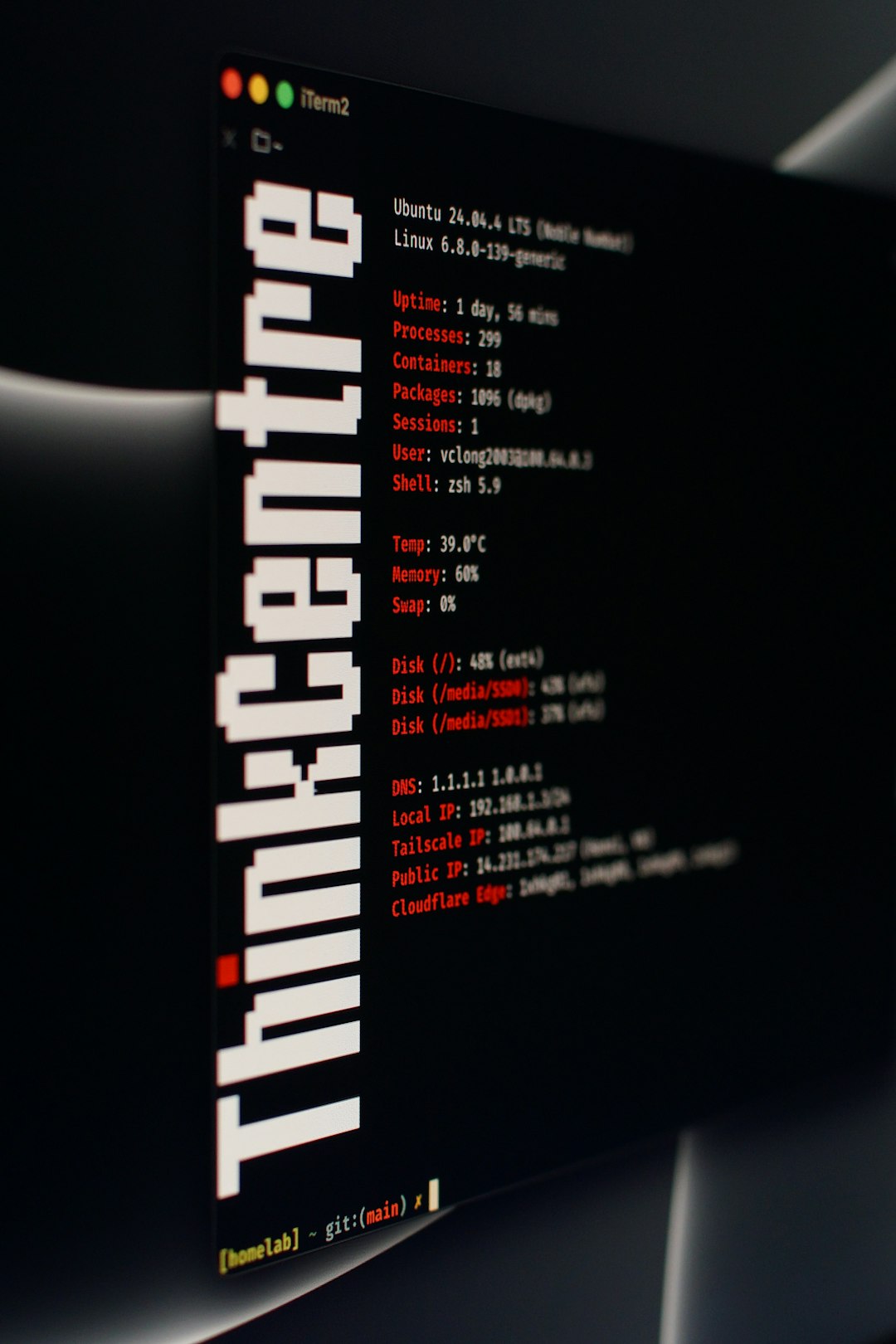
Claude Code is Anthropic’s coding tool that runs in your terminal. It feels less like autocomplete and more like a junior developer sitting next to your command line.
You can ask it things like:
- “Find why this test is failing.”
- “Refactor this API route.”
- “Explain this old payment code.”
- “Add logging, then run the test suite.”
That is the fun part. It can look across files. It can reason about a project. It can propose changes. It can also run commands if you allow it.
The less fun part? It can feel a little intense. You are giving an AI a seat in your terminal. That is powerful. Also, slightly terrifying before coffee.
What is GitHub Copilot?
GitHub Copilot is the AI coding assistant many developers already know. It lives inside editors like Visual Studio Code, JetBrains IDEs, and others.
Copilot shines when you are typing. It suggests lines. It finishes functions. It writes small blocks of code. It can also chat with you about code.
Think of Copilot like a fast texting friend. You start typing, and it guesses what you need. Sometimes it is spooky good. Sometimes it confidently writes nonsense. Classic AI behavior.
The core difference
Copilot helps while you type. Claude Code helps while you work.
That sounds tiny. It is not.
Copilot is best for small coding moments. It helps with boilerplate, tests, regular expressions, helper functions, and simple patterns. You stay in control. You accept or reject suggestions.
Claude Code is better when the job has many steps. It can scan the repo. It can talk through a plan. It can edit several files. It can run tests. It can check what broke. Then it can try again.
Honestly, it feels like Copilot is a clever pen. Claude Code is more like a coding intern with terminal access. Useful, but you still need to watch it.
Where Claude Code wins
- Big fixes: It can follow problems across many files.
- Repo understanding: It can explain how a project works.
- Debugging: It can inspect errors, logs, and tests.
- Refactoring: It can update related files in one pass.
- Terminal tasks: It can run commands after you approve them.
This is great for legacy code. You know the kind. A folder named utils old final real v2. Nobody knows who wrote it. Everyone is scared to touch it.
Claude Code can help sort that mess. It can say, “This function is called in six places.” Then it can suggest a safer change.
Where Copilot wins
- Speed: It is right there in your editor.
- Autocomplete: It finishes common code fast.
- Low friction: You do not need to switch tools.
- Learning: It helps beginners see patterns.
- Everyday coding: It handles boring code well.
Copilot is lovely for small tasks. Need a Python function to parse dates? Nice. Need a unit test for a simple method? Great. Need a quick SQL query? Sure.
It drives me crazy that Copilot sometimes suggests almost-correct code. One wrong import. One missing edge case. One fake method name. Then you spend 45 seconds fixing a “time saver.” Fun.

Which one is safer?
Copilot is easier to control. It suggests code. You choose what lands in the file.
Claude Code can do more damage if you stop paying attention. That is not because it is bad. It is because it can touch more of your project.
Use both with care. Read the output. Run tests. Check diffs. Do not paste secrets. Do not let any AI push code without review. That rule is boring. It is also correct.
Best use cases
Use Claude Code for:
- Fixing failing tests across a repo.
- Understanding old code.
- Adding a feature that touches many files.
- Refactoring messy modules.
- Tracking bugs through logs and stack traces.
Use GitHub Copilot for:
- Writing small functions.
- Creating test stubs.
- Finishing repetitive code.
- Learning syntax.
- Speeding up daily editor work.
Can you use both?
Yes. And that may be the best setup.
Use Copilot while writing code line by line. Use Claude Code when you need a wider view. It is like using a scooter for short trips and a truck for moving furniture.
A simple workflow looks like this:
- Ask Claude Code to inspect the bug.
- Let it suggest a plan.
- Review the plan like a picky human.
- Use Copilot to write small pieces faster.
- Run tests and review every diff.

Final verdict
Claude Code is best for project-level help. It is strong when the job is messy, broad, and full of “why is this broken?” energy.
GitHub Copilot is best for editor-level speed. It is great when you already know what you want and just want the code faster.
If you are a solo developer, start with Copilot for daily speed. Add Claude Code when your projects get larger. If you work on a team with lots of old code, Claude Code may save more pain.
The real winner is not one tool. It is the developer who uses the right assistant at the right moment, then still reads the code before shipping it.