Google Easter eggs work because Search can swap a normal results page for a tiny interactive app when you type a special trigger. Type “do a barrel roll,” and the page spins. Search “Pac-Man,” and you may get a playable game. It feels like magic. It is really code, timing, and a lot of product polish.
TLDR: Google Easter eggs are hidden search features that run when Google detects certain words, holidays, games, or jokes. They are usually built with HTML, CSS, JavaScript, and sometimes Canvas or WebGL. For example, if 25 students in a class search “Google Pac-Man,” most can play within about 5 seconds, with no install needed. The fun part is instant access; the annoying part is that some Easter eggs vanish or behave differently by country, device, or browser.
What Is a Google Easter Egg?
A Google Easter egg is a hidden joke, game, animation, or tool inside a Google product.
It may appear in:
- Google Search
- Chrome
- Google Maps
- Android
- YouTube
- Google Assistant
Some are tiny. Some are full games. Some last for one day. Others stay for years.
Search Easter eggs are the most famous. That is because they are easy to trigger. You type a phrase. Google reacts.
Search “askew,” and the page tilts. Search “flip a coin,” and you get a coin tool. Search “solitaire,” and you can play cards. Simple. Weird. Fun.
How Does Google Know When to Show One?
Google reads your query first. That is the phrase you typed.
Then it checks your words against many systems. Most searches go to the normal ranking engine. That engine finds web pages, videos, products, maps, and news.
But some phrases match special triggers.
For example:
- “do a barrel roll” triggers a page animation.
- “tic tac toe” triggers a playable board.
- “spinner” triggers a wheel tool.
- “roll a die” triggers virtual dice.
- “Google Pac-Man” can trigger a game card.
These triggers are not random. They are planned. Google’s systems see that the query has a special answer. Then Search loads a custom feature near the top of the page.
That feature may be called a rich result, interactive card, or onebox. The name depends on the system. The idea is the same. You get an answer without clicking away.
Is It All Happening on Your Computer?
Partly, yes.
The decision to show the Easter egg may start on Google’s servers. The server sends the Search page with the correct feature included.
Then your browser does the fun part.
Animations and games often run using:
- HTML for the structure
- CSS for color, shape, movement, and layout
- JavaScript for rules and interaction
- Canvas for 2D games and drawings
- WebGL for richer graphics in some cases
So when the page spins, that is not your laptop getting haunted. It is CSS and JavaScript changing the page view.
When Pac-Man moves, the browser updates the game many times per second. Key presses change direction. Collision rules detect walls, dots, and ghosts.
Honestly, it feels like overkill for a joke. But that is why it works so well.
Why Some Easter Eggs Load Fast
Most Google Easter eggs are small. That is on purpose.
Google cares a lot about speed. A normal search should feel instant. So Easter eggs are usually built to load quickly and avoid huge files.
A small animation may only need a few lines of CSS. A tool like a coin flip may need a simple graphic and some JavaScript. A game needs more, but it can still be compact.
The trick is restraint.
Google does not need a giant game engine to show tic tac toe. It needs a grid, a few rules, and a computer player. That is it.
This is why many Easter eggs feel light. They open inside the results page. No download. No account. No waiting room. Thank goodness.
Hidden Games Are Mini Apps
Google’s games are the best-known Easter eggs.
Common examples include:
- Pac-Man
- Solitaire
- Minesweeper
- Tic tac toe
- Snake
- Champion Island Games, from a past Google Doodle
These games are mini apps inside Google pages. They have buttons, rules, graphics, sounds, and state.
State means the game remembers what is happening right now. Your score. Your moves. Your turn. Your remaining lives.
If you close the tab, that state may vanish. Some Doodle games save small bits in your browser. Others start fresh each time.
It drives me crazy that you can open one on desktop and then not find the exact same version on mobile. But that is normal. Google tests features on different screens. A game that works with arrow keys may need touch controls on a phone.

What About Google Doodles?
Google Doodles are the special logos on the Google homepage. Some are static. Some are animated. Some are games.
Doodles are often tied to:
- Holidays
- Famous birthdays
- Scientific discoveries
- Sports events
- Major cultural moments
A Doodle game can work like a large Easter egg. It may use its own art, audio, and code. It may also live in the Google Doodle archive after the event ends.
This is why you can still find many old Doodles. The homepage changed, but the project was saved.
Why Some Easter Eggs Disappear
Not every Easter egg lasts forever.
Some are removed. Some break. Some move into archives. Some only appear in certain regions.
Reasons include:
- Licensing: A game or character may need permission.
- Performance: Old code may slow pages down.
- Security: Web standards change.
- Device support: Touch screens and desktop screens behave differently.
- Testing: Google often rolls features out to limited groups.
So if a friend sees an Easter egg and you do not, you are not losing your mind. It may be your location, browser, language, or Google experiment group.
How Search Interactions Stay Safe
Google has to be careful with interactive features.
A Search page is used by billions of people. A small bug can become a big problem. So interactive cards are usually boxed in. They should not damage the page. They should not read private files. They should not install anything.
Your browser also blocks many risky actions by default. Web code runs inside a controlled space called a sandbox. That keeps a silly game from acting like a full desktop app.
This is why Easter eggs feel powerful but stay limited. They can animate the page. They can respond to clicks. They cannot take over your computer.
Why Google Makes Them
They are not just jokes.
Google Easter eggs do real work for the brand.
- They make Search feel friendly.
- They reward curious users.
- They show off browser tech.
- They keep people engaged.
- They create shareable moments.
A tiny joke can spread fast. Someone searches “askew,” laughs, and sends it to a friend. That friend tries another one. Now both people spent extra time with Google.
It is play, but it is also product design.
Easy Easter Eggs to Try
Try these in Google Search:
- do a barrel roll
- askew
- flip a coin
- roll a die
- spinner
- tic tac toe
- solitaire
- minesweeper
- snake game
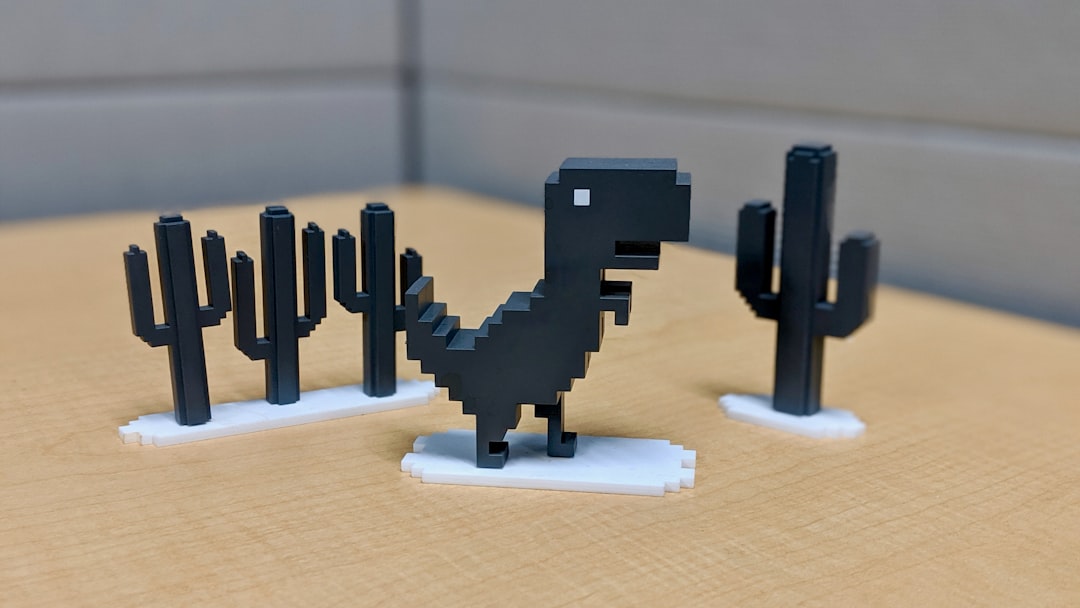
You can also try Chrome’s dinosaur game. Turn off the internet, open Chrome, and press the spacebar on the error page. The little dinosaur starts running. It is a perfect offline gag.
The Simple Version
Google Easter eggs are small surprises hidden behind special triggers. Search spots the trigger. Google sends the right interactive feature. Your browser runs the animation, tool, or game.
That is the whole trick.
No secret portal. No wizardry. Just clever code wrapped in a joke.
And yes, you may lose ten minutes to Minesweeper when you meant to check the weather. Expect that. Google made the trap cute.