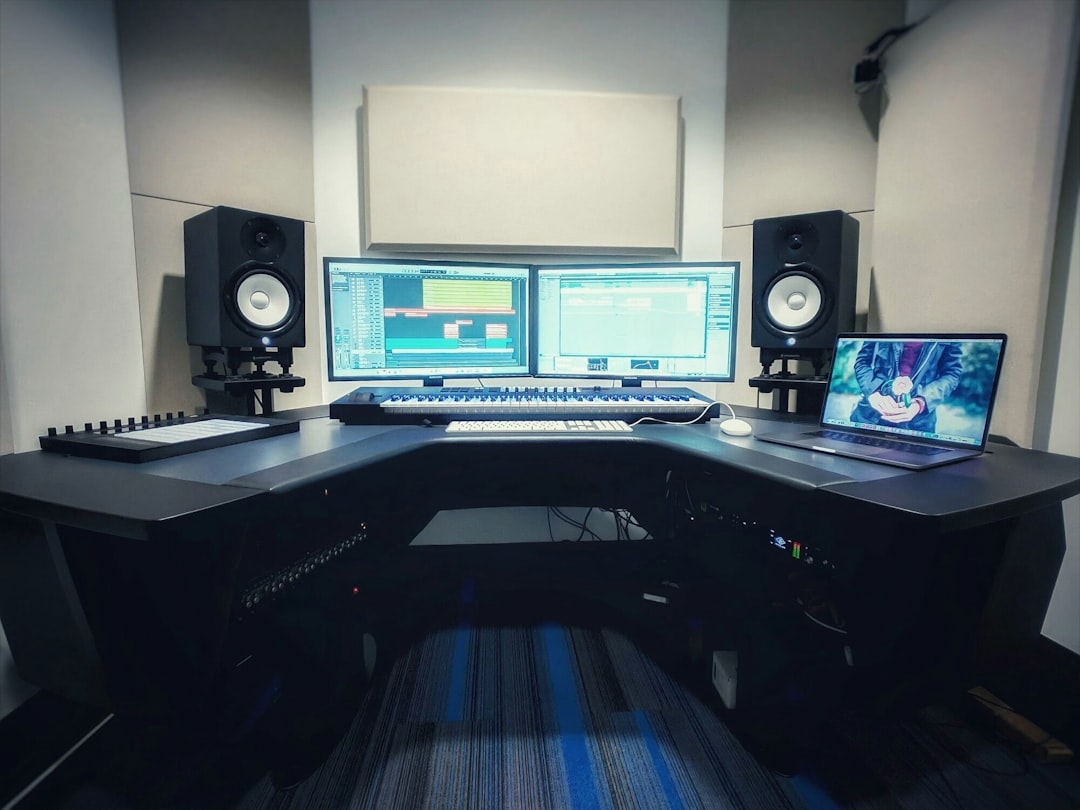
DaVinci Resolve Studio is the best professional video editing software for 2026 for teams that need editing, color, audio, VFX, and delivery in one serious package. Adobe Premiere Pro remains the strongest choice for agencies, social teams, and editors tied to After Effects. Final Cut Pro still wins for speed on Apple hardware, while Avid Media Composer keeps its grip on scripted film and broadcast work.
TL;DR: The best pick for most professional editors in 2026 is DaVinci Resolve Studio, especially for high-end color, multi-user workflows, and full post-production in one app. For example, a three-person team cutting a 10-minute 4K interview can often save 25% to 40% of rough-cut time by using AI transcription, text-based editing, and scene detection. Premiere Pro is better when a studio depends on Adobe apps, while Final Cut Pro is the fastest option for many Mac-only creators. Avid remains the safest bet for long-form TV, studio pipelines, and assistant editor workflows.
Best Professional Video Editing Software in 2026
Professional editors need more than a clean timeline. They need reliable media handling, color control, audio repair, cloud review, AI tools, proxy workflows, and exports that do not fall apart at the last step. The best software in 2026 is not just about flashy features. It is about whether a project can move from camera card to final master without chaos.
1. DaVinci Resolve Studio: Best Overall Professional Choice
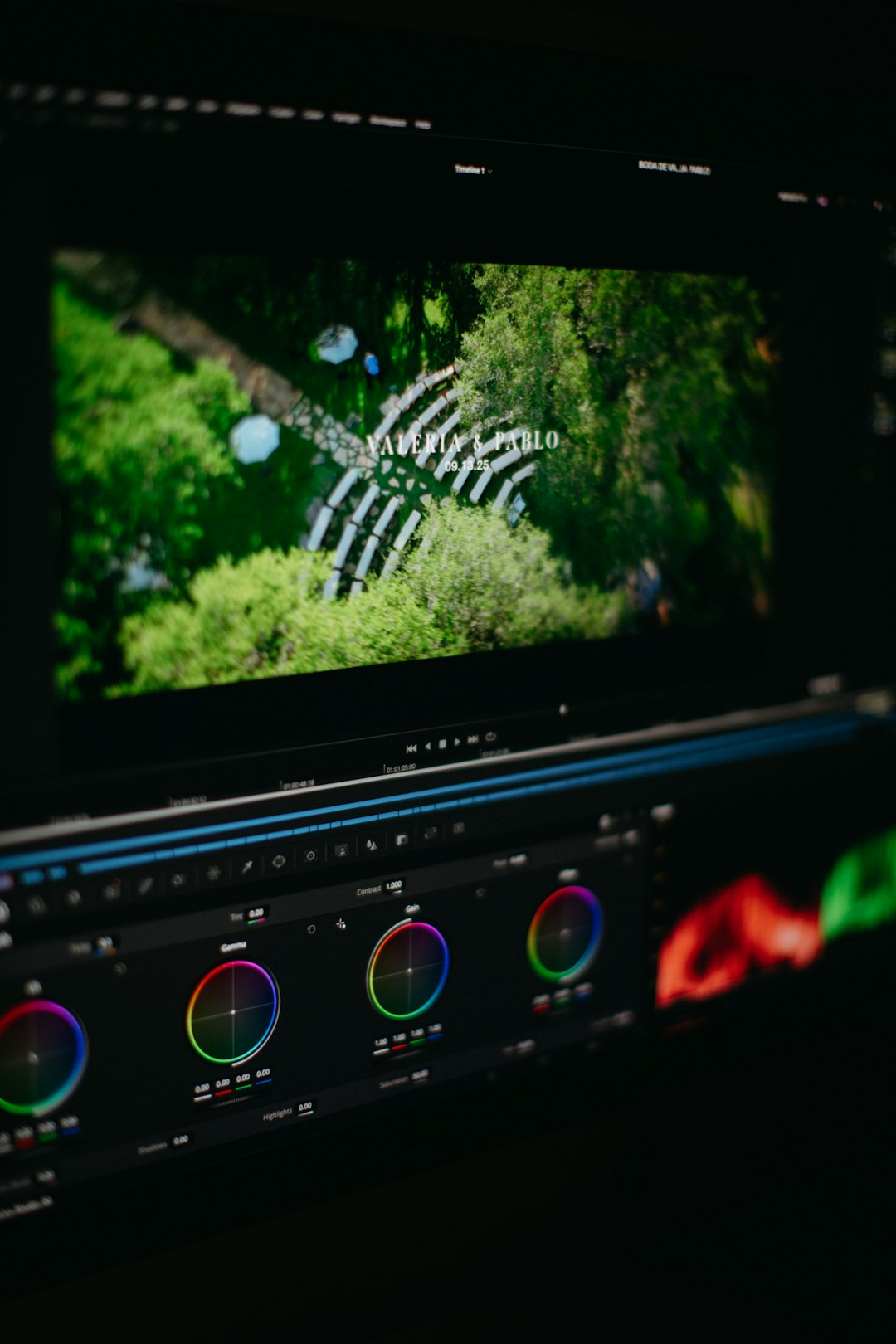
DaVinci Resolve Studio is the most complete professional editor in 2026. It combines the Edit, Cut, Fusion, Color, Fairlight, and Deliver pages inside one application. That matters. Editors do not need to bounce between five tools just to cut, mix, grade, and finish a job.
The standout feature remains color grading. Resolve is still the tool many colorists trust for commercials, films, documentaries, and music videos. Its node-based grading, HDR tools, film emulation options, and hardware panel support make it hard to beat.
Its AI features are also useful, not just decorative. Magic Mask, voice isolation, smart reframe, object removal, subtitle generation, and scene cut detection can save real hours. Honestly, it feels like Resolve is one of the few apps where AI tools fit into the craft instead of being pasted on for marketing.
- Best for: agencies, studios, colorists, filmmakers, YouTube production teams, and hybrid editors.
- Strengths: color grading, audio, VFX, collaboration, AI masking, HDR finishing.
- Weakness: Fusion can feel slow to learn, and some pages overwhelm new users.
2. Adobe Premiere Pro: Best for Agency and Creative Cloud Workflows
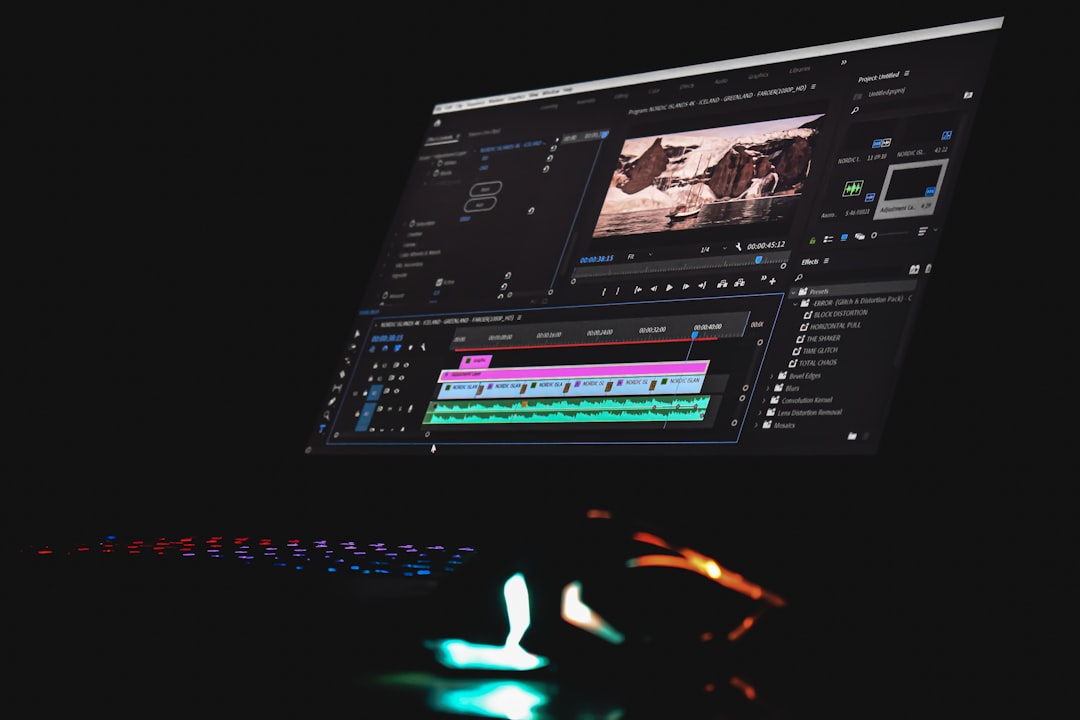
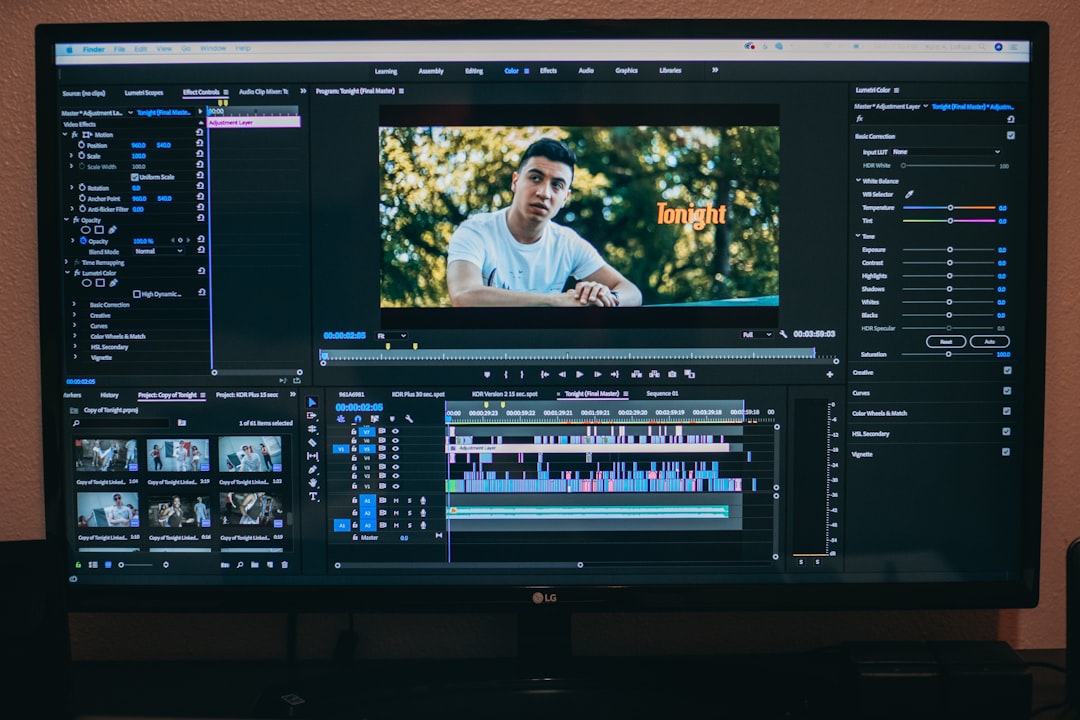
Adobe Premiere Pro remains a professional standard because it connects so well with After Effects, Photoshop, Audition, Media Encoder, and Frame.io. For creative agencies, that connection matters. Motion designers, editors, producers, and clients can work inside one familiar system.
Premiere Pro has improved its AI editing features, especially text-based editing, automatic captions, speech enhancement, and social resizing. For interview-heavy work, transcript editing can cut the boring assembly stage fast. A producer can remove filler sections from text, and the timeline follows.
The catch is performance. It drives editors crazy when a basic timeline lags because of a plug-in, a bad cache, or a heavy caption track. Premiere is better than it used to be, yet it still demands clean project discipline.
- Best for: agencies, content studios, branded video teams, and Adobe-heavy companies.
- Strengths: After Effects integration, AI transcription, captions, team review, plug-in support.
- Weakness: stability can vary by system, codec, and project size.
3. Final Cut Pro: Best for Speed on Mac
Final Cut Pro is still a speed monster on Apple silicon. It handles 4K and 8K media well, especially in ProRes workflows. The magnetic timeline remains divisive, but editors who understand it can cut very fast.
Final Cut Pro is a strong fit for solo professionals, small studios, event editors, and creators producing polished work under tight deadlines. It is especially good when speed matters more than complex shared post workflows.
Its weakness is not raw editing power. It is industry fit. Many large studios still prefer Premiere, Resolve, or Avid because hiring editors, sending project files, and managing shared workflows can be simpler in those systems.
- Best for: Mac-based editors, solo creators, wedding studios, corporate video teams.
- Strengths: speed, media playback, Apple hardware optimization, simple interface.
- Weakness: weaker adoption in many large post houses.
4. Avid Media Composer: Best for Film, TV, and Broadcast Pipelines
Avid Media Composer is not the trendiest editor. It does not need to be. It is still trusted for feature films, episodic TV, newsrooms, and broadcast environments where project control matters more than a pretty interface.
Avid shines with large projects, shared storage, bin locking, script-based editing, assistant editor tasks, and deep media management. Long-form teams use it because it keeps complex productions organized. That is why it remains common in professional post facilities.
The downside is obvious. It can feel stiff. New users often need more training than they would with Premiere or Resolve. Still, for scripted work with many editors and assistants, Avid is difficult to replace.
- Best for: feature films, TV series, broadcast teams, post houses.
- Strengths: media management, collaboration, long-form reliability, shared projects.
- Weakness: dated feel and steeper learning curve.
5. Adobe After Effects: Best Companion for Motion Graphics and VFX
After Effects is not a traditional video editor, but it belongs in any professional software list. It is the go-to tool for motion graphics, compositing, title design, explainer visuals, screen replacements, and animated brand systems.
In 2026, After Effects works best as a companion to Premiere Pro or as part of a wider finishing setup. Its AI-assisted rotoscoping, content-aware tools, and 3D improvements can reduce repetitive work. Editors should not cut full documentaries inside it, though. That pain is self-inflicted.
Key Features Professionals Should Compare
The right editor depends on the production. A color-heavy commercial is not the same as a weekly podcast, a newsroom package, or a 90-minute documentary.
- AI editing: transcription, text-based cuts, auto captions, voice cleanup, smart reframing, and object selection.
- Color tools: HDR support, scopes, LUT control, node grading, and camera color management.
- Audio workflow: noise reduction, dialogue isolation, loudness metering, surround sound, and stem export.
- Collaboration: shared projects, cloud review, version control, comments, and remote media access.
- Performance: proxy generation, GPU support, background rendering, codec handling, and export speed.
- Finishing: DCP, broadcast-safe levels, IMF, HDR mastering, captions, and multi-format delivery.
Best Software by Use Case
- Best overall: DaVinci Resolve Studio.
- Best for Adobe teams: Adobe Premiere Pro.
- Best for Mac speed: Final Cut Pro.
- Best for TV and film: Avid Media Composer.
- Best for motion graphics: Adobe After Effects.
- Best for color grading: DaVinci Resolve Studio.
- Best for social video teams: Premiere Pro or Final Cut Pro.
Buying Advice for 2026
For most professional teams, DaVinci Resolve Studio offers the best value because the one-time license includes editing, color, Fairlight audio, Fusion VFX, and strong AI tools. Premiere Pro makes more sense when a company already pays for Creative Cloud and needs After Effects every week. Final Cut Pro is ideal for Mac editors who care about speed and simple delivery. Avid is the right pick when large crews and strict media control matter most.
The smartest choice is the one that fits the full workflow, not just the editor’s taste. A tool that saves five minutes on a cut but adds two hours in export checks is not a win. Professional editing software should keep the work moving from first import to final approval.
FAQ
What is the best professional video editing software in 2026?
DaVinci Resolve Studio is the best overall choice for most professional editors because it combines editing, color grading, audio, VFX, collaboration, and delivery in one tool.
Is Premiere Pro still worth using in 2026?
Yes. Premiere Pro is still excellent for agencies, branded content, social video, and teams using After Effects, Photoshop, Audition, and Frame.io.
Which editor is best for color grading?
DaVinci Resolve Studio is the strongest option for color grading. Its node workflow, scopes, HDR tools, and professional panel support make it a favorite for high-end finishing.
Is Final Cut Pro professional enough?
Yes. Final Cut Pro is professional enough for many commercial, corporate, event, and creator workflows. It is especially strong on Apple silicon Macs.
Why do film and TV productions still use Avid?
Avid Media Composer is trusted for long-form projects, shared storage, assistant editor tasks, and strict media management. It is built for large crews and complex productions.
Which software has the best AI features?
DaVinci Resolve Studio and Premiere Pro offer the most useful AI features in 2026. Resolve is strong for masking, cleanup, subtitles, and reframing. Premiere is strong for text-based editing, captions, and speech tools.