Choose Weavy.ai when the job is AI-first content creation; choose Figma when the job is structured product design. That is the cleanest way to frame the comparison. Weavy.ai is strongest when teams need to generate, test, and refine visual ideas quickly with AI. Figma is stronger when teams need reusable components, interface systems, prototyping, comments, and developer handoff.
TLDR: Weavy.ai is better for teams that want AI to produce campaign visuals, concept directions, and design variations with less manual setup. Figma is better for product teams building apps, websites, and design systems that must stay consistent across many screens. For example, a 5-person marketing team could use Weavy.ai to create 30 ad concept variations in under an hour, then move the approved direction into Figma for layout cleanup and stakeholder review. If your workflow is 70% ideation and content generation, start with Weavy.ai; if it is 70% interface design and collaboration, stay in Figma.
What Weavy.ai is built for
Weavy.ai focuses on AI-assisted visual production. Its value sits in the early and middle stages of creative work: prompts, image generation, iteration, mood development, asset exploration, and content variation. It is a tool for teams that need more ideas, faster.
This matters for marketing designers, founders, content teams, agencies, and social media teams. They often need speed more than pixel perfection at the start. A designer may need ten hero image options, five product ad concepts, and three visual styles before a client call. Weavy.ai fits that rhythm.
The main benefit is simple: it reduces the blank-page problem. Instead of starting with an empty canvas, users can begin with prompts, references, generated visuals, and AI-supported combinations. That can shorten the messy first stage of creative work.
What Figma is still better at
Figma remains one of the most trusted tools for interface design. It is not just a canvas. It is a shared workspace for product teams. Designers, product managers, developers, researchers, and executives can work around the same files.
Figma is strong in areas where structure matters:
- Design systems with components, variants, and shared libraries.
- Interactive prototypes for user testing and stakeholder reviews.
- Developer handoff with specs, measurements, and inspect tools.
- Version control for teams working across many product flows.
- Real-time collaboration with comments and shared editing.
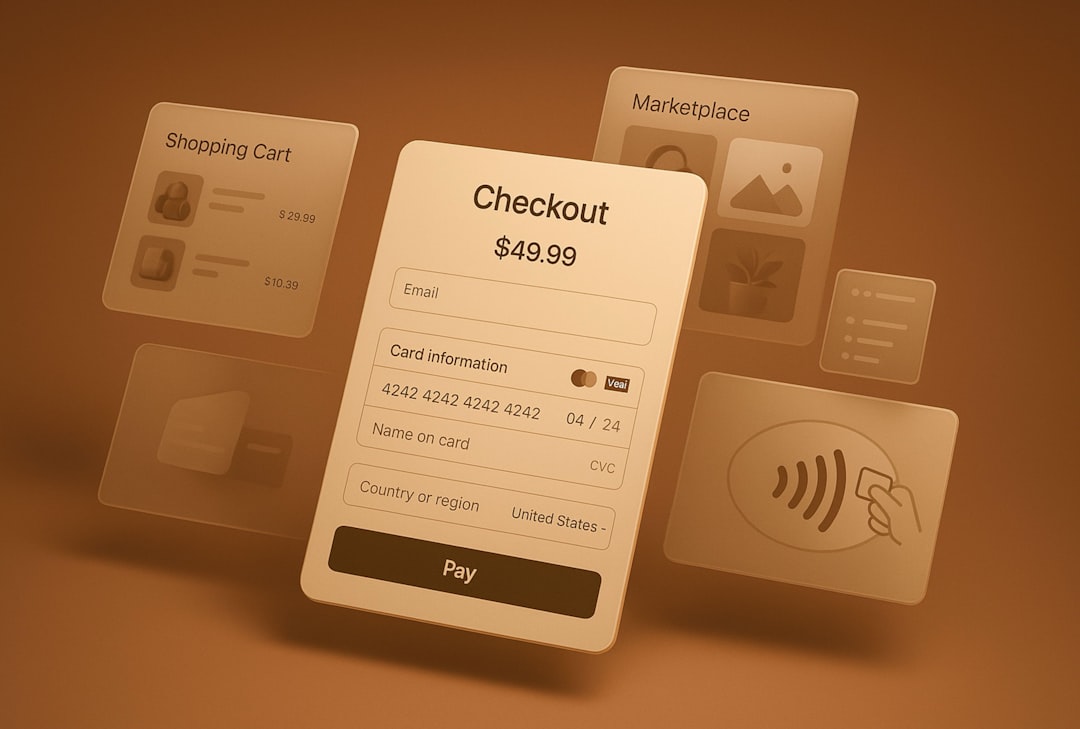
For product work, these are not small details. They are the backbone of the process. A checkout flow, dashboard, onboarding sequence, or mobile app cannot rely only on attractive AI visuals. It needs consistency, accessibility checks, layout logic, and repeatable patterns.
That is where Figma earns its place. It helps teams move from idea to approved interface with fewer gaps between design and engineering.
Where AI changes the workflow
AI does not replace design judgment. It changes where time is spent. In old workflows, teams spent long hours collecting references, creating mood boards, editing stock images, and preparing first-round visuals. AI tools can compress that work.
Weavy.ai is useful when the output can be exploratory. Need a luxury skincare ad concept? A gaming app promo? A set of visual directions for a pitch deck? AI can produce useful starting points fast.
Figma’s AI features are more useful inside existing design work. They can help with layout ideas, content suggestions, naming, search, or repetitive tasks. But Figma’s core strength is still not pure generation. Its strength is turning design into a shared product artifact.
The catch is that teams often expect one tool to do everything. That usually causes friction. Weavy.ai may not give a product team the same control over tokens, components, and responsive interface states. Figma may not feel fast enough when a marketer needs 40 rough visual concepts before lunch.
Weavy.ai vs Figma: practical comparison
| Category | Weavy.ai | Figma |
|---|---|---|
| Best use | AI visual creation and concept testing | UI design, prototyping, and team review |
| Ideal users | Marketers, creators, agencies, brand teams | Product designers, UX teams, developers |
| Speed | Fast for idea generation | Fast for structured design once systems exist |
| Control | Good for direction and variation | Strong for precision, layout, and consistency |
| Output | Visual assets and creative directions | Design files, prototypes, specs, components |
When Weavy.ai is the better choice
Pick Weavy.ai when your main challenge is producing more visual options. This is common in campaign planning, paid ads, pitch work, social content, and brand exploration.
Use Weavy.ai if you need to:
- Create many campaign concepts quickly.
- Test different art directions before committing.
- Generate visual references for clients or internal teams.
- Reduce time spent searching for stock images.
- Build early creative options without waiting for a full design pass.
Imagine an agency preparing three campaign routes for a fitness brand. In Figma, the team may spend hours building layouts before the core visual idea is even approved. With Weavy.ai, they can first generate several visual territories: premium studio, outdoor endurance, home workout, and performance tech. Once a direction wins, the team can refine it elsewhere.

When Figma is the better choice
Pick Figma when the output must become a real product experience. Figma is the safer choice for apps, SaaS dashboards, websites, design systems, landing pages, and user flows.
Use Figma if you need to:
- Build screens that developers will implement.
- Maintain a shared design system.
- Create prototypes for user testing.
- Collect comments from product and engineering teams.
- Track changes across complex projects.
Honestly, it feels like a waste to force AI image tools into jobs that require strict interface logic. A pricing page needs hierarchy, responsive behavior, button states, and careful spacing. A banking app needs trust, clarity, and compliance reviewing. Figma is built for that type of control.
The best workflow may use both
The strongest setup is not always Weavy.ai or Figma. For many teams, it is Weavy.ai then Figma.
A practical workflow could look like this:
- Use Weavy.ai to generate mood directions, hero visuals, ad concepts, or illustration styles.
- Select the strongest options with a creative lead or stakeholder.
- Move approved assets into Figma for layout, UI structure, and review.
- Build variants in Figma for desktop, mobile, and campaign sizes.
- Hand off final designs to developers, media buyers, or content teams.
This hybrid workflow respects what each tool does well. Weavy.ai accelerates exploration. Figma organizes execution.
Key risks to consider
AI-generated design work still needs human review. Brand fit, copyright risk, originality, accessibility, and usability cannot be ignored. A generated image may look polished but still miss the brief. A layout may look modern but fail basic reading order or contrast checks.
Teams should also define approval rules. Who checks assets before publishing? Who verifies brand consistency? Who decides when an AI concept is ready for production? Without those rules, AI speed can create more cleanup work later.
Expect to waste time if nobody owns the final decision. AI can create endless options. That sounds helpful until a team spends two days comparing tiny variations that do not affect results. Set limits. For example, generate 20 options, shortlist five, test three, approve one.
Final recommendation
Use Weavy.ai for AI-powered creative exploration and visual asset generation. Use Figma for structured product design, prototyping, collaboration, and handoff. They solve different problems, even when both sit inside a modern design process.
If your team works on ads, brand campaigns, content, or early visual concepts, Weavy.ai can save real time. If your team ships software, manages design systems, or works closely with developers, Figma remains the stronger foundation. For many serious teams, the best answer is simple: start ideas in Weavy.ai, then finish and systemize them in Figma.