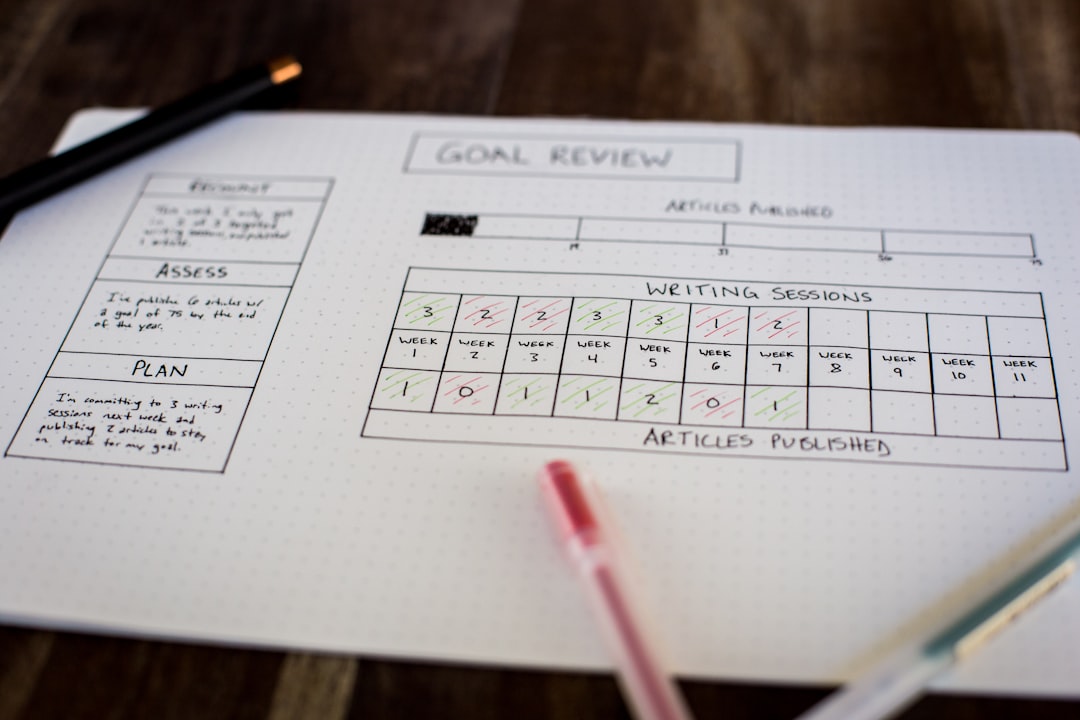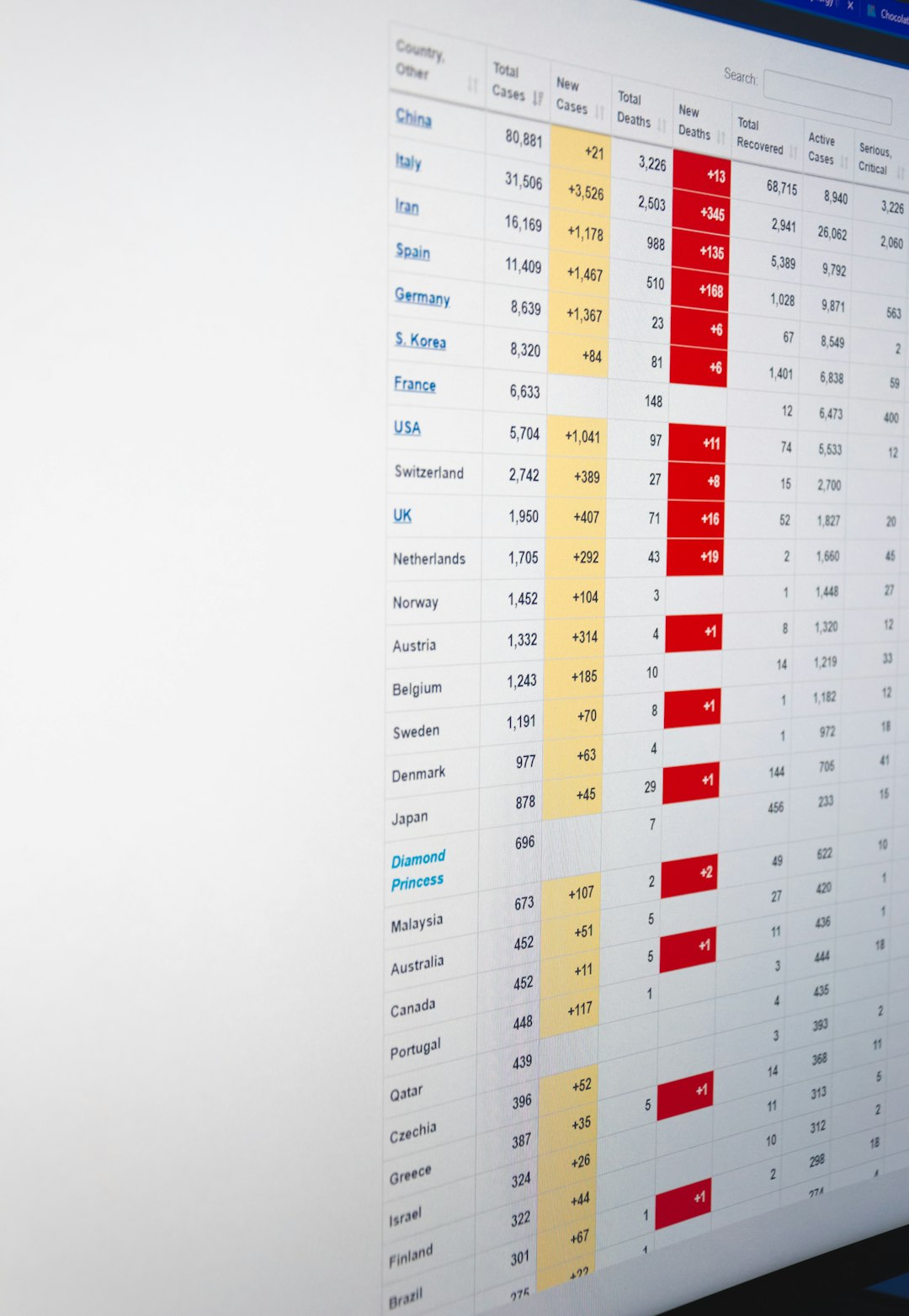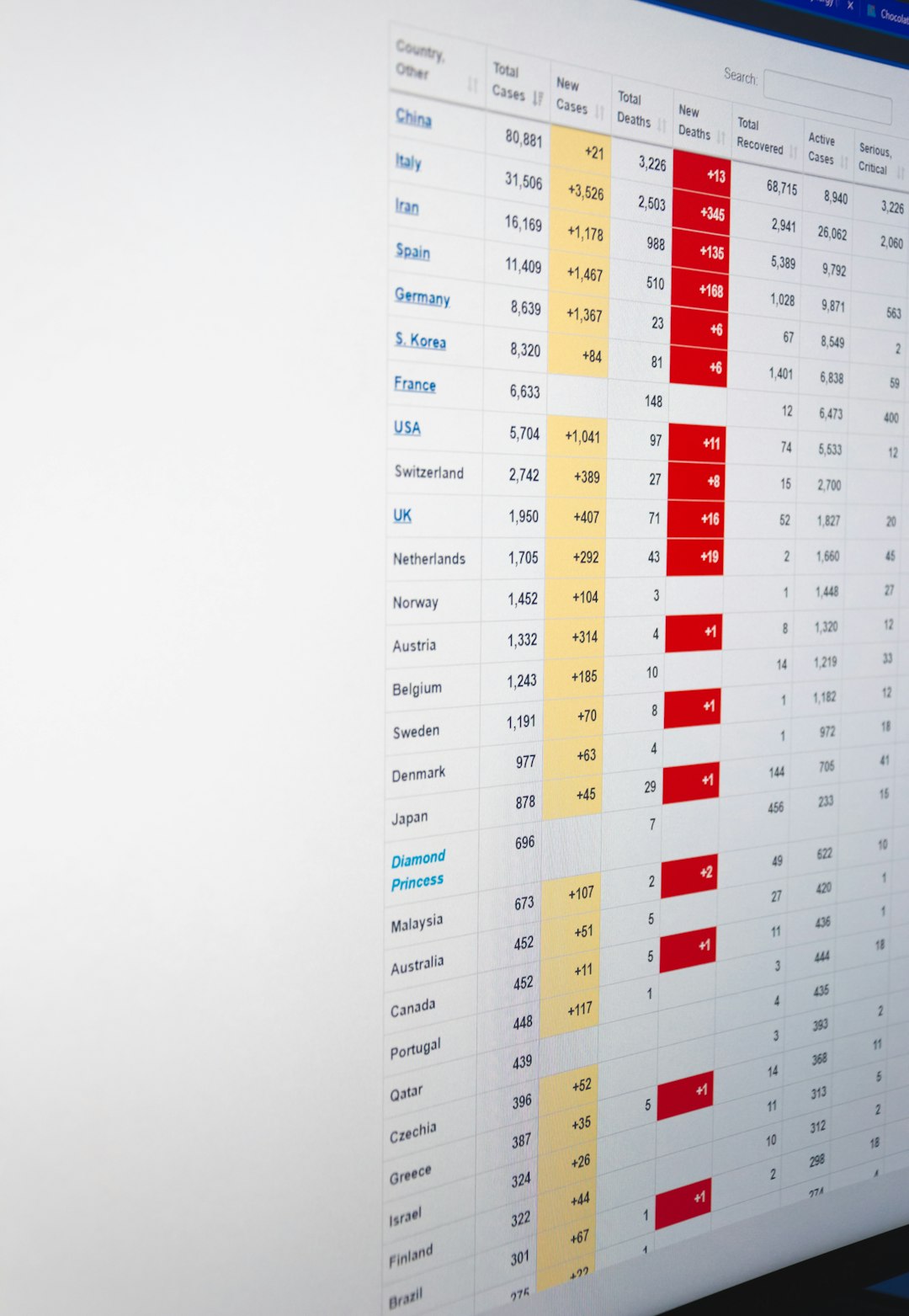
Rows and columns are the basic structure behind spreadsheets, tables, and many databases. Whether a person is tracking monthly expenses in Excel, planning content in Google Sheets, or storing customer records in a database, rows and columns organize information so it can be read, compared, filtered, and analyzed.
TLDR: A row runs horizontally, while a column runs vertically. In a spreadsheet, a row might represent one customer, and columns might store that customer’s name, email, purchase date, and total spent. For example, a small sales team with 500 customer records could use rows for each customer and columns for key details, helping them filter buyers who spent over $100 or identify repeat customers faster. In databases, the same idea applies, but with stricter rules and stronger tools for managing large amounts of data.
What Are Rows and Columns?
A row is a horizontal line of data. It moves from left to right across a table or spreadsheet. A column is a vertical line of data. It moves from top to bottom.
In a simple contact list, each row usually represents one complete record. For example, one row may contain all details about a single person. Each column represents one type of information, such as First Name, Last Name, Email, or Phone Number.
- Rows: Horizontal records, often representing individual items or entries.
- Columns: Vertical fields, often representing categories or attributes.
- Cells: The individual boxes where a row and column meet.
For instance, the cell where column B and row 3 meet is called B3 in Excel and Google Sheets. That cell may contain a name, number, date, formula, or text value.
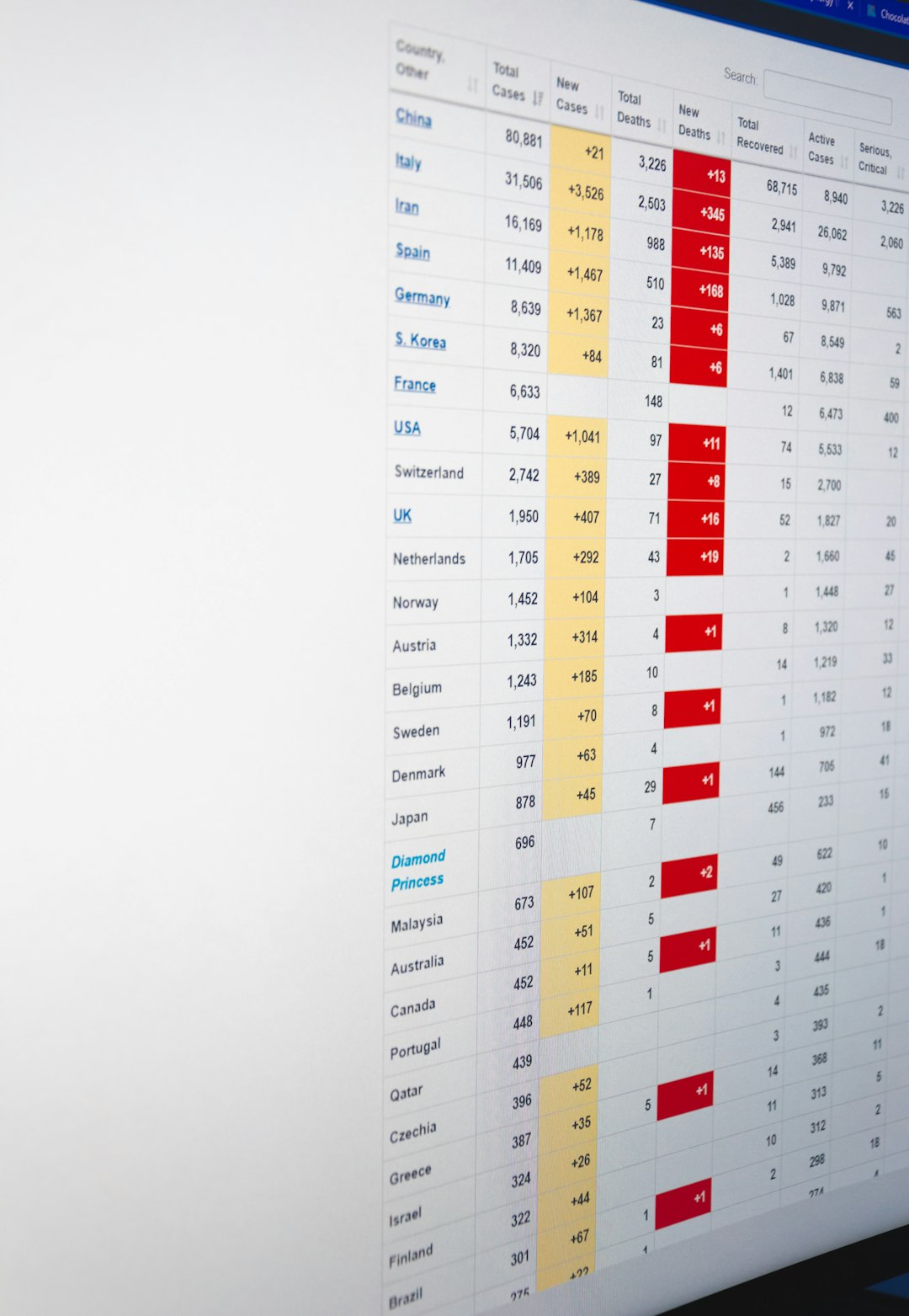
Rows and Columns in Excel
In Microsoft Excel, columns are labeled with letters across the top of the worksheet, starting with A, B, C, and so on. Rows are labeled with numbers down the left side, starting with 1, 2, 3, and continuing downward.
Excel is commonly used for finance, reporting, inventory, project planning, and data analysis. A business might use an Excel worksheet where each row represents one sale and each column contains details about that sale.
For example:
- Column A: Order ID
- Column B: Customer Name
- Column C: Product
- Column D: Quantity
- Column E: Sale Amount
If row 12 contains an order for a laptop purchased by a customer named Maria, then the full details of that order appear across row 12. The value in cell E12 might show the sale amount, such as $899.
Excel also allows users to sort rows, filter columns, freeze headings, and use formulas. For example, a manager could calculate the total sales value in column E by using a formula such as =SUM(E2:E500). This makes rows and columns more than a simple layout; they become a framework for analysis.
Rows and Columns in Google Sheets
Google Sheets uses the same basic row and column structure as Excel. Columns are labeled with letters, rows are labeled with numbers, and each cell is identified by its column letter and row number.
The major difference is that Google Sheets is cloud based and designed for collaboration. Several team members can edit the same sheet at the same time. A marketing team, for example, might use rows for individual campaign tasks and columns for task owner, deadline, status, budget, and performance result.
A sample setup could look like this:
- Row 2: Email newsletter campaign
- Column A: Task Name
- Column B: Owner
- Column C: Due Date
- Column D: Status
- Column E: Conversion Rate
If the campaign has a 4.8% conversion rate, that figure might appear in column E on the same row as the campaign name. Because Google Sheets updates in real time, a project manager can review the latest progress without emailing files back and forth.
In practical use, rows often answer “which item is this?” while columns answer “what detail is being stored?”
Rows and Columns in a Database
Databases also use rows and columns, though the terminology can vary slightly. In a relational database, a table is made of rows and columns. A row is often called a record, and a column is often called a field.
For example, a database table named Customers might include the following columns:
- CustomerID
- FirstName
- LastName
- City
- DateJoined
Each row in that table represents one customer. If the database contains 20,000 customers, it has 20,000 rows in the Customers table. The columns stay consistent, so every customer record follows the same structure.
This consistency is one reason databases are powerful. A database can require that CustomerID always be unique, that Email follow a valid format, or that DateJoined contain a date rather than random text. Spreadsheets can also validate data, but databases are usually better for large, structured, and secure systems.
How a Spreadsheet Table Compares to a Database Table
Spreadsheets and databases look similar at first because both use rows and columns. However, they are designed for different levels of complexity.
- Excel and Google Sheets are ideal for flexible analysis, quick calculations, charts, and smaller team workflows.
- Databases are ideal for applications, websites, inventory platforms, customer systems, and large structured datasets.
- Spreadsheets allow free-form editing, which is useful but can create inconsistencies.
- Databases enforce rules, relationships, and data types more strictly.
For example, a small store might start with a Google Sheet containing 1,000 product rows. As the business grows to 100,000 products with online orders, supplier records, and warehouse tracking, a relational database becomes more reliable.

Common Mistakes with Rows and Columns
One common mistake is placing categories in rows when they should be columns. For example, a sales report should usually have columns such as Date, Salesperson, Region, and Revenue, with each sale on its own row. This format makes filtering and analysis easier.
Another mistake is merging cells inside a data table. While merged cells may look attractive, they can break sorting, filtering, formulas, and imports into databases. A clean table usually has one header row, consistent column names, and one record per row.
It is also important not to mix different data types in the same column. A column for dates should contain dates, not notes. A column for prices should contain numbers, not text such as “about fifty dollars”.
Best Practices for Using Rows and Columns
- Use clear column headers: Names like Order Date and Total Amount are easier to understand than vague labels.
- Keep one record per row: Each row should describe one customer, order, task, product, or event.
- Avoid blank rows inside tables: Blank rows can interrupt filters, formulas, and imports.
- Use consistent formats: Dates, currencies, percentages, and names should follow the same style.
- Freeze header rows: This keeps column names visible while scrolling through large data sets.
- Plan before adding data: A well-designed table saves time later when sorting, reporting, or migrating to a database.
Why Rows and Columns Matter
Rows and columns matter because they turn scattered information into structured data. Once information is structured, it can be searched, counted, summarized, visualized, and connected to other systems.
A school may use rows for students and columns for grade level, attendance, guardian contact, and test scores. A clinic may use rows for appointments and columns for patient name, appointment time, provider, and visit reason. A website may use database rows for user accounts and columns for usernames, passwords, roles, and creation dates.
In every case, the idea remains the same: rows hold individual records, and columns define the details of those records. Understanding this relationship helps users build better spreadsheets, cleaner reports, and more reliable databases.
FAQ
What is the difference between a row and a column?
A row runs horizontally from left to right, while a column runs vertically from top to bottom. Rows usually represent records, and columns usually represent categories or fields.
What is a cell in Excel or Google Sheets?
A cell is the box where a row and column intersect. For example, cell C5 is located in column C and row 5.
Are rows and records the same thing?
In many database contexts, yes. A row is often called a record because it contains one complete entry, such as one customer, product, or order.
Are columns and fields the same thing?
In databases, a column is often called a field. It defines a specific type of information, such as email address, price, or date created.
Should data be stored in rows or columns?
Each individual item should usually be stored in a row, while its attributes should be stored in columns. This structure makes sorting, filtering, formulas, and database imports much easier.