The best Audacity alternative for most people is Reaper, because it is cheap, fast, and great for multitrack recording. Audacity is still a lovely free tool, and it runs on Windows, macOS, and Linux [source: Audacity]. But once you start editing podcasts with guests, music beds, ads, and noise cleanup, it can feel a bit stiff. You may want something smoother.
TLDR: Pick Reaper if you want power without a big bill. Pick Adobe Audition if noise reduction is your daily headache. Pick Descript if you want to edit a podcast like a Google Doc. For example, a 30-minute interview with two speakers, five filler words per minute, and three noisy sections will usually be faster to clean in Descript or Audition than in Audacity.

1. Reaper
Best for: multitrack recording, bands, podcasts, voice work.
Reaper is tiny, quick, and almost weirdly powerful. It opens fast. It handles lots of tracks without acting dramatic. You can record a podcast, mix music, cut breaths, add effects, and export clean audio.
The catch is that it looks plain at first. Not ugly. Just very “spreadsheet meets recording studio.” Still, once you set it up, it flies. Reaper has a generous 60-day trial [source: Reaper].
- Pros: low cost, very stable, great routing.
- Cons: takes time to learn.
- Good fit: creators who want control.
2. Adobe Audition
Best for: noise reduction and polished podcast audio.
Audition is a cleanup machine. Hiss? Hum? Mouth clicks? Weird fridge buzz? It can help. Its spectral view is also brilliant. You can see bad sounds and remove them like tiny audio stains.
It drives me crazy that it comes through a subscription. That adds up. But if you edit shows every week, the tools are strong. Audition is especially good for voice cleanup, loudness matching, and batch processing.
- Pros: excellent repair tools, pro podcast workflow.
- Cons: monthly cost.
- Good fit: agencies, editors, serious podcasters.
3. Descript
Best for: podcast editing without timeline panic.
Descript is different. You edit audio by editing text. Delete a sentence in the transcript, and the audio is cut too. It feels like magic the first time. Then you start wondering why more tools do not work this way.
It also has handy voice cleanup. Its “Studio Sound” style processing can make rough speech sound cleaner. Do not overdo it, though. Too much can make a voice sound shiny and fake.
- Pros: fast edits, great for interviews, easy transcripts.
- Cons: internet features matter a lot.
- Good fit: solo podcasters and interview shows.
4. DaVinci Resolve Fairlight
Best for: video podcasters and YouTube creators.
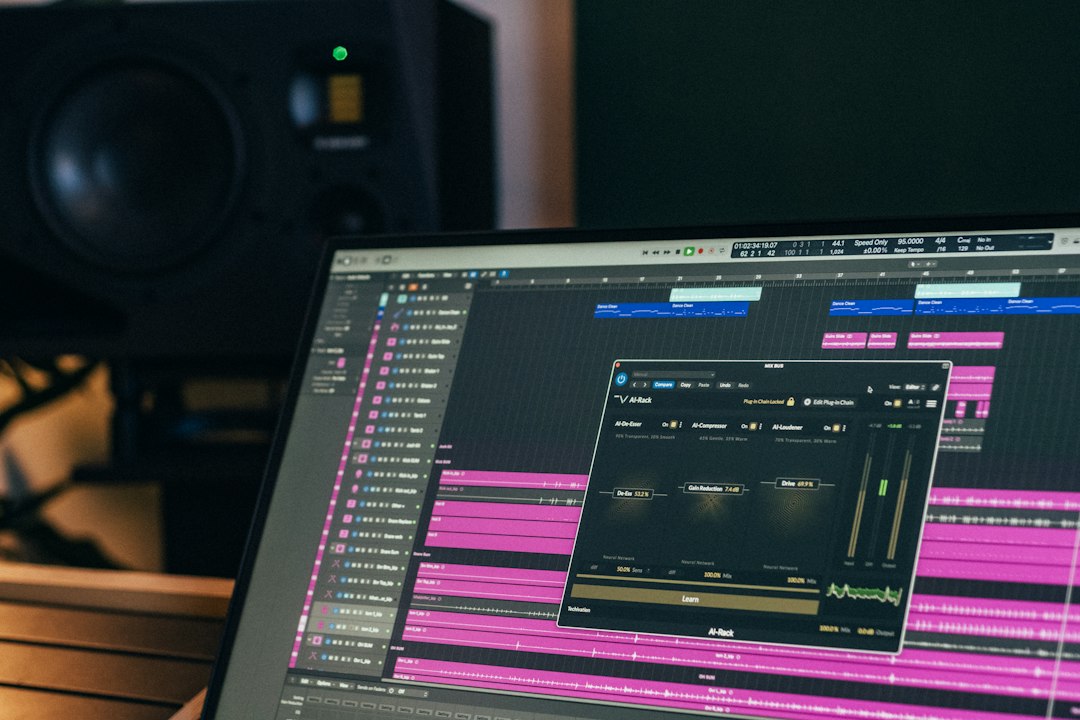
DaVinci Resolve is known for video. But inside it sits Fairlight, a serious audio workspace. If your podcast also goes on YouTube, this is a smart pick. You can edit video, mix voices, add music, and fix levels in one app.
The free version is very capable. The downside? It is a big program. Opening it just to trim a quick voice note feels like using a forklift to move a sandwich.
- Pros: strong free version, audio and video together.
- Cons: heavier than simple audio apps.
- Good fit: video podcasts, courses, live show clips.
5. GarageBand
Best for: Mac users who want free and easy.
GarageBand is friendly. It is already on many Macs. You can record vocals, stack tracks, add music loops, and export a decent podcast. It is not scary. That matters.
Noise cleanup is basic. You get tools like noise gate, EQ, and compression. They help, but they will not rescue a recording made beside a leaf blower. Still, for beginners, GarageBand is a cozy start.
- Pros: free on Mac, simple, fun loops.
- Cons: limited repair tools.
- Good fit: first podcasts, simple voice shows.
6. Logic Pro
Best for: Mac creators who want to grow.
Logic Pro is like GarageBand after drinking three espressos and reading a studio manual. It has serious mixing tools, great effects, strong MIDI features, and smooth multitrack recording.
For podcasts, Logic can feel like too much at first. But if you also make music, jingles, or sound design, it is a great long-term tool. You can build intros, mix voices, and export polished episodes from one place.
- Pros: powerful, great sound tools, one-time purchase.
- Cons: Mac only.
- Good fit: musicians, podcast producers, audio nerds.
7. Hindenburg Pro
Best for: storytellers, radio-style shows, and clean speech edits.
Hindenburg Pro is made for spoken-word audio. That is its charm. It is not trying to be a giant music studio. It wants to help you make interviews, radio stories, and podcasts sound clear.
It can auto-level voices, organize clips, and keep speech editing simple. If Audacity feels too manual, Hindenburg feels calmer. Honestly, it feels like someone built it after editing 500 interviews and getting tired of tiny annoying steps.
- Pros: speech-focused, clean workflow, good leveling.
- Cons: less suited for heavy music production.
- Good fit: narrative podcasts and interview shows.
Quick buying guide
- Need the best value? Choose Reaper.
- Need top noise repair? Choose Adobe Audition.
- Need easy podcast editing? Choose Descript.
- Need video and audio together? Choose DaVinci Resolve.
- Need free on Mac? Choose GarageBand.
- Need pro Mac audio? Choose Logic Pro.
- Need radio-style speech tools? Choose Hindenburg Pro.
Final pick? Start with Reaper if you want one tool that can handle almost anything. Try Descript if cutting audio makes you grumpy. Use Audition when bad noise keeps ruining good takes. Audacity is still useful, but these seven tools can make bigger projects feel much less painful.