
Most people take about 2,000 steps to walk one mile, but your real number may be closer to 1,700 or 2,500. Height, stride length, speed, hills, phone placement, and whether GPS is on all change the result. A common estimate is 2,000 steps per mile, or about 5,280 feet split into average steps [source: Healthline].
TLDR: If you want a quick answer, use 2,000 steps = 1 mile. If you are shorter, you may need around 2,300 steps. If you are taller, you may need around 1,800 steps. Example: Maya walks 6,000 steps after lunch; Google Fit says 2.8 miles, while Apple Health says 3.1 miles, which is only about a 10% gap, but still annoying when you are trying to beat yesterday.
Why steps per mile are not the same for everyone
A mile is always a mile. That part is easy.
Steps are the messy bit.
Your phone is trying to guess how far you moved based on movement, sensors, and sometimes GPS. Your legs do not come with a neat factory label. So Google Fit and Apple Health have to make smart guesses.
Here is the simple math:
- 1 mile = 5,280 feet
- If your step is 2.5 feet, you take about 2,112 steps per mile
- If your step is 2.1 feet, you take about 2,514 steps per mile
- If your step is 3 feet, you take about 1,760 steps per mile
That is why two friends can walk the same path and get different step counts. Nobody is cheating. Probably.
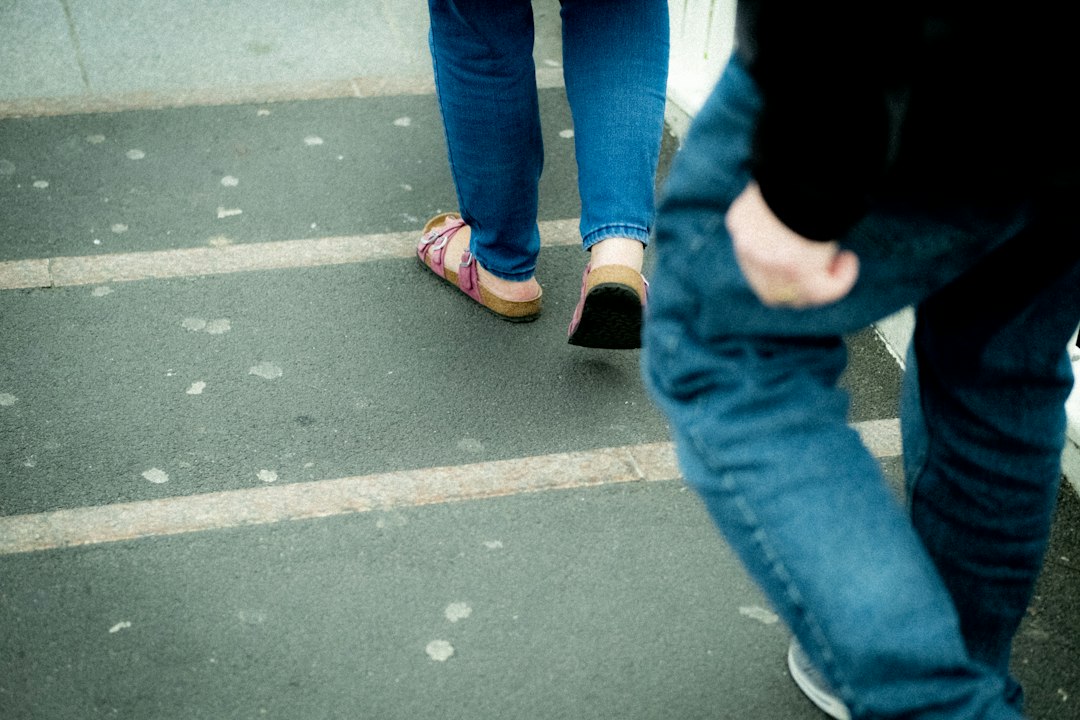
Quick steps per mile chart
Use this as a friendly estimate. It will not be perfect. It will be close enough for normal walking goals.
| Person or pace | Estimated steps per mile |
|---|---|
| Shorter adult | 2,300 to 2,600 |
| Average adult | 1,900 to 2,200 |
| Taller adult | 1,600 to 1,900 |
| Slow stroll | 2,200 to 2,700 |
| Fast walk | 1,700 to 2,100 |
Fast walking usually means longer steps. Slow walking often means shorter steps. Tiny dog stopping every twelve feet? All bets are off.
How Google Fit estimates walking distance
Google Fit works on Android phones and some smartwatches. It uses phone sensors to detect movement. These sensors notice bouncing, rhythm, and direction changes.
If you start a walking workout with location enabled, Google Fit can also use GPS. That usually improves distance. It is much better for outdoor walks than indoor ones.
But it can still be weird.
The catch is that Google Fit may count steps while your phone is in a loose coat pocket. It may miss steps if your phone is in a backpack. It might also smooth your route if tall buildings block GPS. So your beautiful zigzag walk to get coffee may become a boring straight line.
Best for:
- Android users
- Simple step goals
- Outdoor walks with GPS on
- People who use many fitness apps
Small annoyance: Expect to waste time checking permissions if distance looks wrong. Location, activity tracking, battery saver, and app background settings can all mess with it. Fun? Not really.
How Apple Health estimates walking distance
Apple Health collects movement data from your iPhone, Apple Watch, and connected apps. If you use an Apple Watch, the system gets better data from your wrist. It can learn from your walking patterns over time.
Apple Health can show:
- Steps
- Walking distance
- Flights climbed
- Walking speed
- Step length
- Walking steadiness
That last stuff is pretty neat. It can feel like your phone is judging your walk. But in a useful way.
Apple Watch workouts use GPS outdoors when available. The watch can also calibrate your stride. That helps when GPS is weak or when you walk indoors.
Best for:
- iPhone users
- Apple Watch users
- People who care about walking trends
- Indoor and outdoor tracking
Honestly, it feels like Apple Health hides some of the useful details too deep. You may need five taps just to find a number that should be on the first screen. Why make steps play hide and seek?
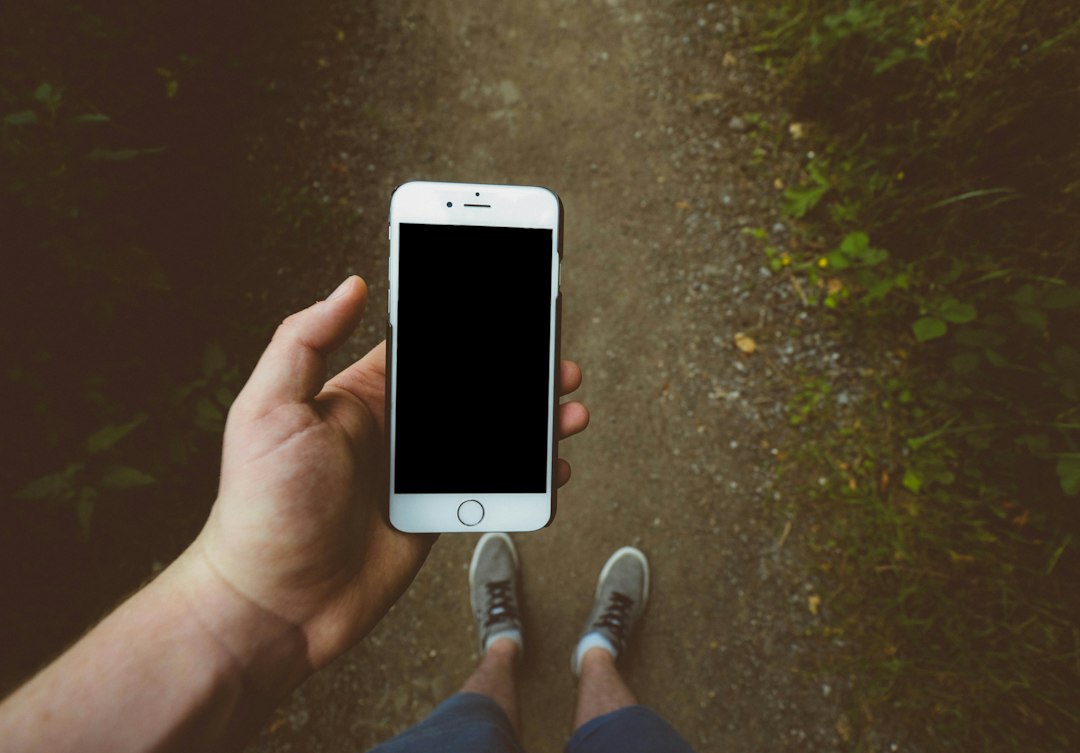
Google Fit vs Apple Health: which is more accurate?
For casual walking, both are good enough. If your goal is “move more,” either one works.
If you want cleaner distance data, use GPS. If you want better step data, keep your phone on your body. A front pocket is usually better than a bag.
Here is the short version:
- Google Fit is simple and flexible.
- Apple Health is stronger if you use an Apple Watch.
- GPS workouts beat passive tracking for distance.
- Step counts can differ by 5% to 15% between apps.
- Indoor walks are harder for both apps.
Say you walk a real one-mile loop. Google Fit might show 0.94 miles. Apple Health might show 1.03 miles. That does not mean one app is broken. It means each app guessed using different data.
Why your walking distance looks wrong
Little things can cause big errors.
- Your phone is in a bag. The sensors feel less movement.
- You push a stroller. Your wrist moves less.
- You walk indoors. GPS cannot help much.
- You stop often. Apps may pause or smooth movement.
- You have short steps. The app may assume longer ones.
- Battery saver is on. Tracking may be weaker.
Stroller walks are the classic villain. Your feet are working. Your watch hand is calm. The app thinks you became half statue.
How to get a better mile estimate
You can improve both apps with a simple test.
- Find a track, measured path, or mapped one-mile route.
- Walk the full mile at your normal pace.
- Check your step count.
- Write it down.
- Repeat it two or three times.
- Use the average as your personal steps-per-mile number.
If your three walks are 2,120, 2,180, and 2,150 steps, your average is about 2,150 steps per mile. That is your magic number. Much better than a generic guess.
Then you can estimate distance like this:
- Steps ÷ your steps per mile = miles
- Example: 8,600 steps ÷ 2,150 = 4 miles
Simple. No spreadsheet required. Unless you love spreadsheets. No judgment.
Image not found in postmetaWhich app should you trust?
Trust the app that matches your habits.
If you carry an Android phone everywhere, use Google Fit. If you wear an Apple Watch all day, use Apple Health. If you switch devices often, pick one main app and stick with it.
Consistency matters more than perfection. If your app is off by 8% every day, your trend is still useful. You can still see if you walked more this week than last week.
For serious distance, start a workout with GPS. For daily movement, steps are fine. For bragging rights with friends, agree on the same app first. Otherwise someone will claim victory because their phone has a more generous imagination.
The simple answer
A mile is about 2,000 steps for many adults. Your real number may be lower or higher. Google Fit and Apple Health both estimate walking distance well enough for daily goals, but each can be fooled by pockets, bags, strollers, indoor routes, and weak GPS.
If you want the best estimate, measure your own steps over one mile. It takes ten to twenty minutes. After that, your step goals make far more sense. And yes, your phone may still disagree. Your legs get the final vote.