A USB microphone paired with closed-back headphones and simple recording software is the best starting point for clean voice audio. For most creators, the sweet spot sits between $70 and $250. That range covers podcasts, online lessons, voiceovers, interviews, and basic music demos. Demand is real too: Edison Research reported that 47% of the U.S. population age 12+ listened to a podcast in the last month in 2024 [source: Edison Research].
TLDR: A beginner should start with a USB dynamic microphone, a boom arm, closed-back headphones, and Audacity or GarageBand. For example, a solo podcaster using a Samson Q2U can record a 30-minute episode, edit noise, and export it in under an hour after a short setup. Moving from a laptop mic to a proper close-talk mic can cut room noise by an estimated 30% to 50% in many untreated rooms. Teams recording guests online should add Riverside, SquadCast, or Zoom with local backup audio.
Best Microphones for Recording Audio
The best record microphone depends on the room, voice, budget, and final use. A quiet studio can handle a condenser mic. A bedroom with fans, traffic, or bare walls usually needs a dynamic microphone. Honestly, it feels like many first-time buyers blame software when the real problem is a sensitive mic sitting three feet away from the speaker.
- Samson Q2U: Best budget pick. It offers both USB and XLR, so it can grow with a setup.
- Audio-Technica ATR2100x-USB: Great for podcasts, narration, and remote calls. It has a clean voice tone and simple setup.
- Shure MV7: Best premium USB/XLR option. It works well for creators who want a polished broadcast sound.
- Rode NT-USB Mini: Good for desks, lessons, and streaming. It sounds clear, though it can hear more room noise.
- Blue Yeti: Popular and flexible, but not ideal in loud rooms. It often picks up keyboards, walls, and chair squeaks.
USB vs XLR: Which One Makes Sense?
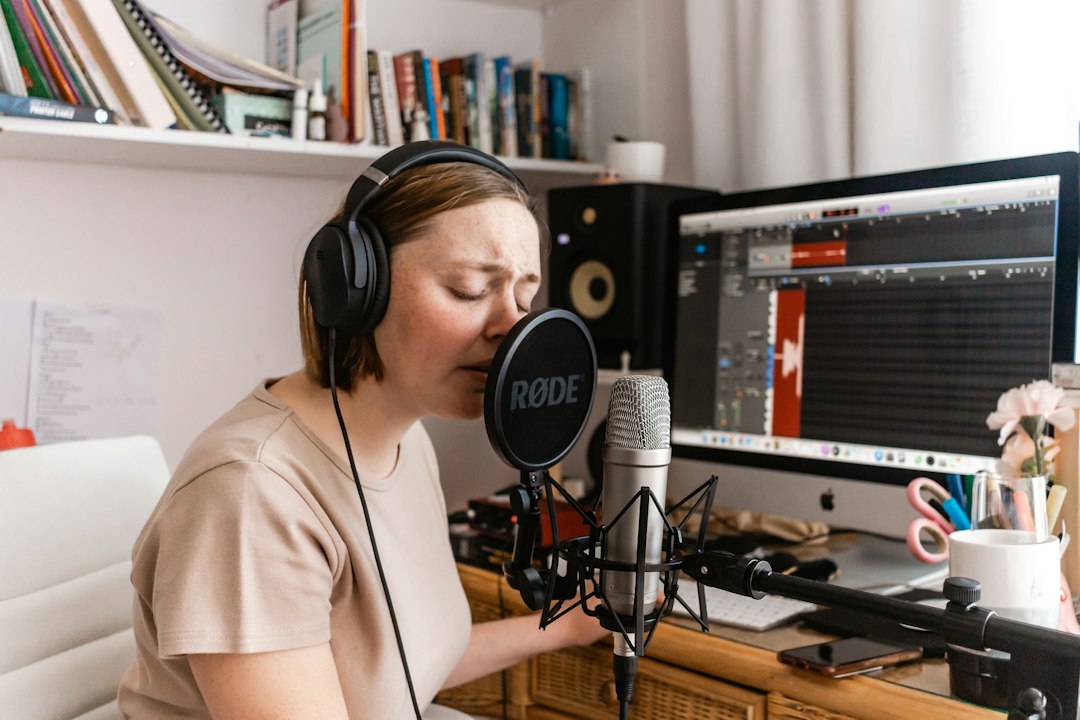
USB microphones plug straight into a computer. They suit beginners, remote workers, and solo creators. Setup takes minutes. No audio interface is needed.
XLR microphones need an audio interface or mixer. They cost more at first, but they offer better upgrade paths. Many studios use XLR because levels, gain, and routing are easier to control.
For a first setup, USB is usually the smarter buy. For a growing podcast, small studio, or music room, XLR is better long term. A hybrid mic such as the Samson Q2U or Shure MV7 gives both options, which saves money later.
Best Recording Software
Good audio software does not need to be fancy. It needs to record clearly, show waveforms, cut mistakes, reduce noise, and export common file formats. The catch is that some tools hide basic controls behind menus. That can turn a two-minute trim into a ten-minute hunt.
- Audacity: Best free editor for voice. It records, cuts, normalizes, and removes noise. The interface looks plain, but it works.
- GarageBand: Best free Mac option. It is friendly for voice and simple music projects.
- Reaper: Best low-cost professional option. It is powerful, light, and flexible. The setup can feel dry at first.
- Adobe Audition: Best for advanced cleanup. It handles noise reduction, restoration, and multitrack work well.
- Descript: Best for editing speech like text. It is useful for podcasts, clips, and fast revisions.
- OBS Studio: Best free tool for recording video with microphone audio. It suits tutorials, webinars, and streaming.
- Riverside: Best for remote interviews. It records local tracks, which helps if the internet drops.
Key Accessories That Improve Sound
A good microphone can still sound bad on a bare desk. Accessories matter. They reduce vibration, plosives, echo, and monitoring errors.
- Boom arm: Keeps the mic close to the mouth and away from keyboard noise.
- Pop filter or windscreen: Softens harsh “p” and “b” sounds.
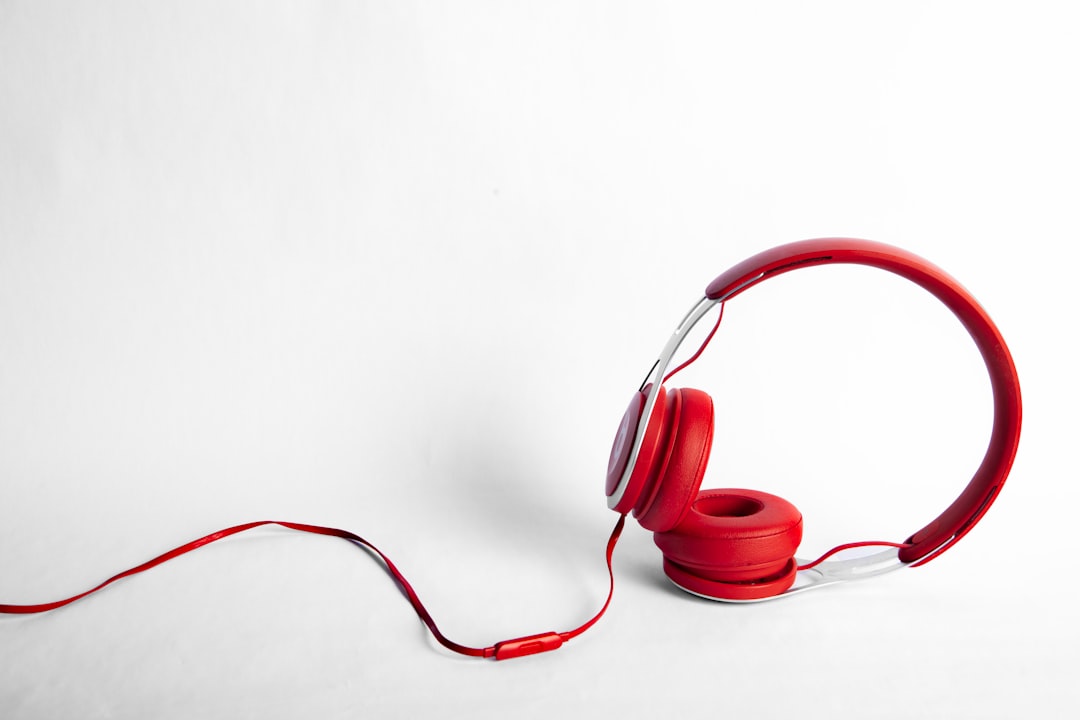
- Closed-back headphones: Prevent audio bleed into the microphone.
- Shock mount: Reduces bumps from desks and stands.
- Acoustic panels or thick curtains: Reduce echo in hard rooms.
- Audio interface: Needed for XLR mics. Focusrite Scarlett, Audient iD, and Universal Audio Volt are common picks.
Best Setup by Use Case
For podcasting: A Samson Q2U, boom arm, headphones, and Audacity can handle a single-person show. For two hosts in one room, two XLR mics and a two-input interface are cleaner.
For YouTube: A Shure MV7 or Rode NT-USB Mini works well on camera. OBS helps record screen, camera, and mic at the same time.
For online courses: Audio-Technica ATR2100x-USB is a safe pick. Clean speech matters more than dramatic tone. Students need clarity first.
For field interviews: DJI Mic 2, Rode Wireless GO II, or a small handheld recorder works better than a desk mic. These tools capture mobile audio without a full studio.
For music vocals: A condenser mic like the Audio-Technica AT2020 or Rode NT1 can sound detailed. The room must be quiet, though. If the room echoes, a dynamic mic may still win.
Simple Recording Settings
Most voice recordings should use 48 kHz and 24-bit when available. The speaker should stay 4 to 8 inches from the microphone. Levels should peak around -12 dB to -6 dB. Red clipping is bad. Once clipped, audio cannot be fully repaired.
The microphone should point toward the mouth, not the ceiling. The speaker should record a 10-second test before every session. It drives many editors crazy when a guest records a full hour with the wrong input selected. A quick test prevents that mess.
Quick Buying Guide
- Under $100: Samson Q2U or Fifine K688. Good for beginners and backup kits.
- $100 to $250: ATR2100x-USB, Rode NT-USB Mini, or Shure MV7 when discounted.
- $250 and up: Shure SM7B with an interface, Rode NT1, or a premium wireless kit.
A buyer should spend less on the microphone if the room is poor. A $99 mic with soft furnishings can beat a $400 mic in a bare kitchen. The room is part of the recording chain.
FAQ
What is the best microphone for beginners?
The Samson Q2U is one of the best beginner choices. It has USB and XLR, sounds good for speech, and handles noisy rooms better than many condenser mics.
Is a USB microphone good enough for podcasts?
Yes. Many podcasts can sound professional with a quality USB mic, close placement, and light editing. The recording room and mic technique matter more than the connector.
What software should a person use to record audio for free?
Audacity is the best free choice for Windows, Mac, and Linux. Mac users can also use GarageBand for clean voice and simple music work.
Why does a recording sound echoey?
Echo usually comes from hard walls, empty rooms, and distant mic placement. The fix is to move closer to the mic and add soft materials such as curtains, rugs, panels, or blankets.
Does an expensive microphone always sound better?
No. An expensive condenser mic can sound worse in a noisy room. A cheaper dynamic mic placed close to the mouth often gives cleaner results for speech.