Sprout Social is usually the better Twitter tracker for teams that need clean reporting, fast triage, and reliable mention history, while Hootsuite is stronger for users who want column-style monitoring across many X accounts at once. If your main goal is tracking brand mentions, replies, keywords, competitors, and support issues on X, pick Sprout for insight and workflow. Pick Hootsuite if you prefer live streams and want to watch several feeds side by side.
TLDR: Sprout Social is best for teams that need organized X mention tracking, inbox routing, sentiment-style analysis, and polished reports. Hootsuite is better for social managers who like real-time stream columns for accounts, hashtags, lists, and searches. For example, a five-person support team handling 1,200 X mentions per month may save several hours with Sprout’s shared inbox and tagging, while a solo marketer watching 10 competitor accounts may feel faster in Hootsuite. Expect Sprout to feel more like an analytics and engagement hub, and Hootsuite to feel more like a command center.
Why X Tracking Needs More Than Notifications
X moves quickly. A complaint can turn into a thread. A tagged post can become a sales lead. A competitor’s announcement can shift a campaign plan by lunch.
Native X notifications are fine for casual use. They are not enough for a brand. They miss context, bury older items, and make team handoffs messy. A proper Twitter tracker should help you answer five questions fast:
- Who mentioned us?
- Was it positive, negative, urgent, or spam?
- Has someone replied already?
- Is this mention part of a trend?
- Can we prove performance with numbers?
That is where Sprout Social and Hootsuite separate themselves. Both track X accounts and mentions. They just think about the job in different ways.

Sprout Social: Best for Organized Mention Tracking
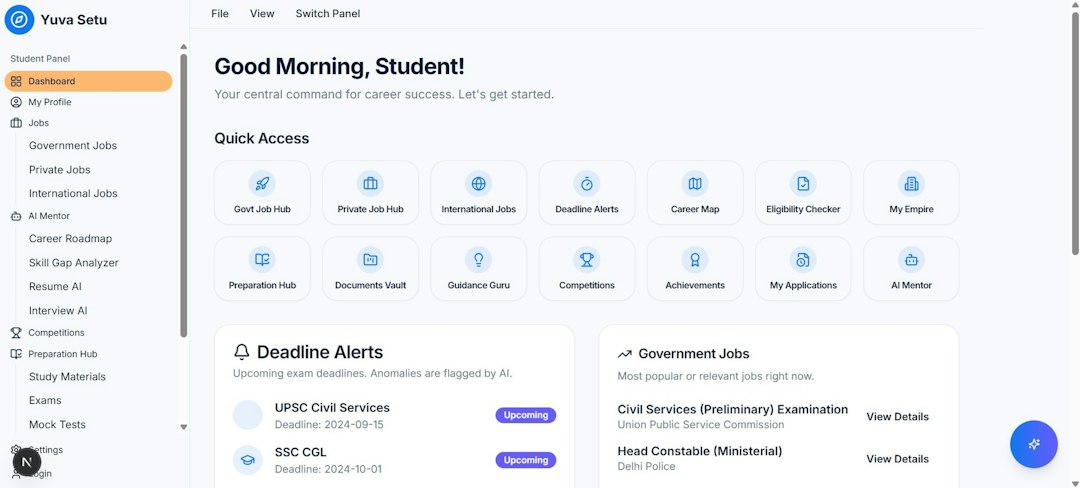
Sprout Social shines when you need order. Its Smart Inbox pulls messages, mentions, replies, and brand interactions into one shared space. That sounds simple. In practice, it is the feature that keeps teams from answering the same post twice.
You can filter X activity by profile, message type, keyword, tag, status, or assigned user. This makes it easier to split work between support, PR, community, and sales. A negative post can go to support. A press mention can go to comms. A buying signal can go to sales.
Sprout’s strength is not just finding mentions. It is turning them into a queue your team can actually manage.
What Sprout Does Well for X
- Unified inbox: Track mentions, messages, replies, and comments in one place.
- Team assignments: Send items to the right person and check status later.
- Tags and labels: Group mentions by topic, campaign, issue, product, or sentiment.
- Reporting: Build clean reports for response time, engagement, trends, and volume.
- Listening add-ons: Track wider brand terms, competitors, topics, and industry chatter.
Sprout is especially useful if your X account gets a steady flow of customer complaints, product questions, campaign reactions, or media mentions. It helps reduce messy handoffs. It also makes reporting less painful.
The catch is that Sprout can feel expensive if all you want is a basic tracker. Its best value shows up when multiple people need to work from the same inbox and produce reports for managers or clients.
Hootsuite: Best for Stream-Based Monitoring
Hootsuite takes a different path. Its classic strength is the stream view. You can set up columns for home feeds, mentions, searches, hashtags, lists, scheduled posts, and competitors. If you like seeing everything at once, Hootsuite feels natural.
This is useful for social managers who monitor multiple X accounts daily. You can keep a stream for your brand mentions, another for a campaign hashtag, another for a competitor search, and another for industry keywords. It feels like a newsroom screen.
Hootsuite is also good for publishing. If tracking and scheduling are tied together in your workday, the platform keeps those tasks close.
What Hootsuite Does Well for X
- Custom streams: Watch mentions, searches, lists, feeds, and hashtags side by side.
- Multi-account monitoring: Useful for agencies or brands with several X profiles.
- Quick engagement: Reply, repost, like, or assign from the dashboard.
- Scheduling tools: Plan X posts while monitoring account activity.
- App integrations: Connect extra tools depending on your plan and workflow.
Honestly, it feels like Hootsuite sometimes asks you to babysit columns. A busy setup can get crowded. You may need to tweak streams often so the dashboard does not turn into a wall of noise. For solo managers, that may be fine. For larger support teams, it can feel less tidy than Sprout’s inbox-first setup.
Image not found in postmetaTracking Mentions: Which Tool Finds the Signal Faster?
For direct mentions, both tools work well. If someone tags your X account, you should see it in either platform. The bigger difference appears when you need to sort, assign, and analyze those mentions.
Sprout Social is stronger for turning mentions into tasks. It lets teams tag posts, assign ownership, mark completion, and measure response metrics. That matters when every unanswered tweet feels risky.
Hootsuite is stronger for watching many streams at the same time. It helps you spot public conversation quickly, especially around hashtags, keywords, and competitor activity. It is less polished when you need structured case management.
If your boss asks, “How many negative X mentions did we get after launch?” Sprout will usually get you to a cleaner answer. If your boss asks, “What are people saying right now about this hashtag?” Hootsuite may feel quicker.
Analytics and Reporting
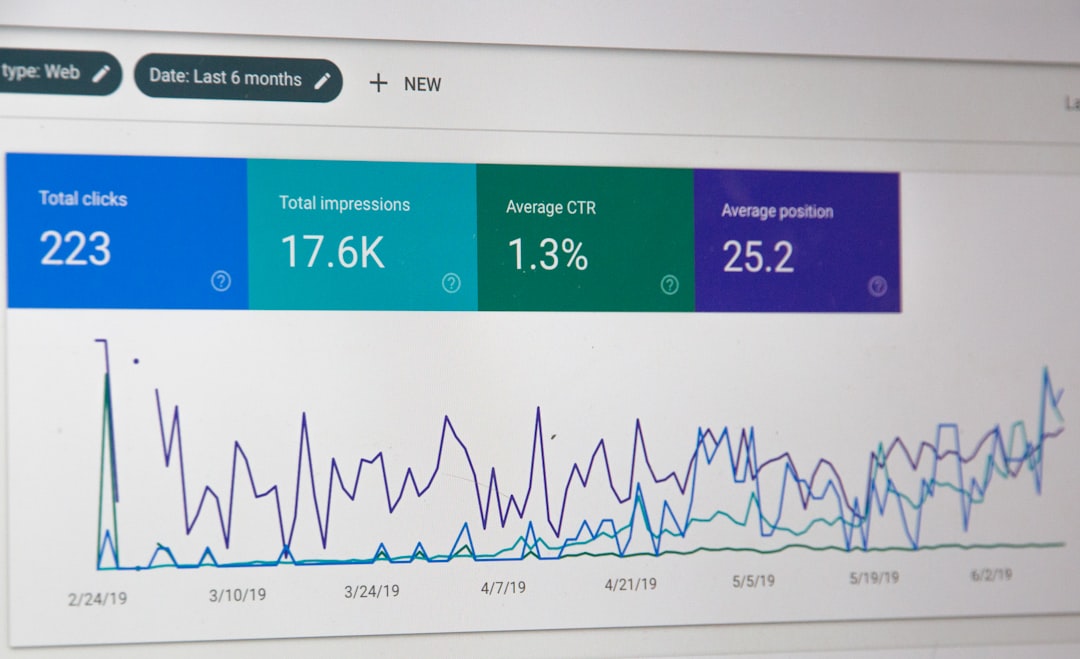
Sprout wins on reporting quality. Its dashboards are polished and easier to share. You can track response rate, average response time, engagement, audience growth, post performance, and message volume. Reports look boardroom-ready without much cleanup.
Hootsuite also has analytics, and they are useful. You can review post results, account growth, engagement, and campaign performance. The issue is presentation. Sprout often feels smoother when you need to explain results to non-social stakeholders.
For example, a brand tracking a product launch on X might want to compare week-one mention volume against the previous month. Sprout’s tagging and reporting can make that simpler. Hootsuite can show activity too, but you may spend more time shaping the view.
Team Workflow and Customer Support Use
If X is a support channel, Sprout has the edge. The Smart Inbox works like a lightweight service desk. You can assign items, add internal notes, use saved replies, and track who handled what.
Hootsuite offers assignments too, depending on plan, but its feel is more monitoring-first than support-first. That is not bad. It just fits a different job.
Use Sprout if your team says things like:
- “Who replied to this customer?”
- “Why did this complaint sit for six hours?”
- “How many product issues came through X this week?”
- “Can we tag every pricing objection?”
Use Hootsuite if your team says things like:
- “Show me every mention of this hashtag.”
- “I want to monitor five competitor accounts.”
- “Keep our X lists and searches visible all day.”
- “Let me publish and watch reactions from one screen.”
Pricing and Value
Both tools can become costly as users, profiles, and features increase. Sprout is often seen as the higher-cost option, especially for smaller teams. Its value makes more sense when reporting, approval flows, tagging, and team accountability matter.
Hootsuite can be more flexible for users who want publishing and monitoring in one place. It is attractive for agencies, consultants, and brands that manage several accounts. Still, advanced analytics and team features can raise the price fast.
Do not judge either platform only by the lowest plan. Check the features you actually need: X profiles, search streams, historical data, inbox features, reports, assignments, and listening tools.
Best Choice by Use Case
- Best for customer care on X: Sprout Social.
- Best for real-time stream monitoring: Hootsuite.
- Best for executive reports: Sprout Social.
- Best for solo social managers: Hootsuite, unless reporting is a major need.
- Best for agencies handling many client feeds: Hootsuite for visibility, Sprout for client-ready reporting.
- Best for tracking sentiment around launches: Sprout, especially with listening features.
Final Recommendation
Choose Sprout Social if X mentions carry business risk. That includes customer complaints, PR issues, sales opportunities, and executive reporting. It is built for teams that need control, accountability, and clean analytics.
Choose Hootsuite if you want a broad monitoring station. It is great for watching X accounts, hashtags, keywords, lists, and competitors in real time. It suits users who like streams and can tolerate some dashboard clutter.
The practical answer is simple. Sprout helps you manage conversations after they appear. Hootsuite helps you watch more conversations as they happen. The better Twitter tracker depends on whether your X work is more about organized response or live observation.