A network security key is the password that lets your device join a Wi-Fi network. On Windows, Microsoft says it is often called the Wi-Fi password or wireless network password [source: Microsoft]. That is the core idea. Same thing, fancier name.
TLDR: A network security key is usually your Wi-Fi password. For example, if your laptop asks for a network security key for “SmithFamilyWiFi,” type the same password you use to connect your phone. A WPA key is often that same password too, just tied to WPA security. Router credentials are different because they open the router settings page, not the Wi-Fi itself.
Yes, the names are annoying. Honestly, it feels like router makers held a meeting and asked, “How many ways can we name one password?” Then they printed all of them on tiny stickers under a dusty box.
So, what is a network security key?
A network security key is a code that protects a wireless network. You enter it when joining Wi-Fi.
It keeps random people out. It also encrypts your connection. That means your device and router can talk in a more private way.
Think of it like a house key.
- Your Wi-Fi name is the house address.
- Your network security key is the front door key.
- Your router admin password is the key to the control room.
That control room part matters. More on that soon.
Network security key vs Wi-Fi password
For most people, these are the same thing.
If your Windows laptop says, “Enter the network security key,” it means, “Type the Wi-Fi password.” Same job. Different wording.
You may see these labels:
- Network security key
- Wi-Fi password
- Wireless password
- Passphrase
- Pre-shared key
In a normal home setup, all of these often point to the same thing. Very silly. Very common.
Network security key vs WPA key
A WPA key is also usually your Wi-Fi password.
WPA stands for Wi-Fi Protected Access. It is a security method. You may see WPA2 or WPA3. WPA3 is newer and stronger than WPA2, according to the Wi-Fi Alliance [source: Wi-Fi Alliance].
Here is the simple version:
- WPA is the lock type.
- WPA key is the key used with that lock.
- Network security key is the broader name your device may show.
So if your router sticker says WPA Key: purpleTiger72, that is probably what you type when your phone asks for the network security key.
Network security key vs router credentials
This is where people get stuck. It drives me crazy that router stickers often put these codes near each other with tiny labels.
Router credentials are not your Wi-Fi password. They are used to log in to the router’s settings page.
That page is where you can change things like:
- The Wi-Fi name
- The Wi-Fi password
- Guest network settings
- Parental controls
- Firmware updates
Router credentials may look like this:
- Username: admin
- Password: admin123
- Login address: 192.168.1.1
Your network security key connects you to Wi-Fi. Your router admin password lets you change the router. Big difference.
Where to find your network security key
Start with the router. Many routers have a sticker on the bottom or back.
Look for labels like:
- Wi-Fi Password
- Wireless Key
- WPA Key
- Network Key
- Password
If someone changed it, the sticker may be wrong. That happens a lot.
You can also check a device that is already connected. On a phone or laptop, Wi-Fi settings may show the saved password. Some systems ask for your device PIN first. Fair enough. That is safer.
What makes a good network security key?
A good key is long. It should not be cute. It should not be your dog’s name plus “123.” Sorry, Buster.
Use this simple rule:
- Use at least 12 characters.
- Mix letters, numbers, and symbols.
- Avoid names and birthdays.
- Do not reuse your email password.
- Use WPA2 or WPA3.
A strong example is BlueMug!River48Cloud. It is long. It is easier to remember than random soup. It is much better than password123.
Common mistake: using the admin password by accident
Say your phone asks for the network security key. You type the router admin password. It fails. You try again. It fails again. Now you hate the router.
The fix is simple. Check the label. Find the part that says Wi-Fi, Wireless, or WPA. Do not use the part that says admin, login, or router password.
Image not found in postmeta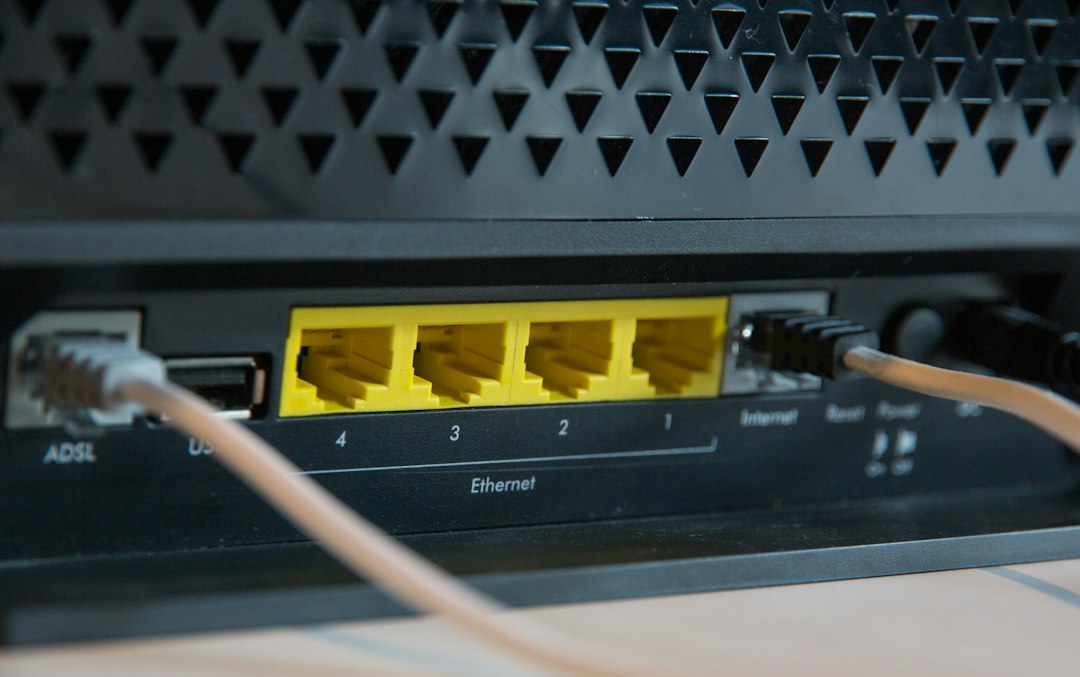
Quick cheat sheet
- Network security key: The code to join Wi-Fi.
- Wi-Fi password: Usually the same thing.
- WPA key: Usually the same password, named after the security type.
- Router credentials: Login details for router settings.
If a device asks for a network security key, try your normal Wi-Fi password first. If that fails, check the router sticker or the router app. If it still fails, someone may have changed it. Expect to waste five minutes hunting through settings. Routers love making simple things weird.