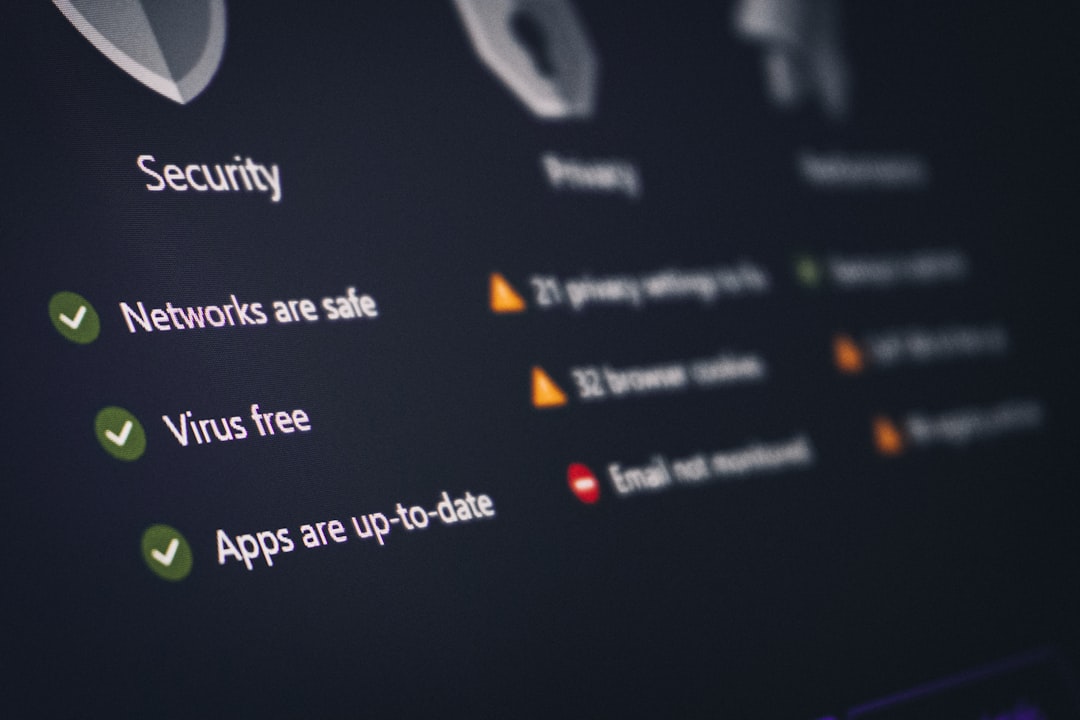
Imagine a giant wooden horse rolling up to a city gate. It looks like a gift. It seems harmless. But inside, soldiers are hiding. That old story is where the Trojan horse virus gets its name. In the computer world, a Trojan pretends to be something nice. Then it causes trouble once you let it in.
TLDR: A Trojan horse virus is malware that hides inside something that looks safe, like an app, email file, game, or download. It tricks you into installing it. Once inside your device, it can steal data, spy on you, damage files, or let hackers take control. The best defense is to be careful with downloads, links, and strange messages.
So, What Is a Trojan Horse Virus?
A Trojan horse virus, often just called a Trojan, is a type of malicious software. That means it is software made to do bad things.
But here is the sneaky part. A Trojan does not usually break in by itself. It waits for you to open the door.
It may look like a free game. Or a music file. Or a “must see” video. Or a fake update for your browser. You click it. You install it. You think everything is fine.
Then the digital gremlin wakes up.
A Trojan can steal passwords. It can copy files. It can watch what you type. It can open a secret back door for hackers. It can even help criminals control your computer from far away.
Not fun. Not cute. Not a gift.

Is a Trojan Really a Virus?
People often say “Trojan horse virus.” That phrase is common. But in strict tech talk, a Trojan is not always a true virus.
A real computer virus spreads by attaching itself to other files. It can copy itself and infect more files.
A Trojan is different. It usually needs you to install it. It depends on trickery. It is more like a fake pizza delivery person who says, “Hi, I brought snacks,” then steals your TV.
Still, most people use the word “virus” for all kinds of malware. So if someone says “Trojan virus,” you know what they mean.
How Does a Trojan Get on Your Device?
Trojans are masters of disguise. They hide in places that seem normal. Here are common ways they sneak in:
- Email attachments: A file arrives from someone you may know. It says “invoice” or “photos.” You open it. Oops.
- Fake downloads: A website offers free software, movies, games, or tools. The download includes malware.
- Fake updates: A pop up says your player, browser, or security tool is out of date. It is lying.
- Pirated software: Cracked apps and free paid programs are a favorite hiding place.
- Bad links: A text or message says you won a prize. You click. The trap begins.
- Infected websites: Some shady sites try to push dangerous files onto your device.
The main trick is simple. The Trojan looks useful. Or fun. Or urgent. It tries to make you act fast.
What Can a Trojan Do?
A Trojan can do many things. None of them are good. Different Trojans have different jobs.
Some are built to spy. Some are built to steal. Some are built to break stuff. Some are built to let a hacker move in like a terrible roommate.
Here are some common types:
- Backdoor Trojans: These open a secret door into your device. Hackers can then control it.
- Banking Trojans: These look for banking logins and credit card details.
- Spyware Trojans: These watch your activity. They may record keystrokes or capture screenshots.
- Downloader Trojans: These install even more malware after they get inside.
- Ransom Trojans: These can lock your files and demand money to unlock them.
- Remote Access Trojans: These let attackers use your device from far away.
Think of it like a toolbox for villains. One tool steals keys. One opens windows. One turns off alarms. Another makes a huge mess.

Signs You Might Have a Trojan
Trojans like to hide. But they can leave clues. Your device may start acting weird.
Look for signs like these:
- Your computer is suddenly very slow.
- Apps open or close on their own.
- You see strange pop ups.
- Your browser homepage changes.
- New programs appear that you did not install.
- Your battery drains faster than usual.
- Your fans run loudly for no clear reason.
- Your friends get odd messages from your account.
- You cannot open files.
- Your antivirus warns you about malware.
One strange thing does not always mean a Trojan. Computers can be dramatic for many reasons. But several signs together are a red flag.
Why Are Trojans So Dangerous?
Trojans are dangerous because they rely on trust. They trick people, not just machines.
You may have strong passwords. You may have a good computer. But if you install a fake app, the Trojan may slip right past the front door.
Also, Trojans can be quiet. They may sit in the background for days or weeks. They may collect data without making noise. That makes them hard to notice.
For businesses, Trojans can be even worse. They can steal customer data. They can shut down systems. They can cost a lot of money. They can damage trust.
For regular people, they can still be awful. They can steal photos, passwords, bank details, and personal messages. That is your digital life. You want to keep it safe.
How to Protect Yourself
Good news. You do not need to be a tech wizard. You just need smart habits.
- Download only from trusted sources. Use official app stores and known websites.
- Do not open random attachments. Even if they look boring. Especially if they look urgent.
- Be careful with links. Hover over links when possible. Check where they really go.
- Keep software updated. Updates fix security holes.
- Use antivirus software. Let it scan your device often.
- Turn on two factor authentication. This adds an extra lock to your accounts.
- Back up your files. If something bad happens, you can recover your data.
- Avoid pirated software. Free can become very expensive.
- Read permission requests. A flashlight app does not need your banking details.
Here is a simple rule. If something online feels too good, too scary, or too urgent, pause. Take a breath. Scammy stuff loves panic.
What to Do If You Think You Have a Trojan
Do not panic. Panic clicks buttons. Buttons can make things worse.
Start with these steps:
- Disconnect from the internet. This may stop the Trojan from sending data.
- Run a full antivirus scan. Use trusted security software.
- Remove suspicious programs. If you do not recognize it, research it first.
- Change your passwords. Do this from a clean device if possible.
- Check bank and email accounts. Look for strange activity.
- Update your system. Install the latest security patches.
- Restore from backup if needed. Use a backup made before the infection.
If the problem is serious, ask a professional for help. That is not embarrassing. Even smart people get tricked. Trojans are made to fool humans.
Final Thoughts
A Trojan horse virus is a digital trickster. It smiles at the door. It pretends to be a gift. Then it sneaks inside and causes trouble.
But you can beat it. Be careful with downloads. Question weird emails. Keep your software updated. Use security tools. Back up your files.
Most of all, remember this: your click is powerful. Treat it like a key. Do not hand it to a wooden horse with Wi-Fi.