For retro gaming fans, the right Delta DS skin can make a major difference in how comfortable, authentic, and enjoyable Nintendo DS emulation feels on a modern phone. While performance and game compatibility matter, the on-screen layout is what you interact with every second. A well-made skin can reduce hand fatigue, make buttons easier to press, preserve the dual-screen feel of the original handheld, and add the visual style that makes classic gaming feel intentional rather than improvised.
TLDR: The best Delta DS skins are the ones that balance comfort, visibility, accuracy, and nostalgia. Retro fans should look for skins with clear button placement, enough screen space, and layouts that match how they actually hold their device. Minimal skins are best for focus, console-inspired skins are best for authenticity, and ergonomic landscape skins are best for long sessions. Always test a skin with several games before deciding it is your permanent setup.
What Makes a Delta DS Skin Worth Using?
A Delta DS skin is more than a decorative overlay. It determines where the virtual D-pad, face buttons, triggers, Start, Select, and menu controls appear on your screen. For Nintendo DS games, it also affects how the two screens are displayed, whether the touch screen is easy to reach, and how much of your phone’s display is occupied by controls.
The best skins usually succeed in four areas:
- Readable screen placement: Both DS screens should be visible without feeling cramped.
- Comfortable controls: Buttons should sit where your thumbs naturally rest.
- Visual clarity: The design should not distract from gameplay.
- Retro character: A good skin should feel connected to classic handheld gaming.
Retro gaming fans often care about authenticity, but authenticity should not come at the cost of playability. A skin that looks like a vintage handheld but has awkward controls may be charming for screenshots and unpleasant for real play. The strongest choices respect both form and function.
1. Classic DS Inspired Skins
For many players, the best starting point is a skin inspired by the original Nintendo DS or DS Lite. These layouts usually place the two screens vertically, with the controls arranged around them in a familiar handheld style. They are ideal for fans who want the emulator to feel close to the physical hardware.
Why retro fans like them: They recreate the visual identity of the DS era. The button shapes, grey or white casing, and balanced screen arrangement can immediately bring back the feeling of holding the real console.
Best for: Role-playing games, visual novels, puzzle games, strategy titles, and slower-paced games that use the touch screen regularly.
Potential drawback: On smaller phones, vertical DS skins can make each screen feel somewhat small. If you play games with detailed text or maps, you may prefer a layout that gives the main screen more room.
2. Minimal Black Skins
Minimal black skins are among the most practical options for serious players. Instead of trying to imitate a specific console shell, they use a dark background, simple button outlines, and clean spacing. This style works especially well on OLED screens, where black areas look deep and unobtrusive.
Why they are effective: They keep attention on the game. The darker interface reduces visual noise and can make bright DS games stand out more clearly. For long sessions, this can be easier on the eyes than a busy or colorful design.
Best for: Action RPGs, platformers, adventure games, and any title where quick reactions matter.
What to look for: Choose a minimal skin with sufficiently large buttons. Some minimal designs look elegant but make controls too small, which can lead to missed inputs. A serious gaming skin should be refined, not fragile.
3. Landscape Ergonomic Skins
Landscape skins are often the best choice for comfort. Instead of stacking the DS screens vertically with controls below or around them, landscape layouts spread the interface across the wider phone orientation. This gives your thumbs more room and can make virtual buttons feel closer to a traditional controller.
For games that do not rely heavily on constant touch-screen input, a landscape skin can be excellent. Many DS games use the touch screen as a menu, map, or secondary display rather than as the main control method. In those cases, landscape play can feel stable and relaxed.
Best for: Platformers, racing games, action games, and titles where the D-pad and face buttons are used most often.
Potential drawback: Touch-heavy games may feel less natural if the touch screen is smaller or placed farther from your dominant thumb. Before committing to a landscape skin, test it with the specific genres you play most.
4. Transparent and Semi Transparent Skins
Transparent skins are designed to maximize screen visibility. Instead of surrounding the game with a heavy frame, these skins use translucent buttons and subtle outlines. They are especially useful on modern phones with large displays, where the game can occupy more space without the controls completely blocking the view.
Why they appeal to retro fans: They preserve the artwork and pixel detail of older games. If you care about seeing menus, sprites, and backgrounds as clearly as possible, a transparent layout can feel respectful to the original presentation.
Best for: Games with rich pixel art, map-heavy RPGs, and titles where screen space is more important than decorative authenticity.
Important caution: Transparency must be handled carefully. If buttons are too faint, they become hard to locate during fast gameplay. The best transparent skins keep controls visible enough for muscle memory while staying out of the way visually.
5. Retro Colorway Skins
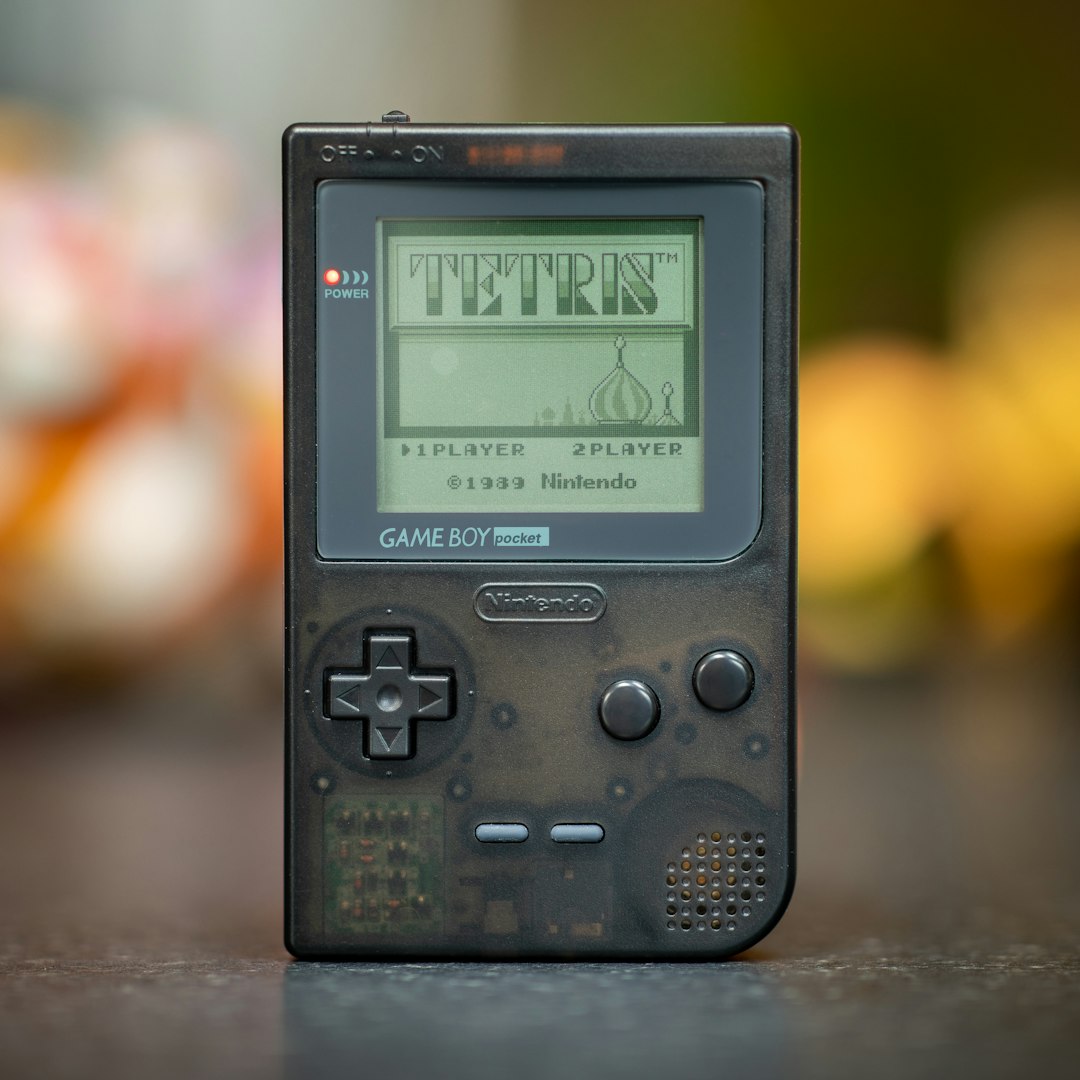
Some of the most enjoyable Delta DS skins use color palettes inspired by classic gaming hardware: soft grey, atomic purple, indigo, off-white, charcoal, or limited-edition console tones. These skins may not replicate one exact device, but they capture the broader mood of handheld gaming history.
Why they work: Color is a powerful nostalgia trigger. A muted grey interface can recall early portable systems, while translucent purple can suggest late-1990s hardware design. These skins provide personality without necessarily sacrificing usability.
Best for: Players who want their emulator to feel curated and personal, especially if they switch between multiple retro systems in Delta.
Professional recommendation: Avoid overly saturated skins if you play for long periods. Bright red, neon green, or high-contrast novelty layouts may look impressive at first but can become distracting. A good retro colorway should support the game, not compete with it.
6. One Handed Portrait Skins
One handed skins are a practical option for players who use Delta during short sessions, travel, or casual play. These skins usually prioritize thumb reach, placing key controls lower on the screen while keeping the DS displays stacked above.
Best for: Turn-based RPGs, puzzle games, card games, and slower titles that do not require rapid simultaneous inputs.
Main advantage: Convenience. You can play comfortably without needing a controller grip or both hands at all times.
Main limitation: They are usually not ideal for demanding action games. If a game requires quick movement, shoulder buttons, and face-button combinations, a one handed layout may feel restrictive.
7. Controller Style Skins
Controller style skins are built to resemble the feel of a traditional gamepad. They typically use larger virtual buttons, wider spacing, and a more symmetrical layout. For many players, these are the most reliable skins for games that demand precision.
Why they are trustworthy choices: They prioritize function. The design philosophy is closer to modern controller ergonomics than to console imitation. That makes them less nostalgic visually, but often better for serious play.
Best for: Fighting games, racing games, platformers, and action titles.
If you regularly miss jumps, struggle with diagonal movement, or accidentally press the wrong button, a controller style skin may solve more problems than a visually authentic DS shell. Retro gaming is more enjoyable when the controls disappear into muscle memory.
How to Choose the Best Skin for Your Games
There is no single best Delta DS skin for every player. The right choice depends on your phone size, hand size, preferred orientation, and the types of games you play. A serious approach is to evaluate skins the same way you would evaluate a physical controller.
Use this checklist when testing a new skin:
- Play for at least 15 minutes: A skin that feels good for one minute may become uncomfortable later.
- Test multiple genres: Try one action game, one RPG, and one touch-heavy title.
- Check screen readability: Make sure text, maps, and menus are easy to see.
- Watch for accidental inputs: If your thumbs frequently hit the wrong area, choose a different layout.
- Consider battery and brightness: Darker skins can be more pleasant during long sessions, especially at night.
Portrait vs Landscape: Which Is Better?
Portrait mode is usually better for DS authenticity. It preserves the vertical relationship between the two screens and often feels closer to the original hardware. This matters for games that use both screens in a connected way, such as titles where action moves between the top and bottom displays.
Landscape mode is usually better for control comfort. It gives more horizontal space for your thumbs and can make longer sessions easier. However, it may reduce the natural DS feel, especially for games built around stylus interaction.
The best answer is to keep both types available. Use portrait skins for touch-focused games and landscape skins for action-heavy games. Delta’s flexibility is one of its strengths, and retro fans should take advantage of that rather than forcing one layout onto every title.
Final Recommendations
If you want the most authentic experience, start with a classic DS inspired skin. If you want the cleanest and most focused play environment, choose a minimal black skin. If comfort matters most, especially during longer sessions, use a landscape ergonomic skin. For players who value screen space and game artwork, a transparent or semi transparent skin is often the best option.
Retro gaming fans should also remember that a skin is part of the preservation experience. It shapes how older games feel on modern hardware. A thoughtful Delta DS skin can make emulation feel less like a compromise and more like a carefully designed way to revisit important games.
Ultimately, the best Delta DS skin is the one that lets you forget you are using a touch screen. It should feel stable, readable, comfortable, and appropriate for the games you love. Choose with care, test honestly, and prioritize playability over novelty. Nostalgia matters, but the best retro experience is the one you can enjoy for hours without distraction.