AirPods Pro 3 are the better buy for most new shoppers, mainly because they add stronger noise cancellation, heart rate sensing, better water resistance, and longer battery life. Apple says AirPods Pro 3 deliver up to 2x more Active Noise Cancellation than AirPods Pro 2, which is the biggest day-to-day upgrade for commuters and frequent flyers [source: Apple].
TLDR: If you already own AirPods Pro 2, you do not need to rush out and upgrade unless noise blocking, workouts, or battery life matter a lot to you. If you are buying your first premium earbuds, pick AirPods Pro 3. For example, someone who takes a 45-minute train ride twice a day will likely notice the stronger ANC far more than a new color or tiny case change. Apple also rates AirPods Pro 3 at up to 8 hours of listening with ANC on, compared with up to 6 hours on AirPods Pro 2.
AirPods Pro 2 vs. AirPods Pro 3: the quick differences
- Noise cancellation: AirPods Pro 3 are much better.
- Battery life: AirPods Pro 3 last longer per charge.
- Fitness features: AirPods Pro 3 add heart rate sensing.
- Fit: AirPods Pro 3 have a refreshed shape and more ear tip options.
- Water resistance: AirPods Pro 3 are tougher for sweat and rain.
- Sound: AirPods Pro 3 sound cleaner, but AirPods Pro 2 still hold up well.
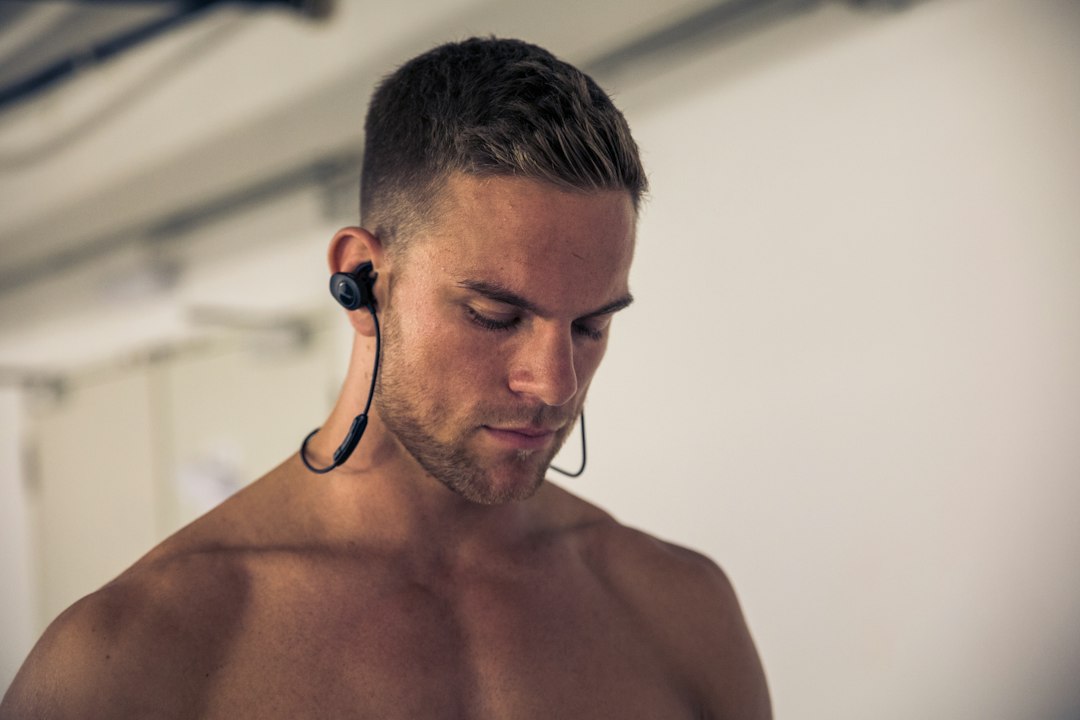
Noise cancellation is the headline change
The biggest difference is Active Noise Cancellation. AirPods Pro 2 were already good. They handled office chatter, fans, and bus noise well. AirPods Pro 3 push harder against low, steady sound.
That matters more than it sounds. On a plane, train, or loud street, better ANC means you can keep your volume lower. It also makes podcasts easier to hear. The catch is that this upgrade is not as exciting if you mostly use earbuds at home. In a quiet room, AirPods Pro 2 still feel premium.
Battery life: AirPods Pro 3 pull ahead
AirPods Pro 2 offer up to 6 hours of listening time with ANC on. AirPods Pro 3 raise that to up to 8 hours. That is a real jump, not a tiny spec sheet trick.
If you wear earbuds through a workday, this matters. It means fewer awkward moments where one earbud gives up during a call. Honestly, it feels like low battery warnings always arrive at the worst possible time. Two extra hours helps.
The total time with the charging case is still strong on both models. Most people will charge the case every few days, depending on use. But the longer single-charge life on AirPods Pro 3 is the part you will notice first.
AirPods Pro 3 add heart rate tracking
This is one of the clearest new features. AirPods Pro 3 include heart rate sensing, which makes them much more useful for workouts. You can track effort during runs, gym sessions, and other exercise without needing to rely only on a watch.
This will not replace an Apple Watch for everyone. A watch still gives more health data and better screen access. But for people who run light, lift weights, or hate wearing a watch during workouts, this is a neat upgrade.
AirPods Pro 2 do not have this feature. They are still great earbuds for music at the gym, but they are not fitness sensors.
Fit and comfort are improved
Apple changed the design of AirPods Pro 3 to sit more securely. The ear tips are also updated, with more sizes available. That sounds boring until your earbuds start slipping during a walk.
AirPods Pro 2 fit many people well. Still, some users never got the perfect seal. A poor seal hurts bass, ANC, and comfort. AirPods Pro 3 try to fix that with a more stable fit and better tip selection.
Water and sweat resistance are better
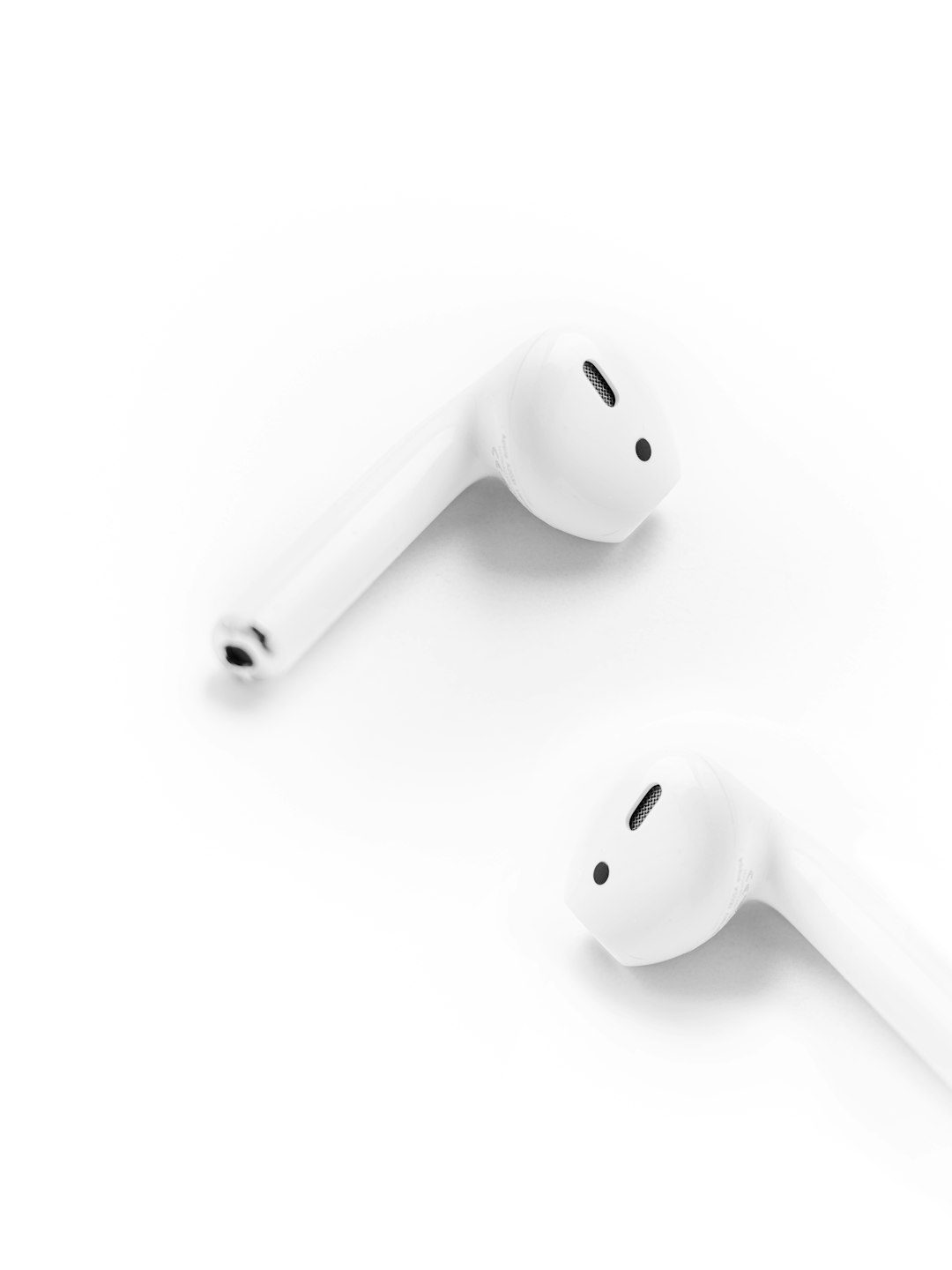
AirPods Pro 2 are rated IP54 for dust, sweat, and water resistance. AirPods Pro 3 improve that with IP57 protection. That makes them a safer pick for heavy workouts, rainy walks, and outdoor use.
Do not take either pair swimming. They are not built for that. But AirPods Pro 3 are clearly tougher. If you train hard and sweat a lot, this is one of those upgrades that quietly matters.
Sound quality: better, but not night and day
AirPods Pro 3 sound richer and more controlled. Bass has more grip. Voices sound clearer. Spatial Audio also feels more polished.
Still, AirPods Pro 2 are not suddenly bad. They remain excellent for Apple Music, podcasts, calls, YouTube, and movies. If sound quality is your only reason to upgrade, you may want to wait. The difference is nice, but not shocking for casual listening.
Calls, controls, and Apple features
Both models work beautifully with iPhone, iPad, Mac, and Apple Watch. You still get quick pairing, device switching, hands-free Siri, Find My support, and Conversation Awareness. AirPods Pro 2 also gained several hearing health features through software updates, which helped them age well.
AirPods Pro 3 keep those perks and add newer hardware to support the extras. The pairing process is still simple. The settings are still buried a bit too deep in iOS, though. Expect to waste a few extra taps if you like changing noise modes often.
Which should you buy?
Buy AirPods Pro 3 if you are shopping fresh. They are more future-ready. The better ANC, longer battery life, heart rate tracking, stronger resistance rating, and improved fit make them the smarter long-term choice.
Keep AirPods Pro 2 if yours still work well. They remain one of the best wireless earbuds for iPhone users. The upgrade is worth it only if you need better noise blocking, longer battery life, or workout tracking.
Here is the simple call: new buyer, get AirPods Pro 3. Current AirPods Pro 2 owner, wait unless one of the new features solves a real problem for you.